30
Using X-App for CCM2:
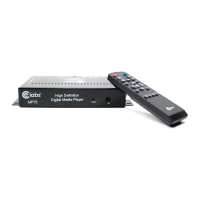
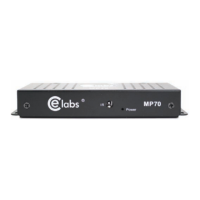
The CCM2 X-App is a player application that allows the MP70 players to work
with the CE labs Content Manager (CCM2). The CCM2 X-App is named
CE labs Player 700. You will need to obtain the X-App from CE labs customer
support.
The X-App may be loaded onto the MP70 by either of two methods:
1- Use Quick Sign Pro 700 to load the -XApp.
OR:
2- Put the XApp onto a SD card in the MP7XXConfig directory. There
also has to be a file called “mp7xx.conf”. This file should contain the line
“UpdateTNETXapp, celabsPlayer700_v117.tgz”.
Note: The file “celabsPlayer700_v117.tgz” may need to change if newer software is released.
Interfacing with CCM2:
In order for player to work with CCM2, you must know the CCM2 server
address and enter it into the player.
The address can be congured by either of two methods:
1- Use the player's web interface.
• From a browser that is on the same network as the player, go to the
web interface of the player. (Type the IP address of the player in the
browser address bar).
• Set the CCM2 server address in the appropriate led and click save.
OR:
2- Use text file with USB flash drive:
• Place a text le named USB.CONF on an otherwise empty USB ash
drive. The file must be named "USB.CONF" (all capitals please).
• The USB.CONF le contains the server address. See CCM2
documentation for formatting details.
• Insert USB Flash Drive into the MP70 media player.
• Wait at least 10 seconds and remove the USB drive. Unit
is now configured.


 To Next Page