2.6 Display when Power Up
2.6.1 After power up, the TV will first show Geniatech logo,starting with MP90
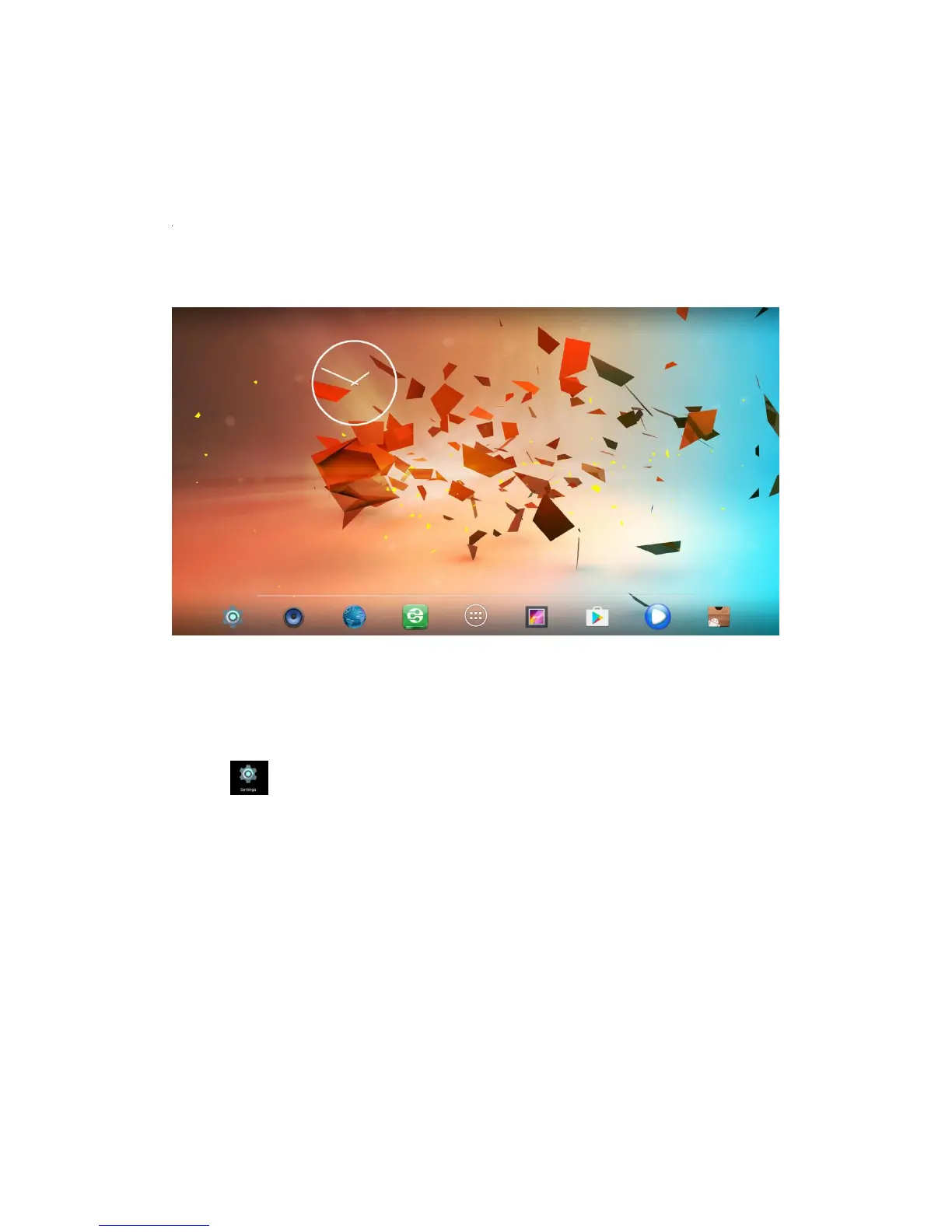
boot animation. When finished, it will go to Home screen.
2.6.2 Home Screen display.
3. Settings
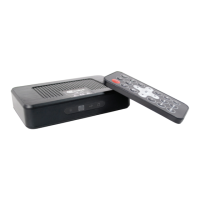
Using Navigation (4 directions), OK, EXIT, and Menu keys of Remote Controller
to select the options, the option selected will be highlighted and confirmed by
pressing OK key. Same operation for text input if needed.
Select icon then press OK key to settings interface.


 To Next Page