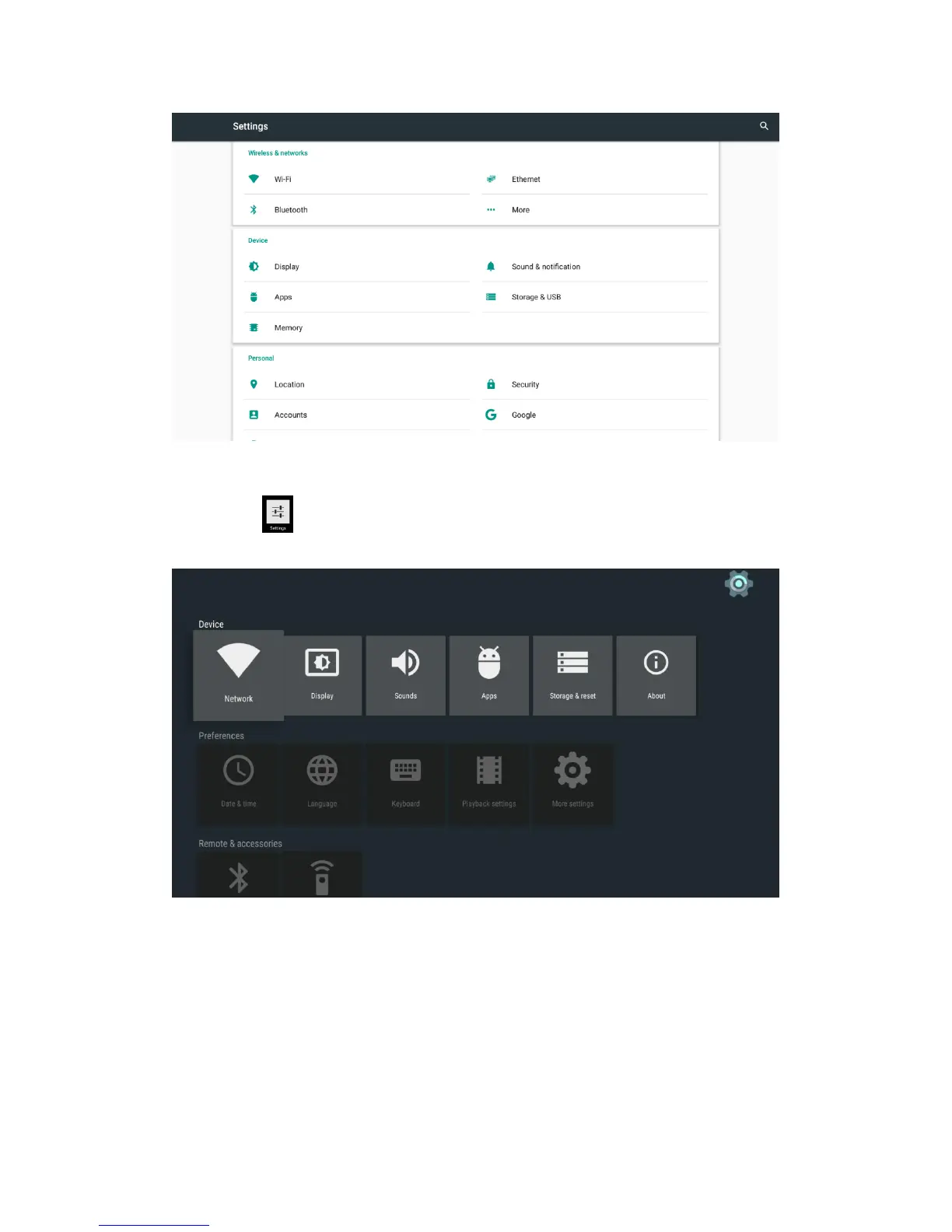
Or Select icon to settings interface.
3.1 WiFi
3.1.1 It will automatically scan ambient WiFi networks when select “ON”.
3.1.2 Connect an available WiFi network. If connect a secured WiFi network,
corresponding password will be input firstly. Or fail to connect and need reset
password.
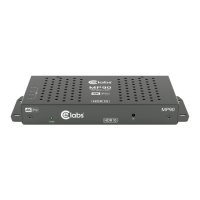
3.1.3 Once build up the connection with a certain WiFi network successfully, MP90
will connect this WiFi network automatically when restart.


 To Next Page