21
GB
Manual operation
When the appliance is switched on all the LEDs are lit meaning that the appliance is ready to
operate.
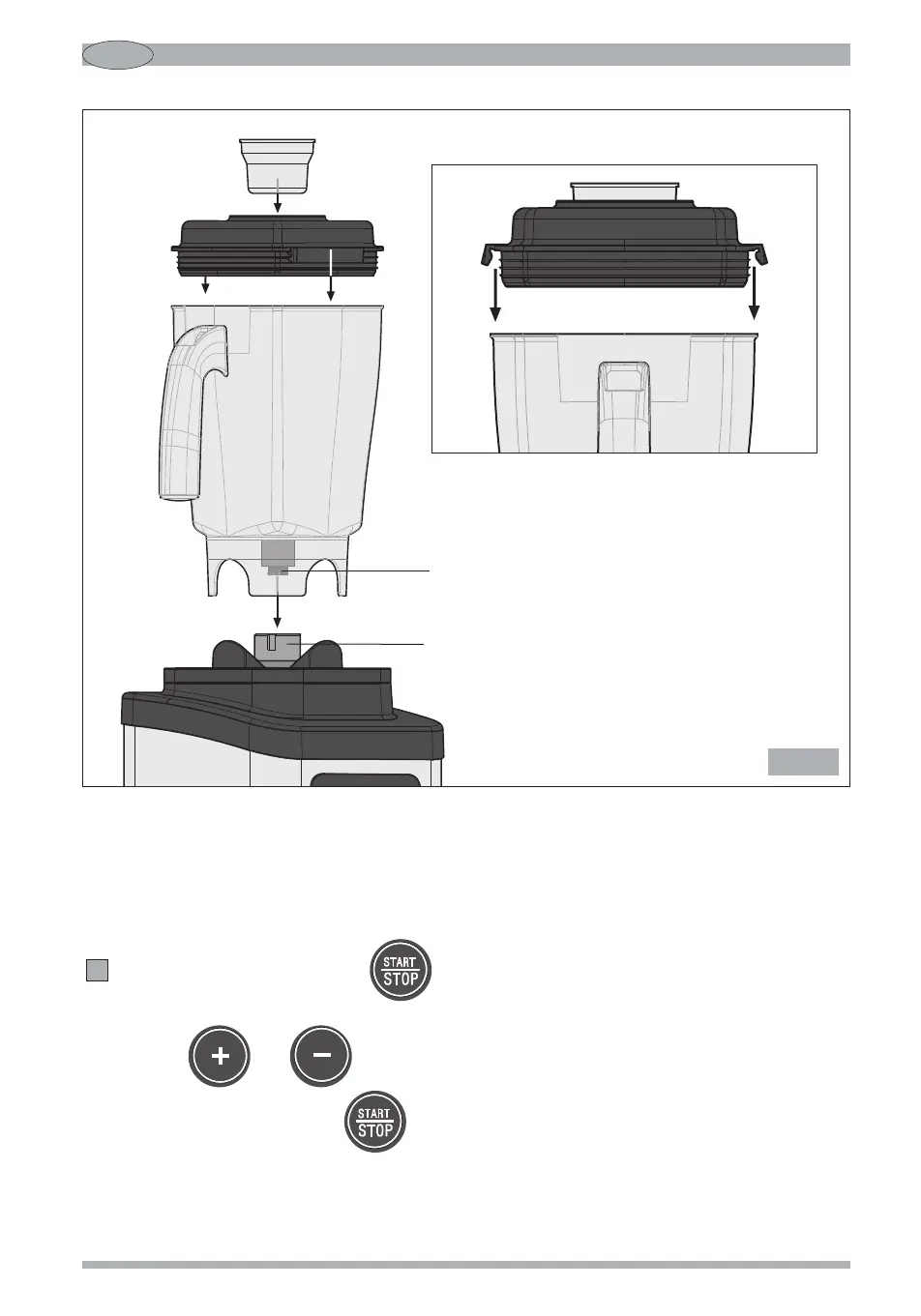
Run the motor by pressing the button keeping one hand on the lid (Fig. 6) (only for
model B283).
Use the and buttons to increase or decrease the speed of rotation.
To stop operation, press the button again.
The “PULSE” function can also be used, that is “momentary” operation, by pressing and holding
5
Rubber/metal
clutch
Metal
clutch
Fig. 5


 To Next Page