GB
33
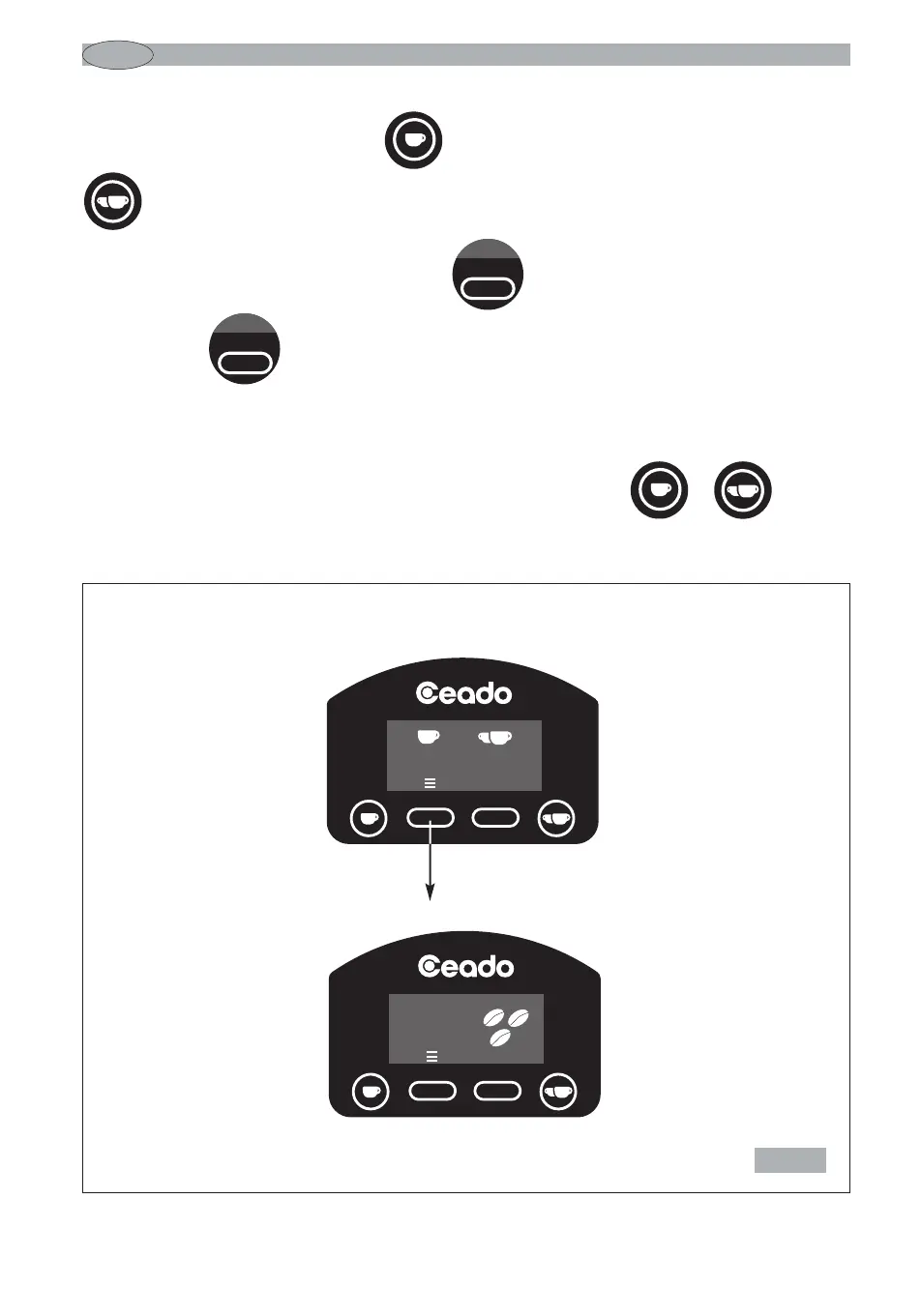
Main screen
Fig. 10
To set the single shot press the button (13 Fig. 4), and for the double shot press the button
(14 Fig. 4).
Once you are in setting mode, pressing button decreases the time by 0.1 seconds while
pressing button increases it by 0.1 seconds.
After 3 seconds of inactivity (time bar decreases until it disappears), the confirmation screen
appears confirming that the setting has been carried out correctly and the coffee grinder is ready to
operate with the new set time and you return to the main screen.
If you want to quit without waiting 3 seconds, press the relative button or .


 To Next Page