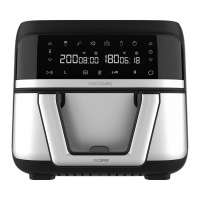
CECOFRY ADVANCE 9000 WINDOW
26
ENGLISH
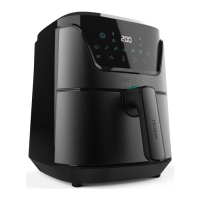
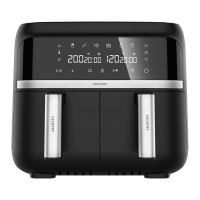
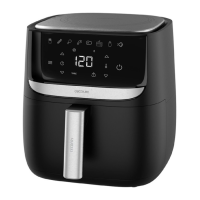
1. PARTS AND COMPONENTS
Fig. 1
1. Control panel
2. Handle
3. Basket
4. Main body
5. Air outlet
6. Power cable
Control panel. Fig. 2
1. Default menus
2. Sync Function icon
3. Combine Function icon
4. Compartment 1 icon
5. Compartment 2 icon
6. Compartment 1 temperature/time indicator
7. Compartment 2 temperature/time indicator
8. Default Menu selection icon
9.
10.
11.
12. Start/Pause icon
13. Power icon
appliance.
2. BEFORE USE
-
out of its box and remove all packaging materials. You can keep the original box and other
when transporting it in the future. In case the original packaging is disposed of, make sure
all packaging materials are recycled accordingly.
- Make sure all parts and components are included and in good conditions. If there is any
immediately.



 To Next Page