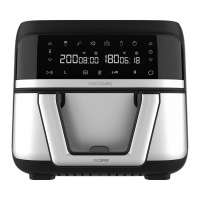
CECOFRY DUAL 9000
50
ENGLISH
- The fan may continue working after cooking, even if the device is o. This is normal, as the
fan is cooling down the device.
- Do not touch the basket nor the inferior of the air fryer during or after its use, as it reaches
high temperatures. Hold the basket by the handle.
Control panel
Fig. 2
8. Power icon
- When the basket and rack are correctly placed in the device, the power icon (8) will light up.
If you press this icon (8), the icons for the left-hand single basket compartment (13), dual
setting, (16) and right-hand single basket compartment (17) will automatically light up.
- To switch o the device, press this icon (8) until only the icon (8) itself is on.
- To cancel cooking, press this icon (8) once and "Cool" will automatically be showed on the
display, followed by the word "End" after a few seconds. To resume cooking with the same
settings, press the icon (8) again: the previous icons will light up and cooking will resume.
9. Frying-time increase/decrease icons
- With both icons (9), placed above and below the watch icon, you can increase or decrease
the frying time as desired.
- However, to set the time, you must rst select one single basket compartment (13 or 17) or
the whole basket (16).
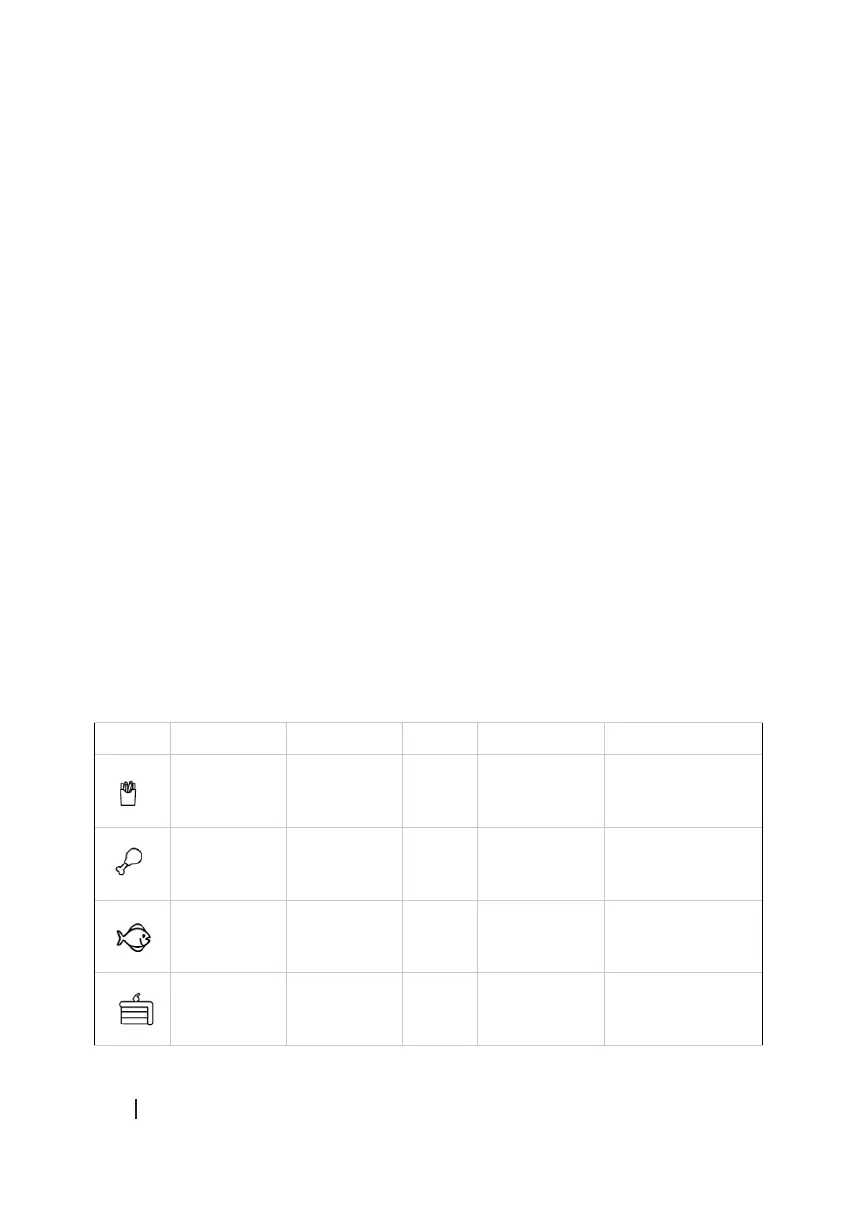
10. Default programmes
This air fryer features 6 programmes with pre-set temperature and time (10), you can check
them in this table:
Icon Programme Temperature Time Amount Shake
Frozen chips 200 ºC 20 min 400-500
grams approx.
Yes
Chicken
wings
200 ºC 25 min Basket surface Not necessary
Fish 180 ºC 10 min 250 grams
approx.
Not necessary
Dessert 170 ºC 12 min - Not necessary
04996_Cecofry Dual 9000_IM_01221202.indd 5004996_Cecofry Dual 9000_IM_01221202.indd 50 7/12/22 13:077/12/22 13:07





 To Next Page