20
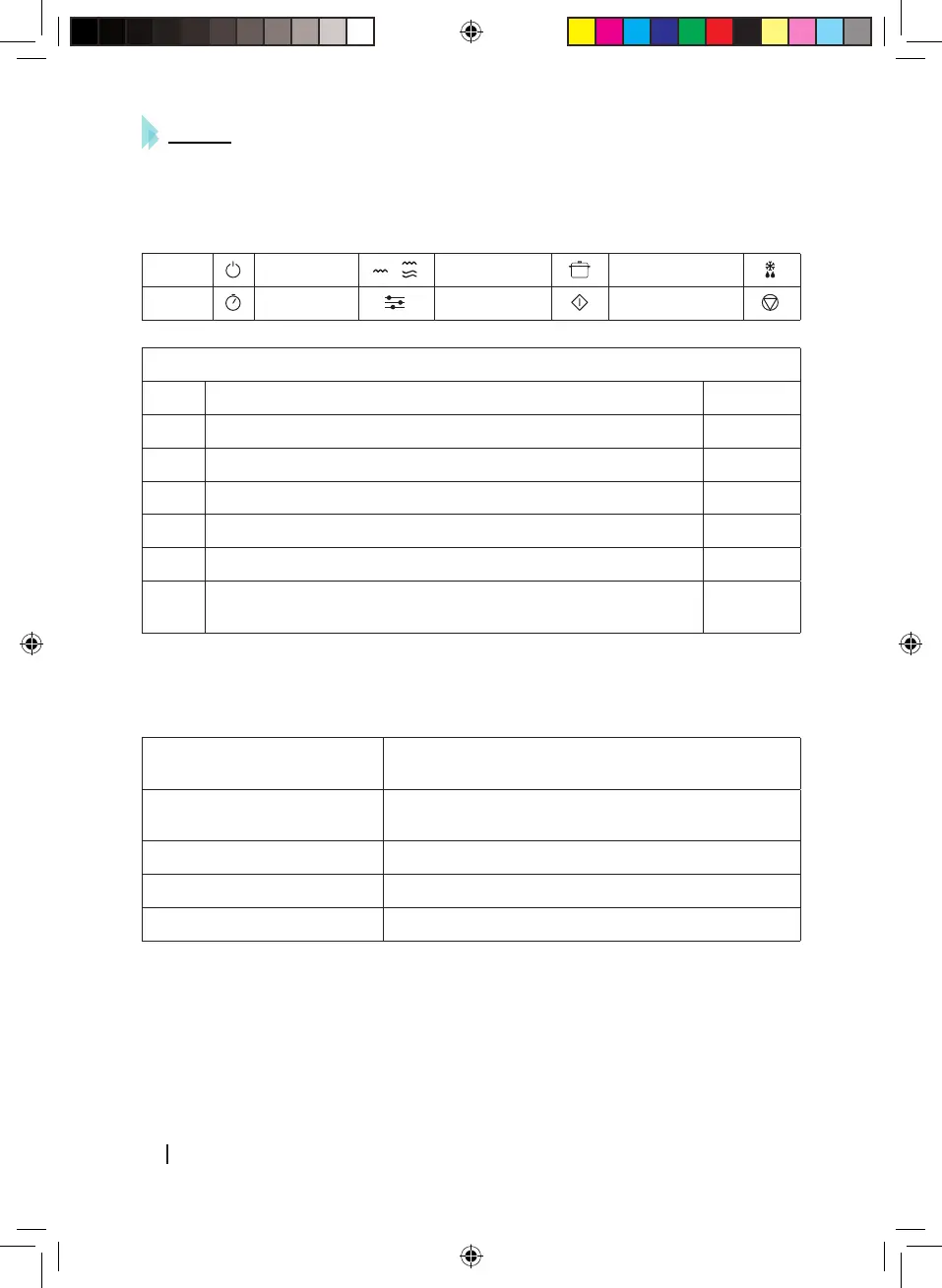
5. Clock/timer setting
• In order to set clock or timer, press clock button and adjust time by turning the knob clock or
anti-clockwise.
Power Grill/Combi Cook Defrost
Clock Preset Instant/Start Pause/Cancel
Example: setting time at 12:30.
Steps Display
1 After powering up, display panel shows colon. :
2 Press Clock button once. 00:00
3 Turn Time/Weight knob to set exact hour. 12:00
4 Press Clock button once again. 12:00
5 Turn Time/Weight knob to set exact minutes. 12:30
6
Press Clock button once again to confirm selected time or wait for
5 seconds, time will be set automatically.
6. Microwave cooking
• Use this function in order to cook or heat food.
• Press Power button, and select on the LED display panel:
High power
100% microwave power. Perfect for fast and efficient
cooking.
Medium High power
80% microwave power. Perfect for medium express
cooking.
Medium power 60% microwave power. Perfect for steaming food.
Medium Low power 40% microwave power. Perfect for defrosting food.
Low power 20% microwave power. Perfect for keeping food warm.
• Microwave function can be set up to 60 minutes.
• Cooking or heating time may be changed during operation. It is recommended to turn or stir
food at least once during the process. Press Instant/Start button once to resume operation.
• If food is removed before the pre-set time, make sure you press Pause/Cancel once in order
to stop operation and avoid the microwave from operating automatically and empty when
01533_ProClean 5120 Mirror_Manual_GC.indd 20 24/4/18 9:49






 To Next Page