PROCLEAN 6110
7
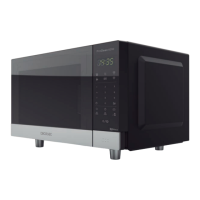
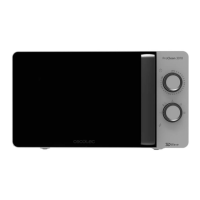
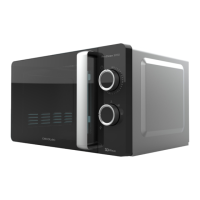
1. PARTS AND COMPONENTS
Fig. 1
1. Door safety lock system
2. Microwave window
3. Rotating axis
4. Roller ring
5. Rotary plate
6. Control panel
7. Mica panel
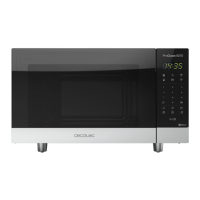
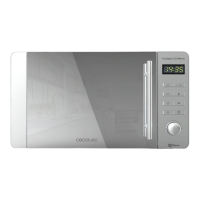
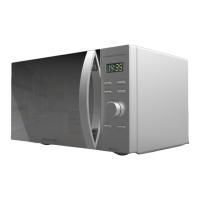
Fig. 2
1. Start/Stop
2. Weight cooking
3. Weight defrost
4. Fast defrost
5. ON button
6. Timer button
7. Grill/Combi
8. Numbers
9. Preset programmes
10. Reset
11. Clock
12. Reheat
2. BEFORE USE
- Never remove the mica plate.
- Take the product out of the box. If the microwave has a protective lm, tear it o before
starting operation. Check carefully if there is any damage, and if there is, immediately
notify the Technical Support Service of Cecotec.
- The product must be placed on a at, stable and dry place and kept away from corrosive
materials, heat and humidity, such as gas burners or water.
- To ensure enough ventilation, minimum distances have to be kept:
- From the back part to the wall: 10 cm.
- From the side to the wall: 5 cm.
- Free distance from the top surface: 20 cm.
- From the microwave to the ground: 85 cm.




 To Next Page