34
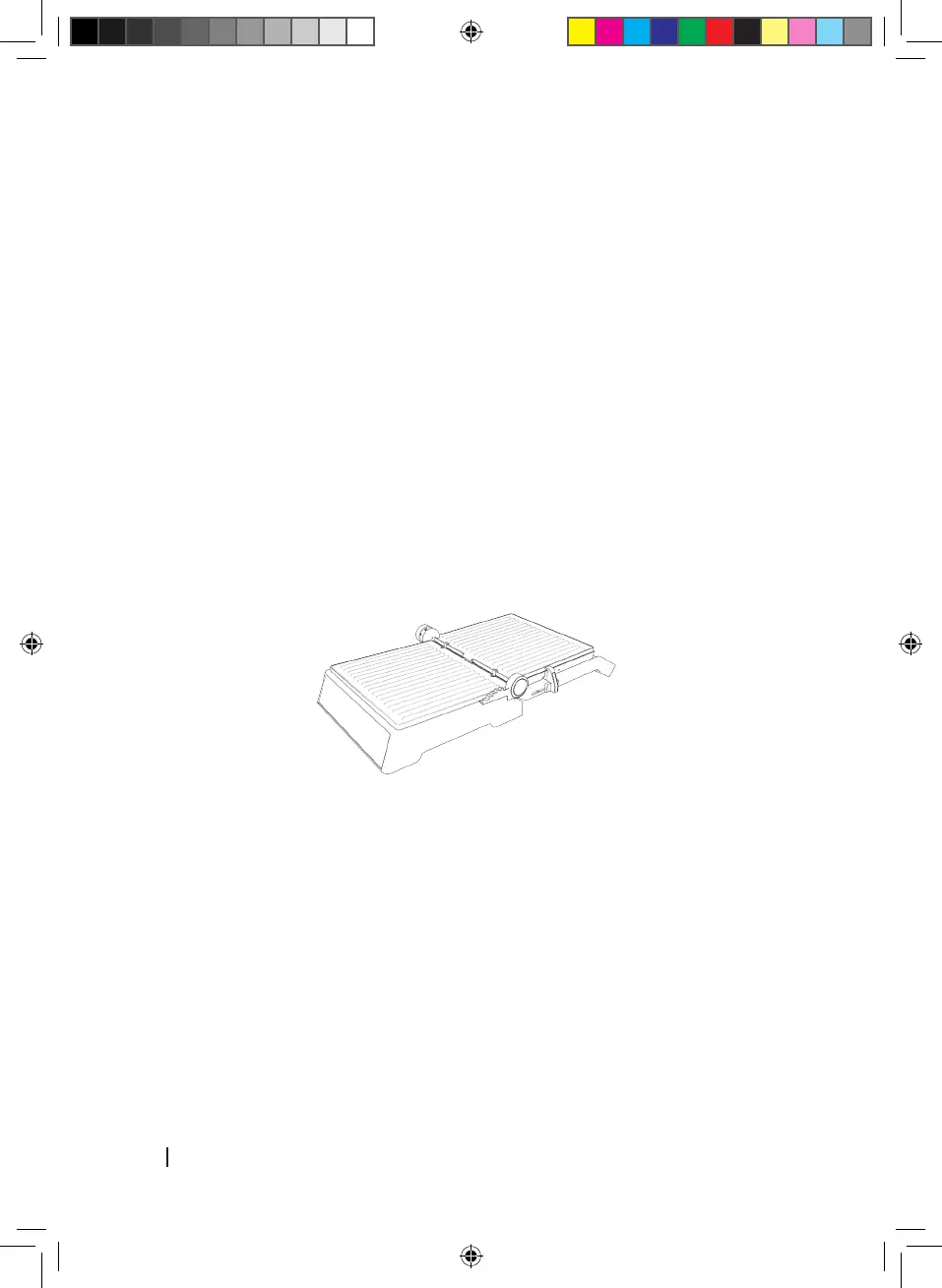
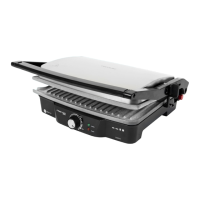
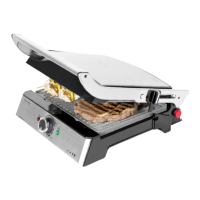
• Hold the grill’s handle with your left hand, hold pressed the 180º opening button with your
right hand and lift the top plate by the handle until completely opened.
• Use the grill in this position to cook burgers, steak, poultry, fish o vegetables.
• Place the food to cook over the top or bottom plate.
NOTE: It is not recommended to use the grill to cook bone-in chicken.
• To close the grill back to its original position, just hold from the handle and bring the top
plate back to the closed position.
REMOVING THE COOKING PLATES
• Always allow the device to cool completely down before touching its body or plates.
• Open the grill until left in a completely flat position
• Press the plate release button located on the left side of the product.
• Hold the plate with your hand and pull from it to remove it.
• Repeat these steps with the other plate.
STORAGE
• Unplug the device before storage.
• Make sure the grill is cool and dry before storing it.
• The power cord can be wrapped around the bottom of the base for a more comfortable storage.
5. CLEANING AND MAINTENANCE
• Always turn off and unplug the appliance after each use and before cleaning.
• Allow the appliance to cool down before cleaning and storing.
• If there is food stuck to the plates, pour some drops of soapy water for food rests to
soften and then use a non-abrasive sponge or paper towel to remove them.
03067_Rock'nGrill Smart_Manual.indd 34 30/9/19 9:04







 To Next Page