3
Indicators
Indicator Status Description
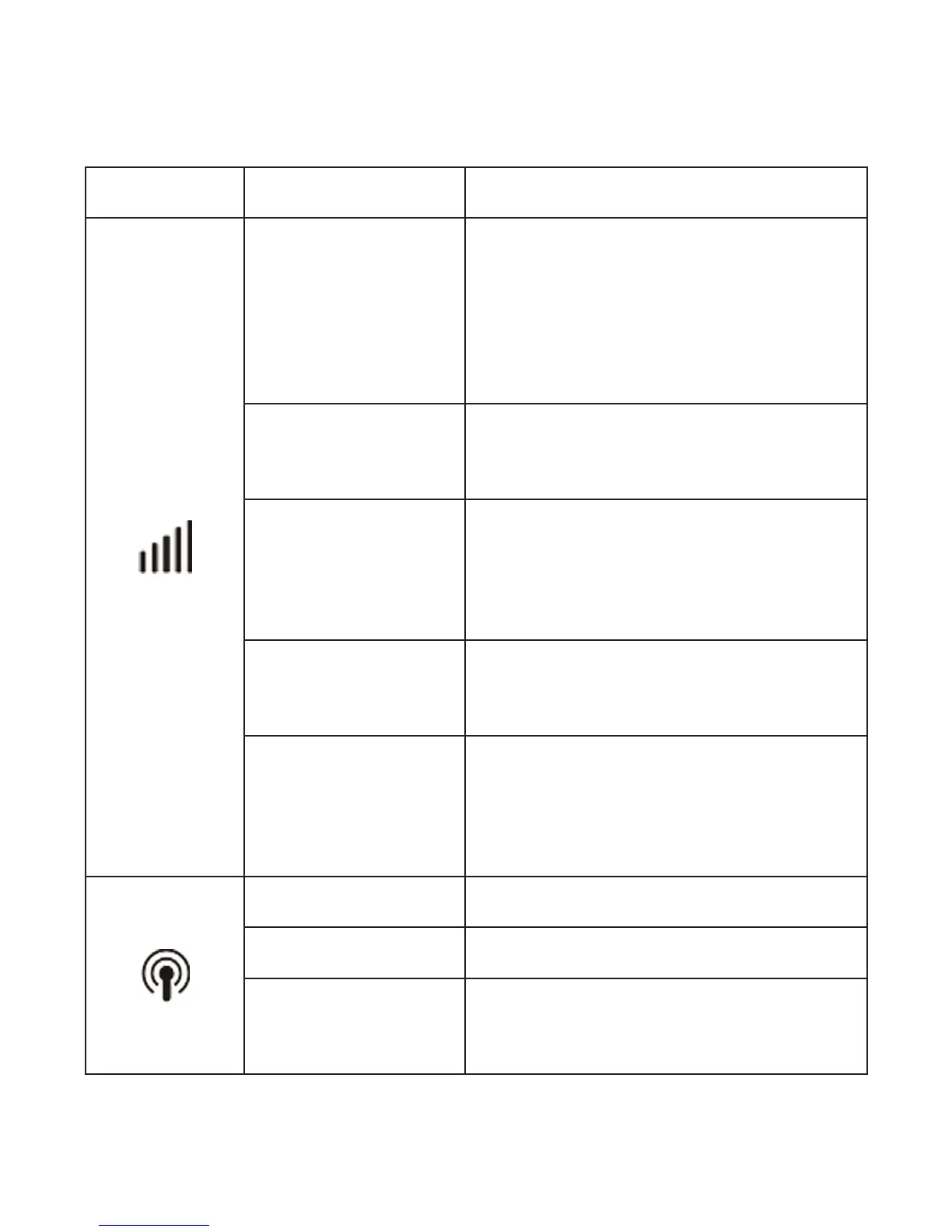
Network
Red solid
Error status. Not registered
to the mobile network, no
(U)SIM card inserted or no
network service available.
Green solid
Registered to Celcom’s
2G/3G network.
Green blinking
Connected to Celcom’s
2G/3G network and data is
being transferred.
Blue solid
Registered to Celcom’s 4G
network.
Blue blinking
Connected to Celcom’s 4G
network and data is being
transferred.
Wi-Fi
Blue solid Wi-Fi is active.
Blue blinking WPS is active.
LED light off
Wi-Fi is off or your device is
in sleep mode.



 To Next Page