English - 20 -
Sign In & Sign Up Now
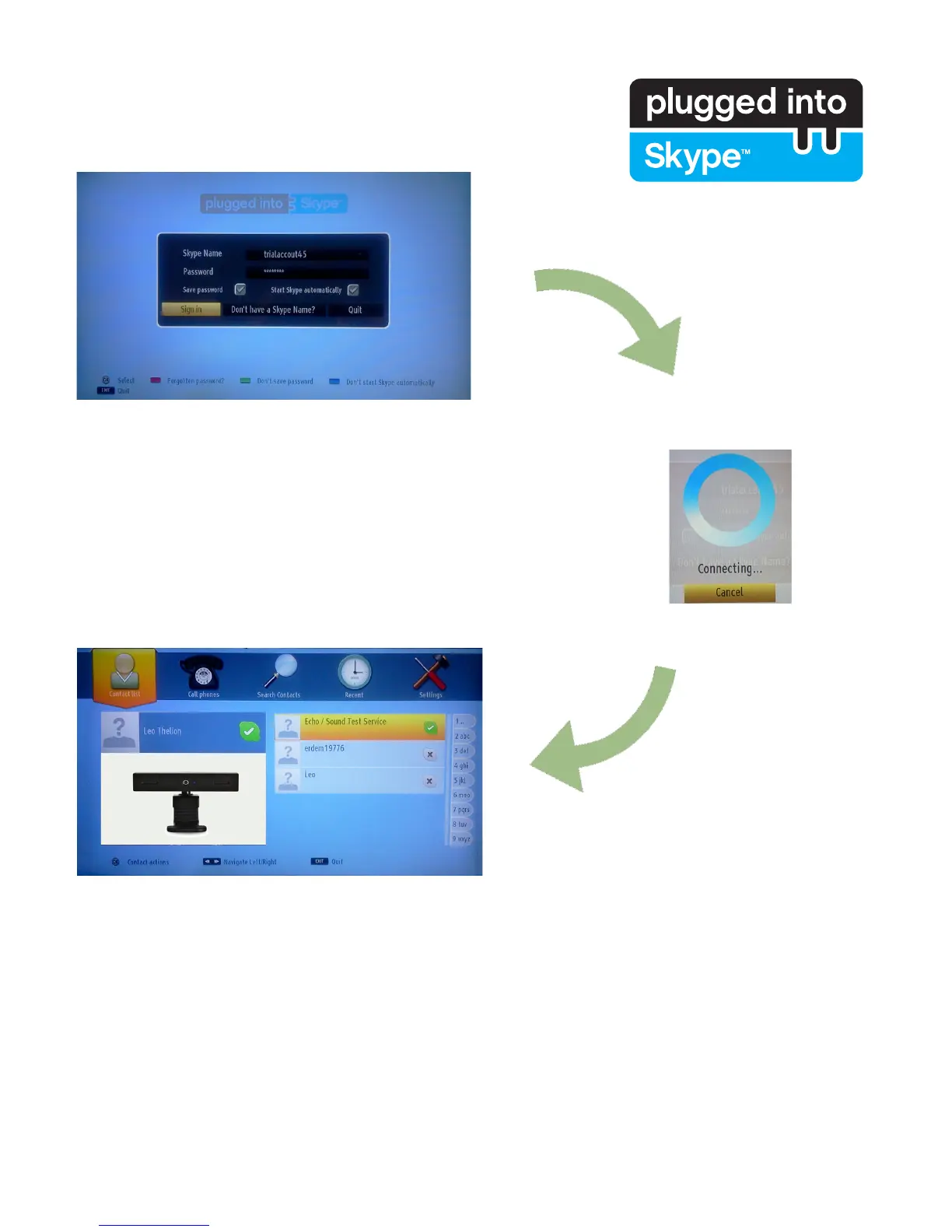
To use Skype application you need a Skype account.
You can create a Skype account with this menu if you don’t have one. If you
already have a Skype account, enter your name and password correctly.
Select Sign in and press OK.
If you have a Skype account and you forgot your password, press the Red
button to view the “reset password” screen.
After successfully logging in to your account, the contact list will be displayed
on screen.
You can review your contact list on the right side of the screen. Your Skype name, mood message and your
camera preview (if connected) will be displayed on the left hand side of screen.



 To Next Page