39
V8.18
Advanced Operation
CellarPro cooling systems can be programmed with advanced settings to achieve more
control over conditions inside the cellar. Conditions like humidity, the Temperature
Differential, and alarm settings all can be modified for custom applications. To access the
advanced settings, do the following:
Press the “Set” button and the “Down” button together at the same time, and hold for
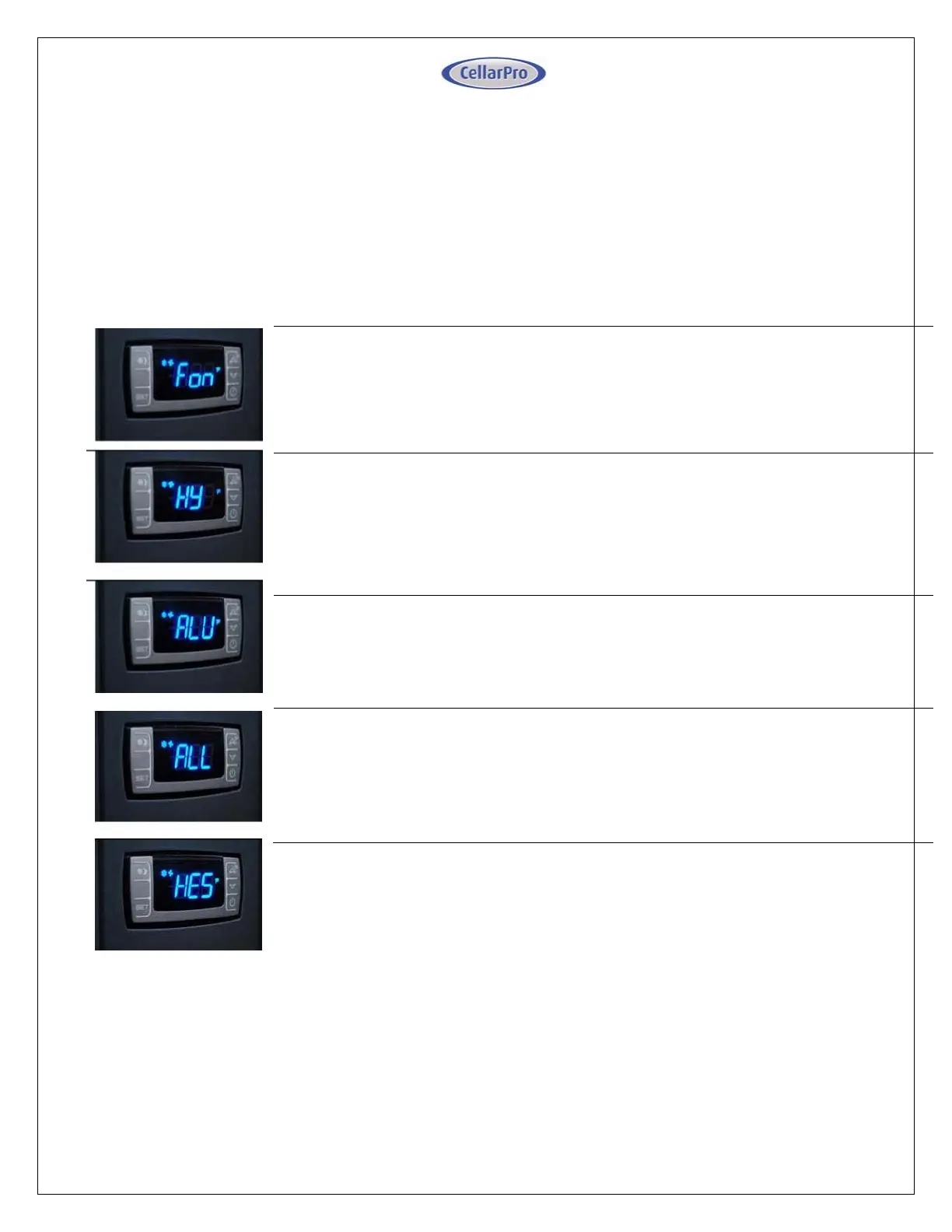
three seconds. Then, use the “Up” or “Down” button to scroll to the following screen:
HUMIDITY: The factory preset for this setting is “3”.
If the humidity inside the cellar is too low, press the “Set” button, then use the
“Up” button until the desired setting is reached. The recommended range for
this setting is 0-6.
TEMPERATURE DIFFERENTIAL: The factory preset for this setting is “4”.
This setting determines the Temperature Differential and therefore the
temperature at which the cooling unit will cycle on. The recommended range for
this setting is 4 or 5.
HIGH TEMPERATURE ALARM: The factory preset for this setting is “70”.
This setting designates the High temperature inside the cellar at which the alarm
is triggered. We recommend leaving this setting at the factory preset.
LOW TEMPERATURE ALARM: The factory preset for this setting is “45”.
This setting designates the Low temperature inside the cellar at which the alarm
is triggered. We recommend leaving this setting at the factory preset.
ENERGY SAVINGS MODE DIFFERENTIAL: The factory preset for this setting is “4”.
This setting increases or decreases the Temperature Differential for the Energy
Savings Mode. The recommended range for this setting is 2-4.


 To Next Page
 Loading...