24V3.15.22
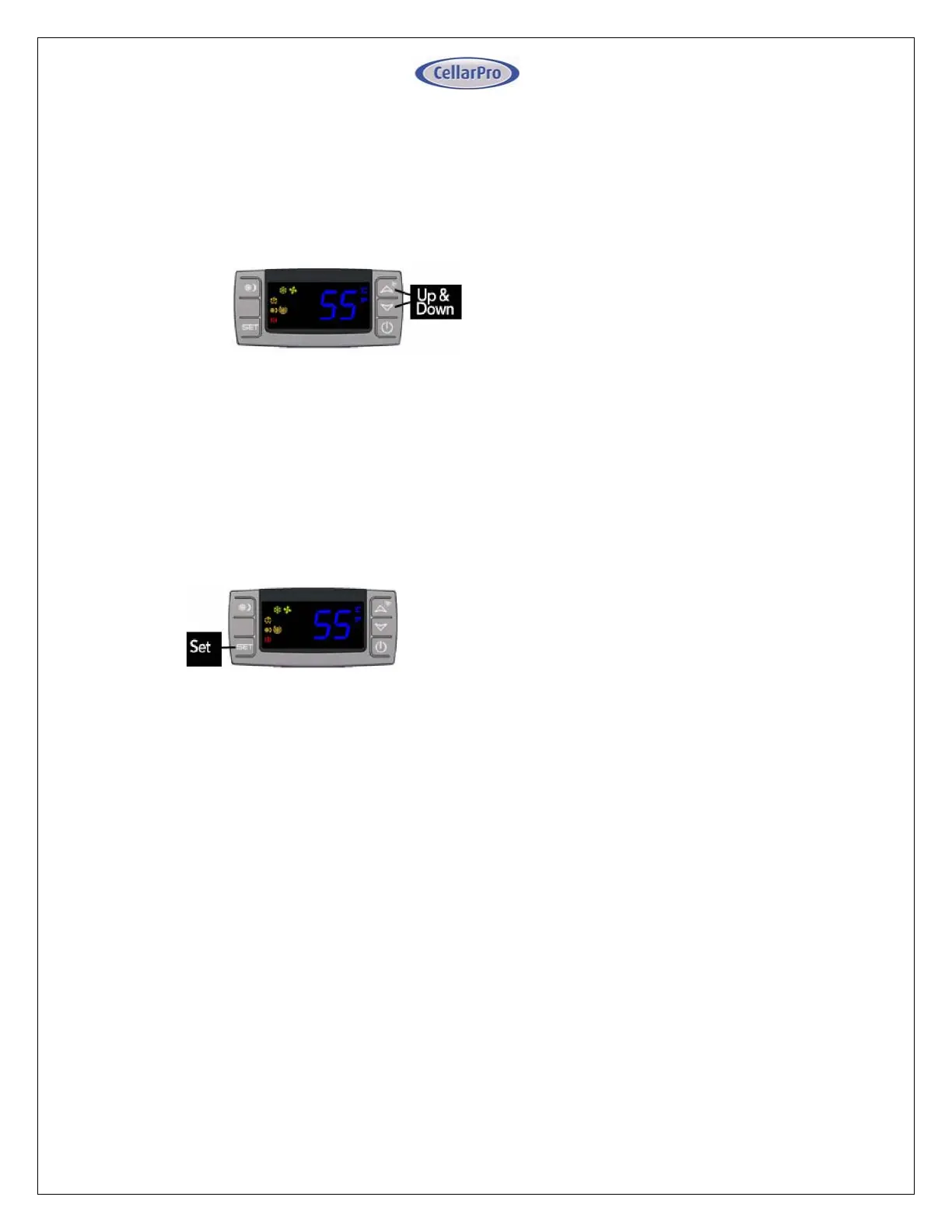
UpandDownButtons
To view the “High Temp” recorded by the cooling
unit,pressthe“Up”buttononce.
Toviewthe“LowTemp”recordedbythecoolingunit,
pressthe“Down”buttononce.
Toresetthe“HighTemp”or“LowTemp”,pressthe
“Set”buttonforthreesecondswhile“Hi”or“Lo”is
displayed.“RST”willblinkthreetimestoindicate
confirmation.
SetButton
ThecoolingunitisfactorypresetwithaMinimumSet
Pointof58°FandaTemperatureDifferentialof4°F.
Thismeansthatthecoolingunitwillturnonwhenthe
display rises above 62°F (58°F + 4°F), and turn off
whenthedisplayfallsbelow58°F.Inthisexample,the
averagetemperatureinsidethecellarwillbe60°F.
To view the Minimum Set Point, press the “Set”
buttonforonesecond.
TochangetheMinimumSetPoint,
Pressthe“Set”buttonforthreesecondsuntil
°F”blinks
Press“Up”or“Down”button
Press“Set”buttontoconfirm
The “Set” temperature will blink three times to
indicateconfirmation
TherecommendedMinimumSetPointrangeis53‐
60°F. To change the Temperature Differential, see
“AdvancedOperation”laterinthischapter.


 To Next Page
 Loading...