34
V8.18
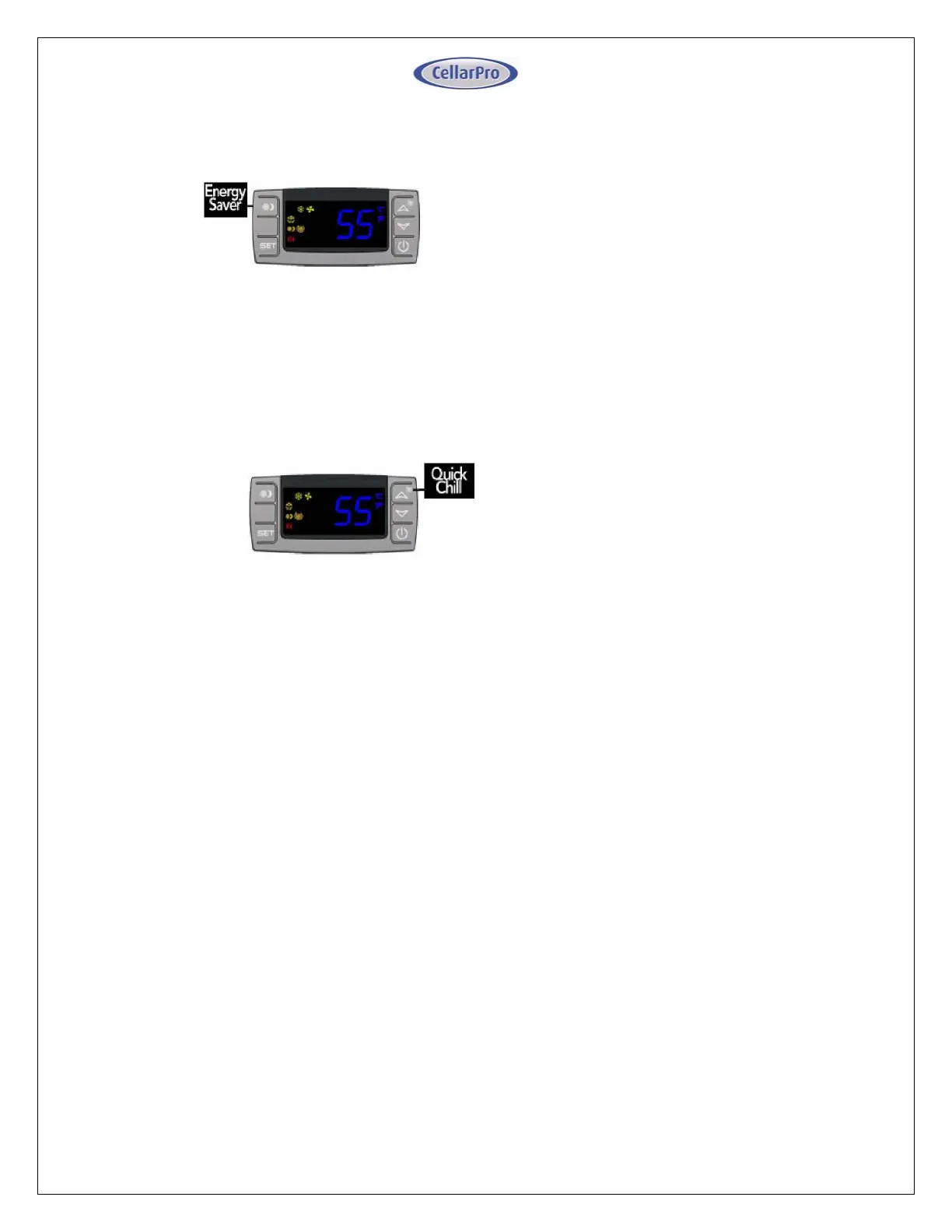
Energy Saver Button
To activate and deactivate the “Energy
Saver” mode, press the “Energy Saver”
button.
The “Energy Saver” indicator light will turn
on when the cooling unit is in “Energy
Saver” mode.
In “Energy Saver” mode, the Minimum Set
Point increases 4°F and the Temperature
Differential is unchanged.
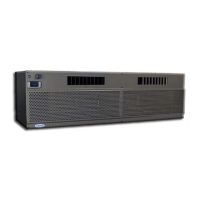
Quick Chill Button
To activate the “Quick Chill” mode,
press the “Up” / “Quick Chill” button for
three seconds.
To deactivate “Quick Chill”, press “Quick
Chill” button for three seconds again.
The “Quick Chill” indicator light will turn on
when the cooling unit is in “Quick Chill”
mode.
In the “Quick Chill” mode, the cooling unit
will run continuously for 6 hours (or until the
intake temperature registers 50°F). This
mode is useful after loading “warm” bottles in
a cellar



 To Next Page