BIO X6 User Manual v. 1.0 113
6. Copy and Duplicate:
Copy: On a tablet: select Copy, tap and hold on the spot where you want to place
your copy, and select Paste to insert. On a laptop: select Copy, right click the spot
where you want to place your copy and select Paste to insert.
Duplicate: Select Duplicate to make a quick copy of the selected shape. The copy is
automatically inserted with a small offset to the original shape.
7. Trash bin: Tap to delete the selected shape.
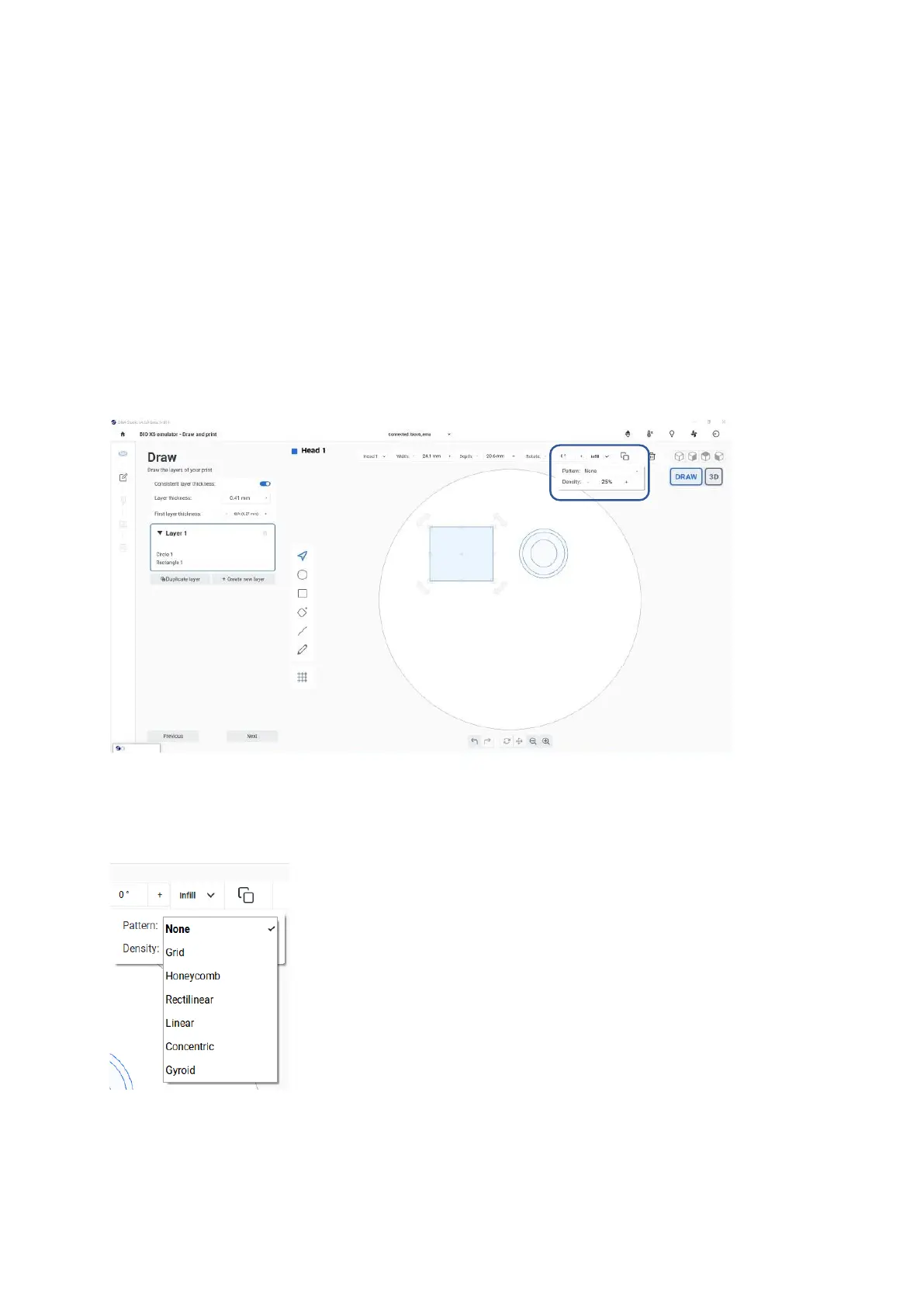
Infill settings
Figure 85 Infill settings in Draw & Print
Pattern: Tap to apply a pattern to the selected shape from the list of patterns. When no
pattern is applied None is selected in the dropdown.
Figure 86 Infill pattern dropdown



 To Next Page