BIO X6 User Manual v. 1.0 172
12.3 CELLINK Thermoplastic Printhead
12.3.1 Getting started
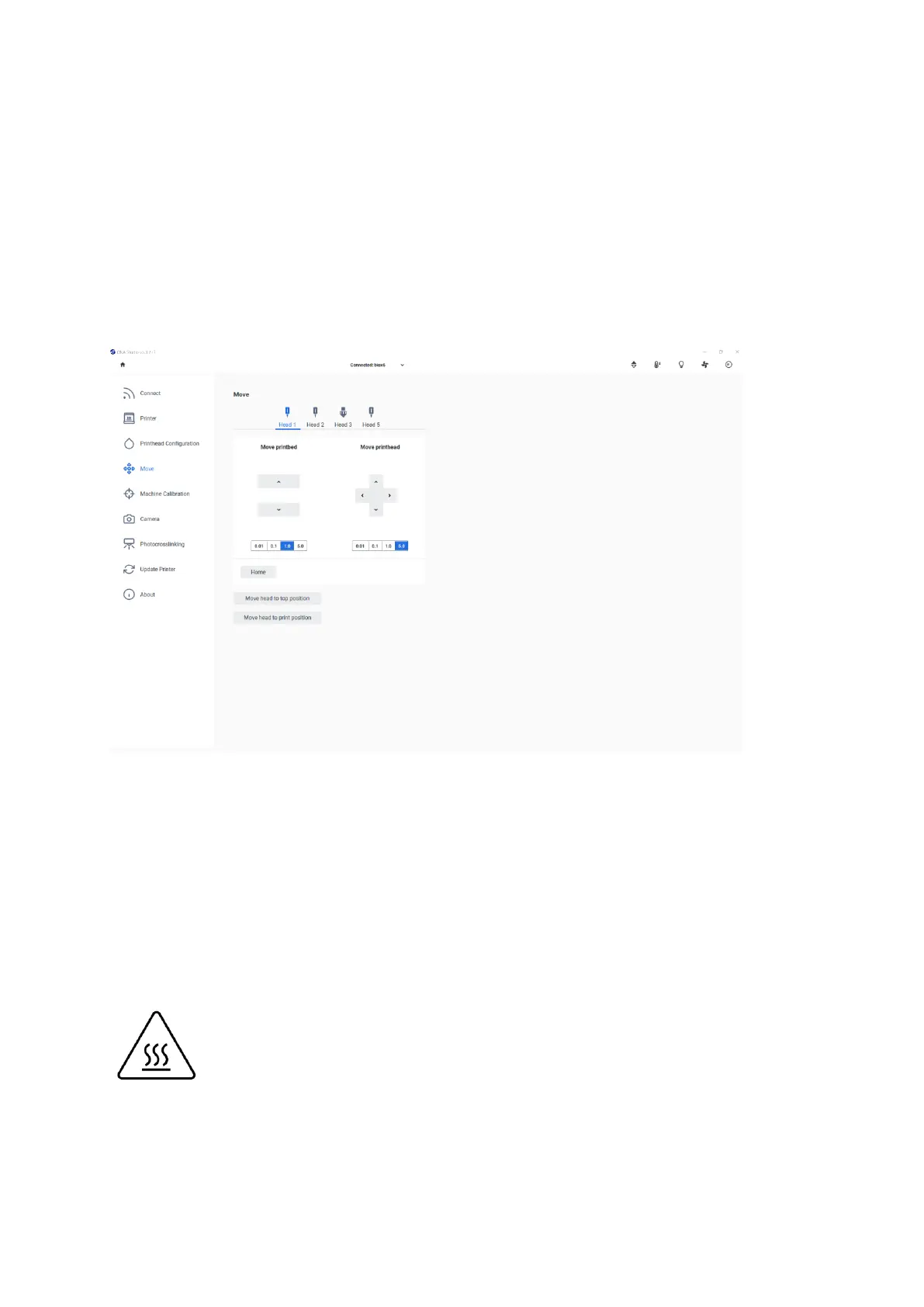
Go to the Printing Utilities menu.
Go to the Move & Calibrate menu. Home the BIO X6 system.
The Thermoplastic Printhead is an extrusion-based printhead. It is specially designed to print
thermoplastic materials, since it can reach a temperature of up to 250ºC. It employs
compressed air to extrude thermoplastics. Since most of these materials have a high
viscosity when melted, it is recommended to print them with the Thermoplastic Printhead by
using an external air compressor connected to the BIO X6.
The current temperature of the printhead is indicated in several ways, including a
color indication on the printhead (red is hot, yellow is warm, and blue is cold) and
an indication of the temperature on the printer display.



 To Next Page