BIO X6 User Manual v. 1.0 174
12.3.3 Assembling the Thermoplastic Printhead
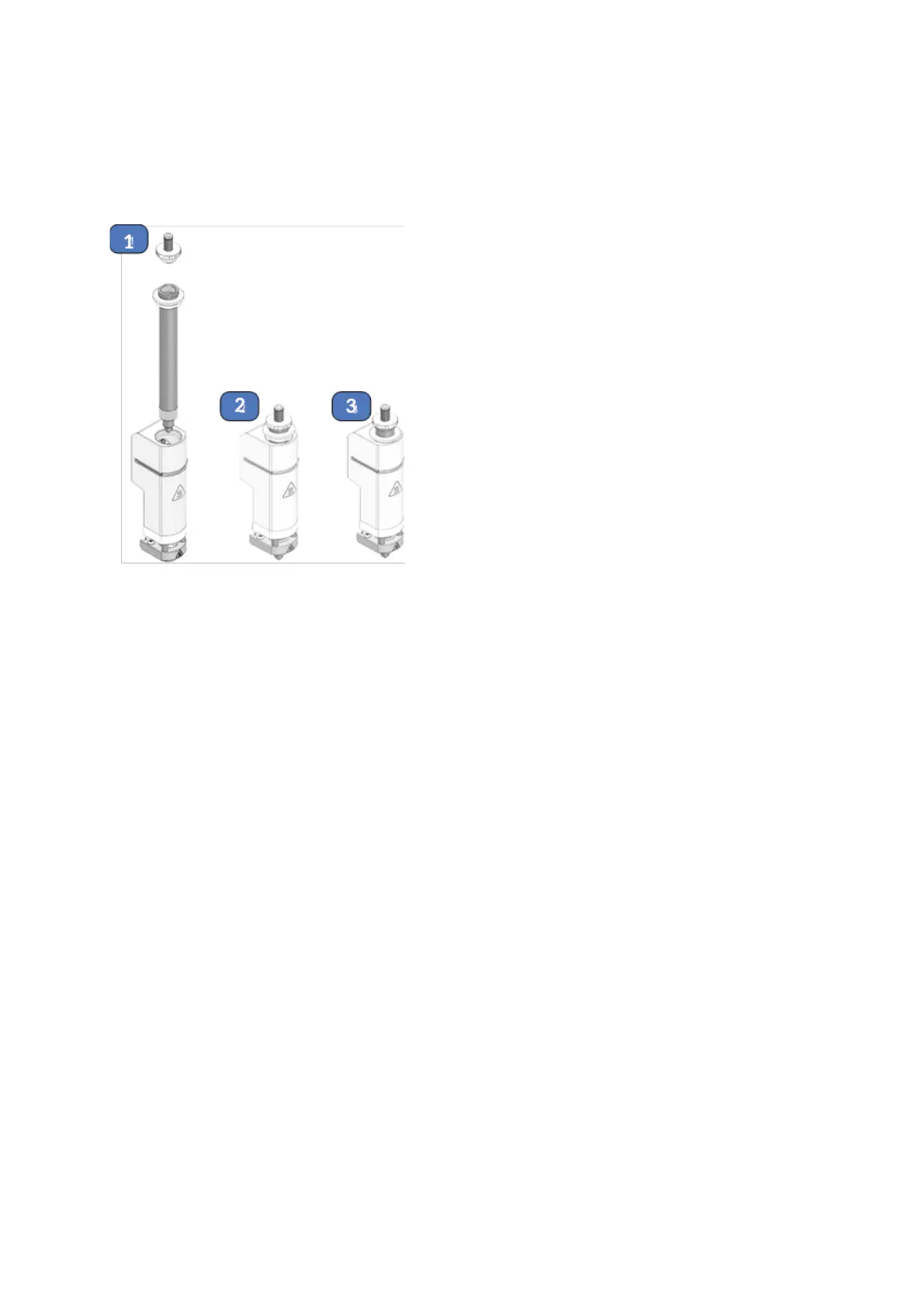
Figure 113 Assembling of Thermoplastic Printhead
1. Place the stainless-steel plunger inside the metal cartridge and attach the top cap.
2. Insert the assembled cartridge into the printhead. Twist until the cartridge is screwed
in place and use the wrench to tighten.
3. Position the insulated locking ring downward to secure the assembled cartridge to the
printhead



 To Next Page