BIO X6 User Manual v. 1.0 35
4.3.1 Connect tab
Use this tab to connect your tablet or computer wirelessly to the BIO X6. The Utilities menu
will not be enabled unless you are connected to a bioprinter.
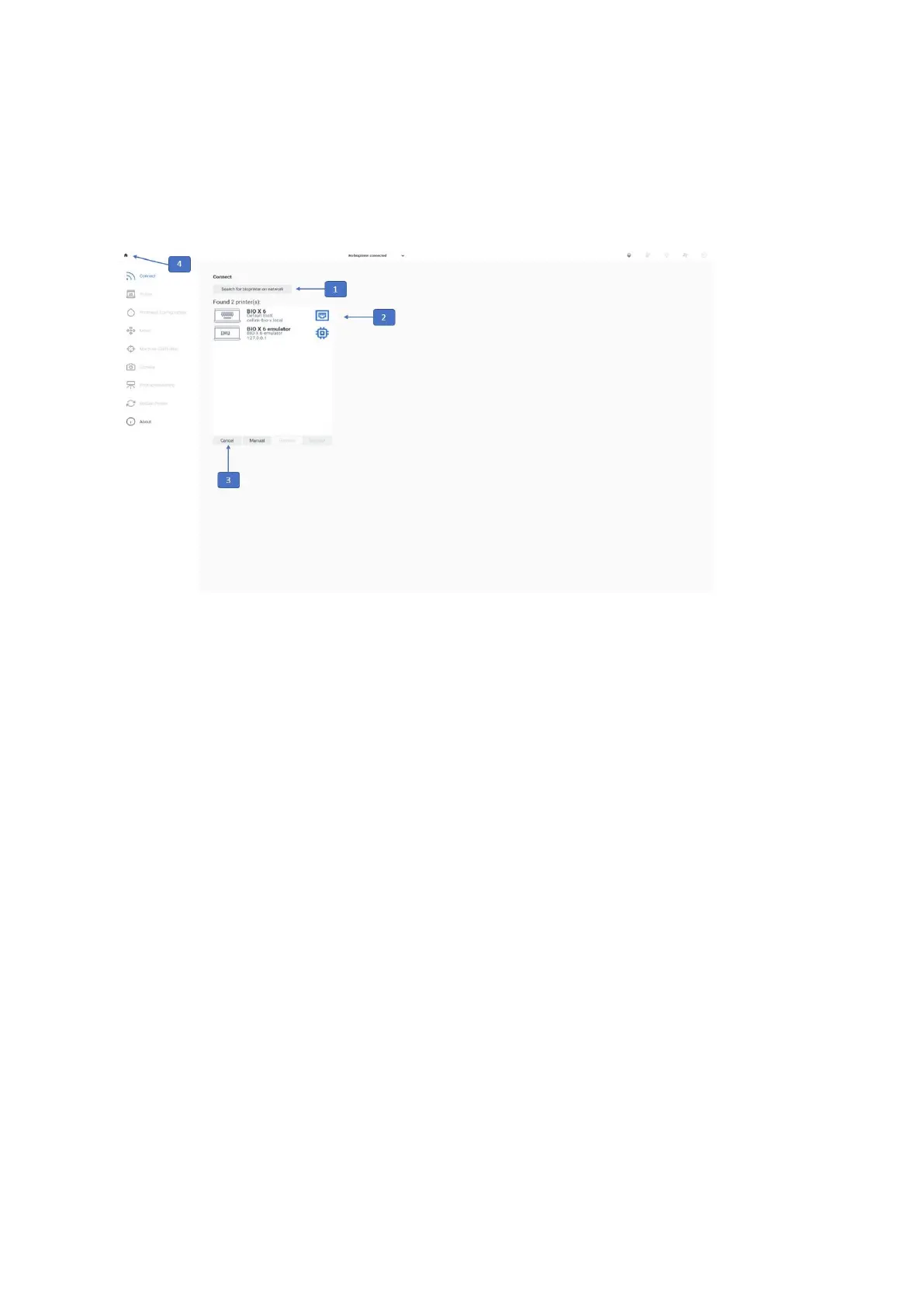
Figure 11 Overview of the Connect tab
1. Search for bioprinter on network: Tap to search for a bioprinter connected to the
same Wi-Fi network as the tablet/computer you are using.
2. Bioprinters found on network: Select the bioprinter you wish to connect to. An
illustration of the bioprinter and its serial number is displayed for each available
option.
3. Connect: Tap to connect to the selected bioprinter.
4. Home icon: Tap to go to the home screen.



 To Next Page