BIO X6 User Manual v. 1.0 36
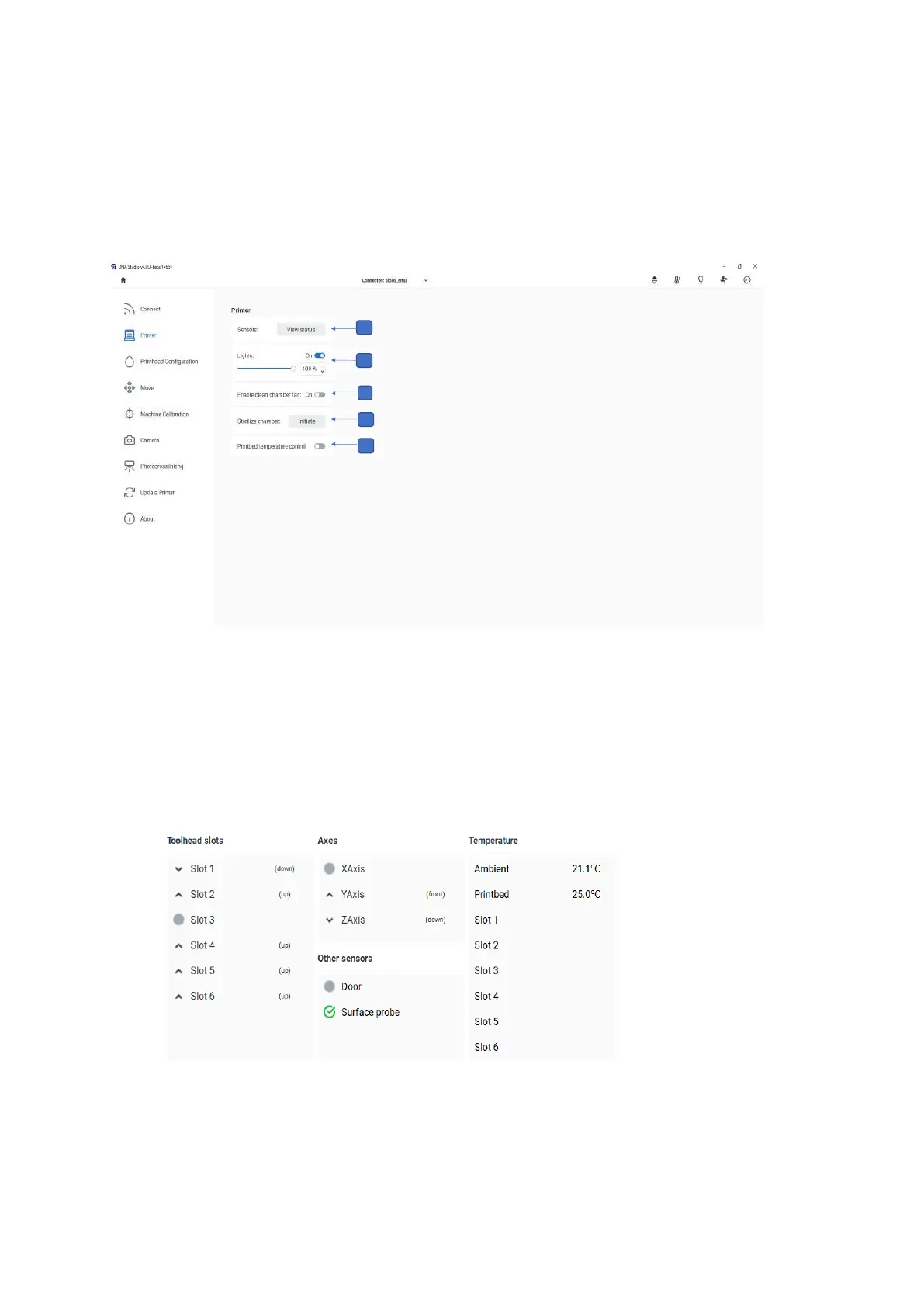
4.3.2 Printer tab
Use this tab to enable special features for experimental purposes.
All the changes to the printer settings done here are applied immediately to the BIO X6.
Figure 12 Overview of the Printer tab
1. Sensors: Display output data for customer support. CELLINK uses this tab to perform
sensor testing.
Figure 13 Sensors: View status



 To Next Page