BIO X6 User Manual v. 1.0 42
4.3.6 Camera tab
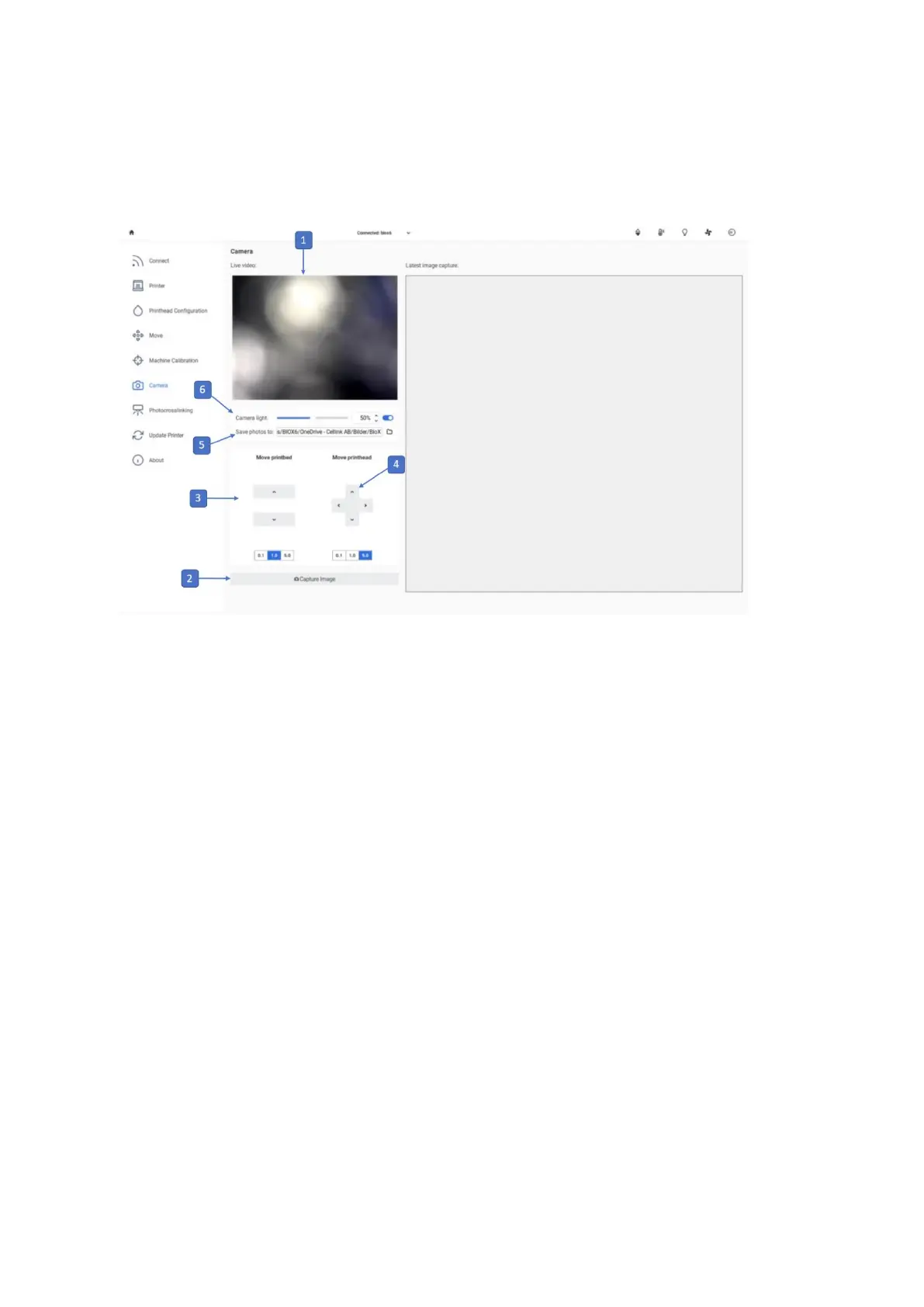
Use this tab to adjust the Camera tool settings.
1. Live stream from the Camera tool. This live stream is only available if the Camera
tool is connected to the BIO X 6.
2. Capture Image: Tap to take a photo of the live stream from the Camera tool.
3. Move printbed: Use the arrows to move the printbed on the z axis. Available step
sizes are 5, 1 and 0.1 mm.
4. Move printhead: Use the arrows to move the toolhead on the x and y axes. Available
step sizes are 5, 1 and 0.1 mm.
5. Save photos to: Tap to select a folder to which the captured photos are to be saved.
6. Camera light: Tap to adjust the camera light.



 To Next Page