BIO X6 User Manual v. 1.0 44
4.3.8 Update Printer tab
Download the latest software version from dna.cellink.com and save it to a USB flash drive.
Insert the USB flash drive into the BIO X6.
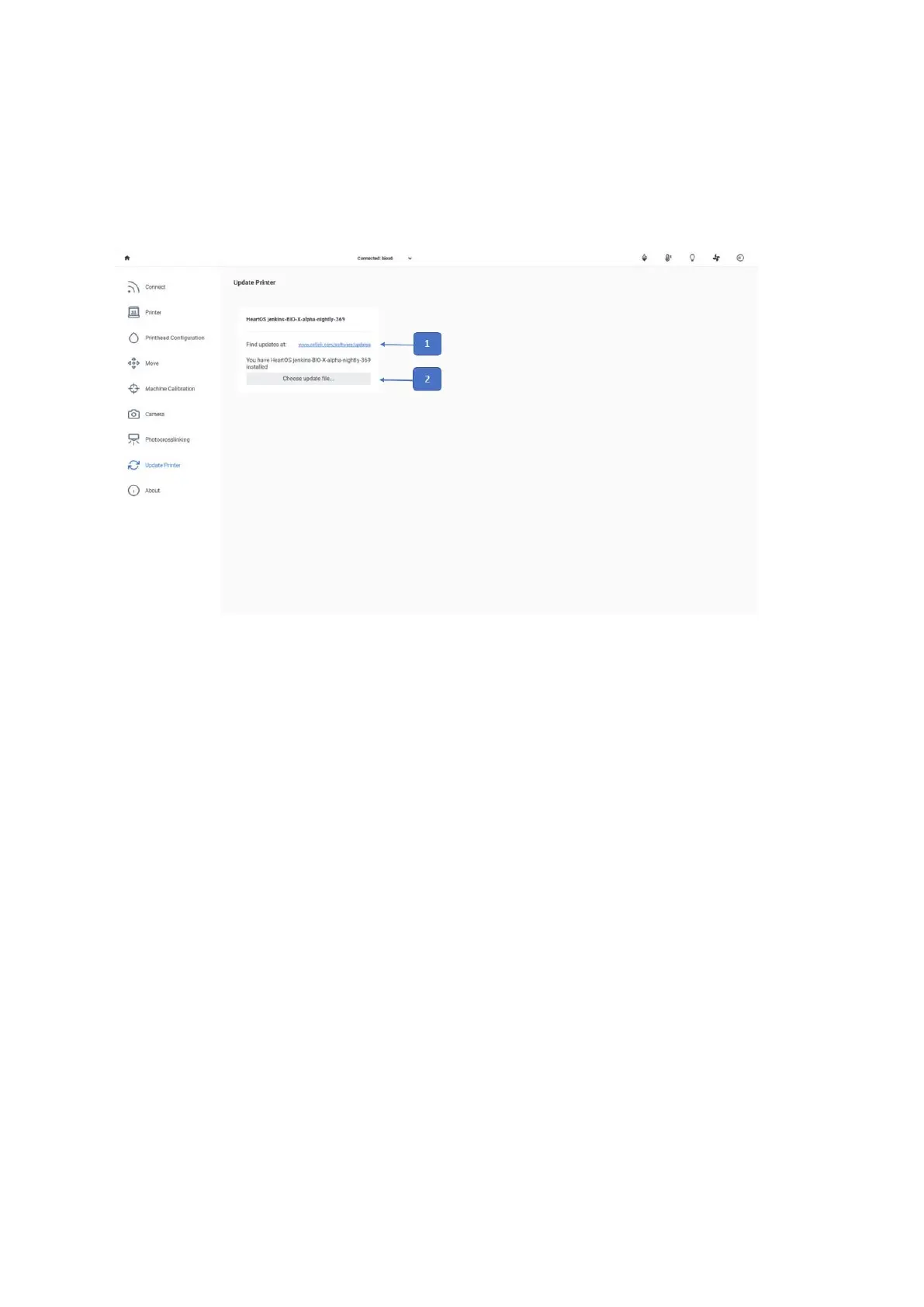
In the Utilities menu, go to Update Printer to access the update.
1. Find updates at: Use this link to download the latest software version to your tablet
or computer.
2. Choose update file: Select the software update file you have just downloaded. Make
sure you select the latest version.



 To Next Page