BIO X6 User Manual v. 1.0 49
4.4.2 Model
Note: The USB flash drive needs to be readable and writeable.
Note: Keep the USB flash drive connected until the bioprinting process starts.
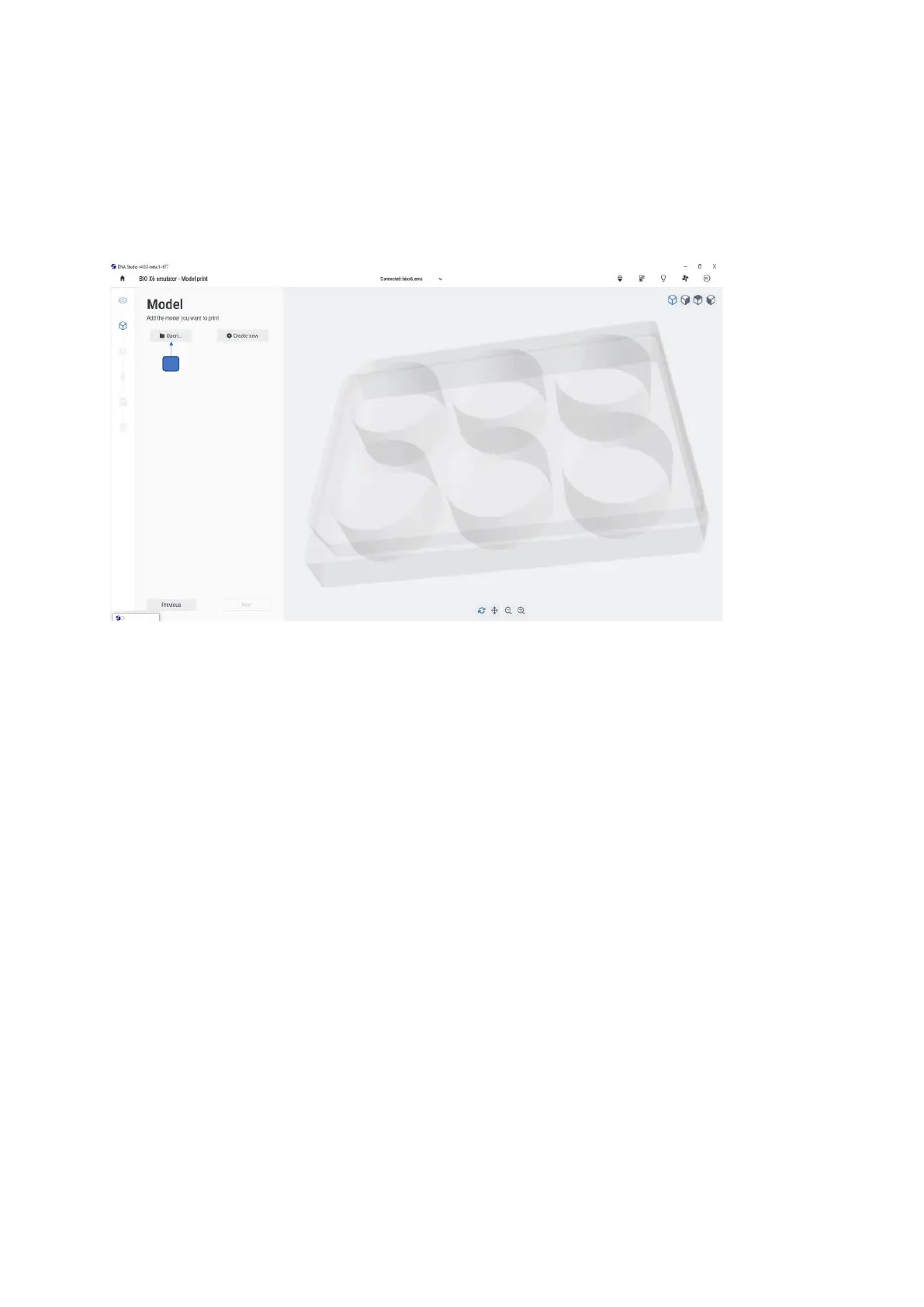
Figure 23 Open file option in the Model step
1. Insert a USB flash drive containing your 3D model and any custom profiles you would
like to use into any of the USB ports on the back of the tablet docking station BIO X6
Tap Open… to select the model you wish to bioprint from your files.
The BIO X6 accepts the following file formats: gcode, stl, .3mf,. amf, .obj and BIOX protocols.



 To Next Page