BIO X6 User Manual v. 1.0 64
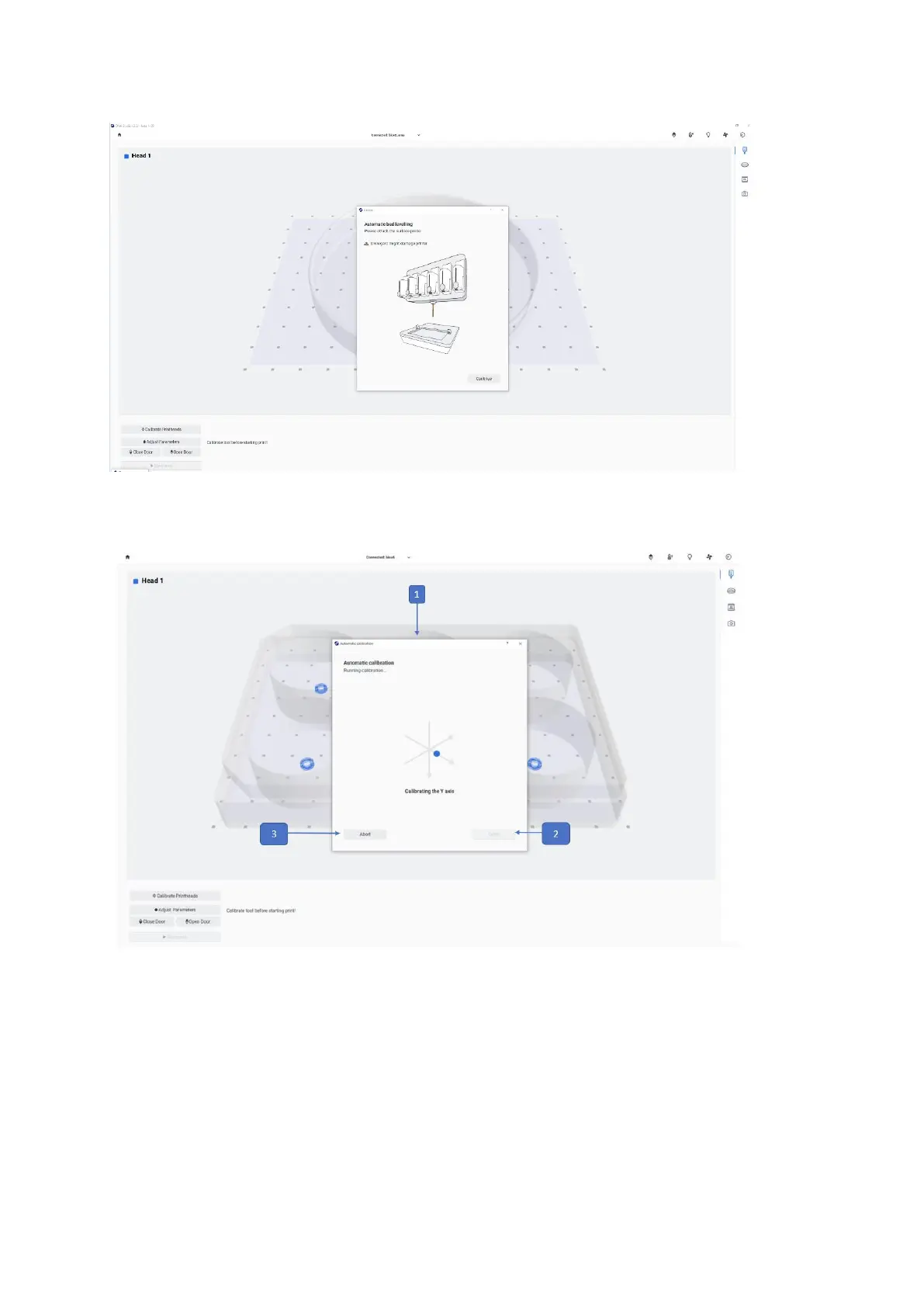
1. Calibration for all printheads and surface probe: Calibration tab for all printheads
and (Surface: Home the printer axes and return to absolute zero position).
2. Done: Tap to proceed with the bioprinting process. This button will only be enabled
once the calibration has been successfully completed.
3. Abort: Tap to abort the calibration.



 To Next Page