BIO X6 User Manual v. 1.0 65
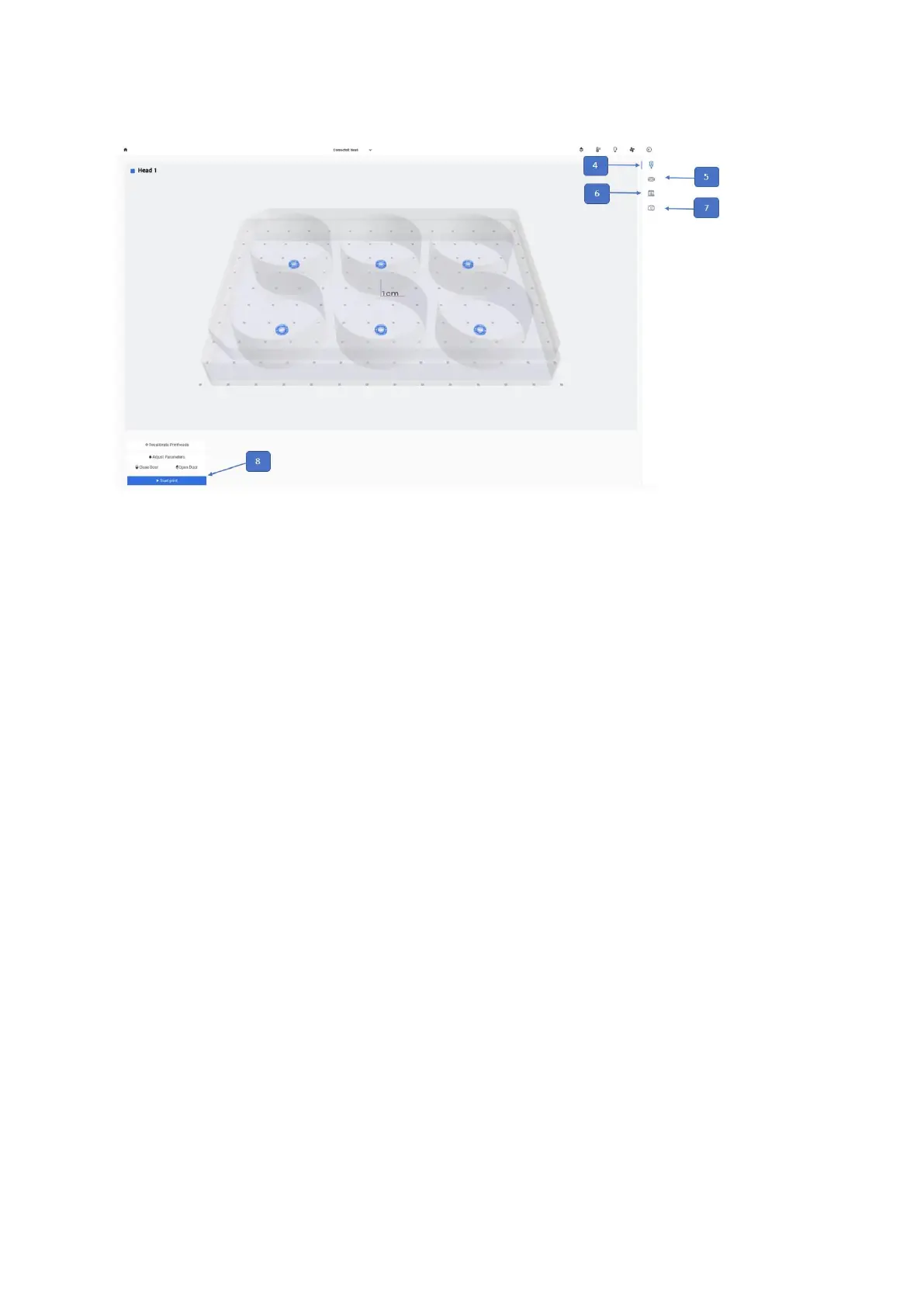
4. Printhead icon: Tap to review and edit the printhead setting.
5. Printer icon: Tap to review and edit the printer settings.
6. Surface icon: Tap to review and edit the surface settings.
7. Camera icon: Tap to review and edit the camera settings. This option is only
available the Camera tool is connected to the BIO X6.
8. Start print: Tap to start the bioprinting process. This button will only be enabled once
the calibration protocol is complete.



 To Next Page