BIO X6 User Manual v. 1.0 84
4.5.6 Calibration and Auto Bed Levelling (ABL)
Once the printing settings are fully reviewed, calibration of the printheads is required before
starting the bioprinting process. Each printhead to be used must be calibrated individually.
On this screen you can also check the material flow with the printing settings already defined.
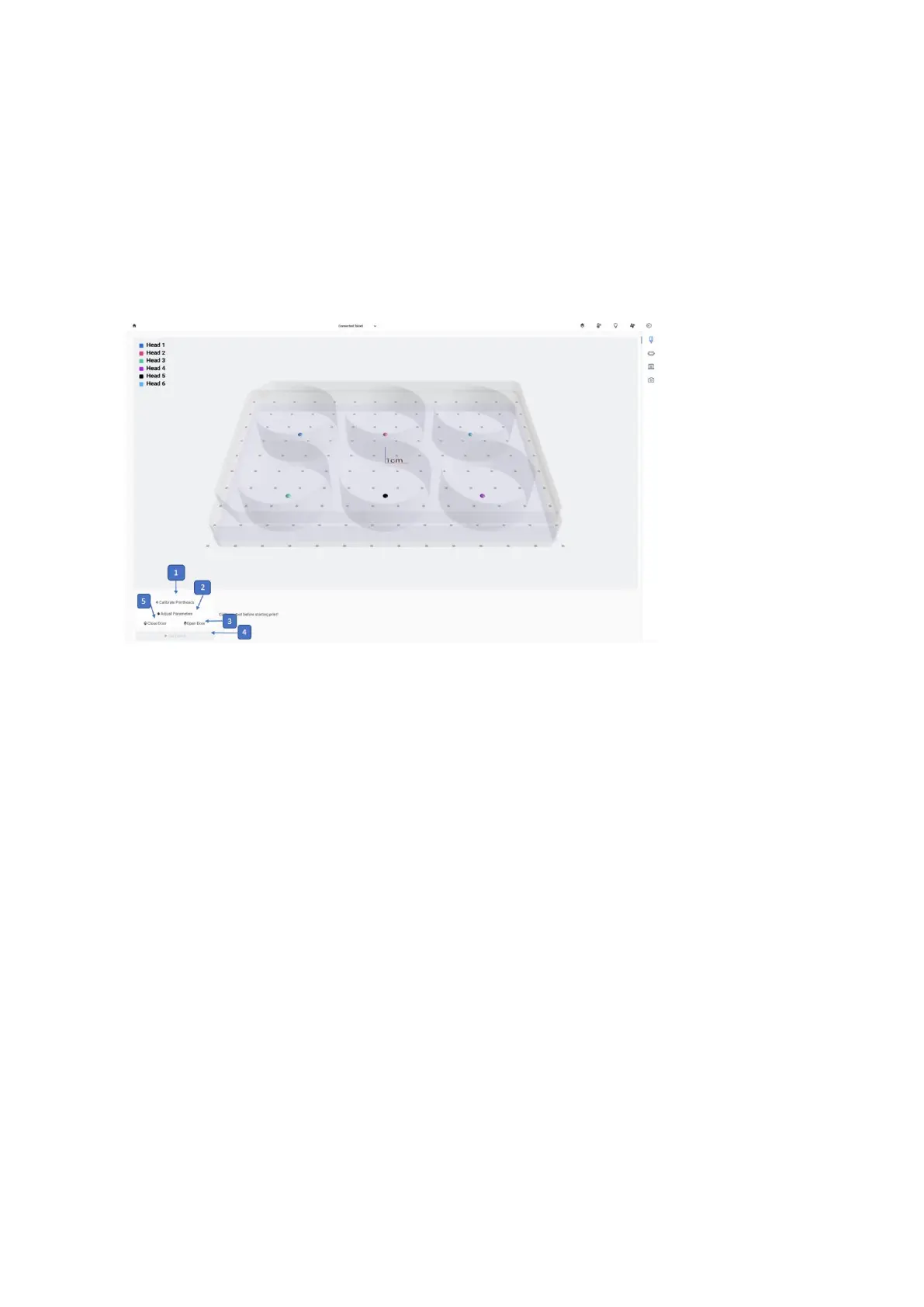
1. Calibrate Printheads: Tap to calibrate the printheads and the print bed.
2. Adjust Parameters: Tap to open the right side of settings for the print.
3. Open Door: Tap to open the door if the door is closed
4. Start print: Tap to start print. This button is only enabled once the calibration protocol
is complete.
5. Close Door: Tap to close the door if the door is open.
Tap Calibrate to calibrate the printheads and the printbed. There are three calibration
options: Automatic calibration, Manual calibration and Automatic bed levelling (ABL).



 To Next Page