BIO X6 User Manual v. 1.0 90
4.5.8 Manual photocrosslinking – Droplet
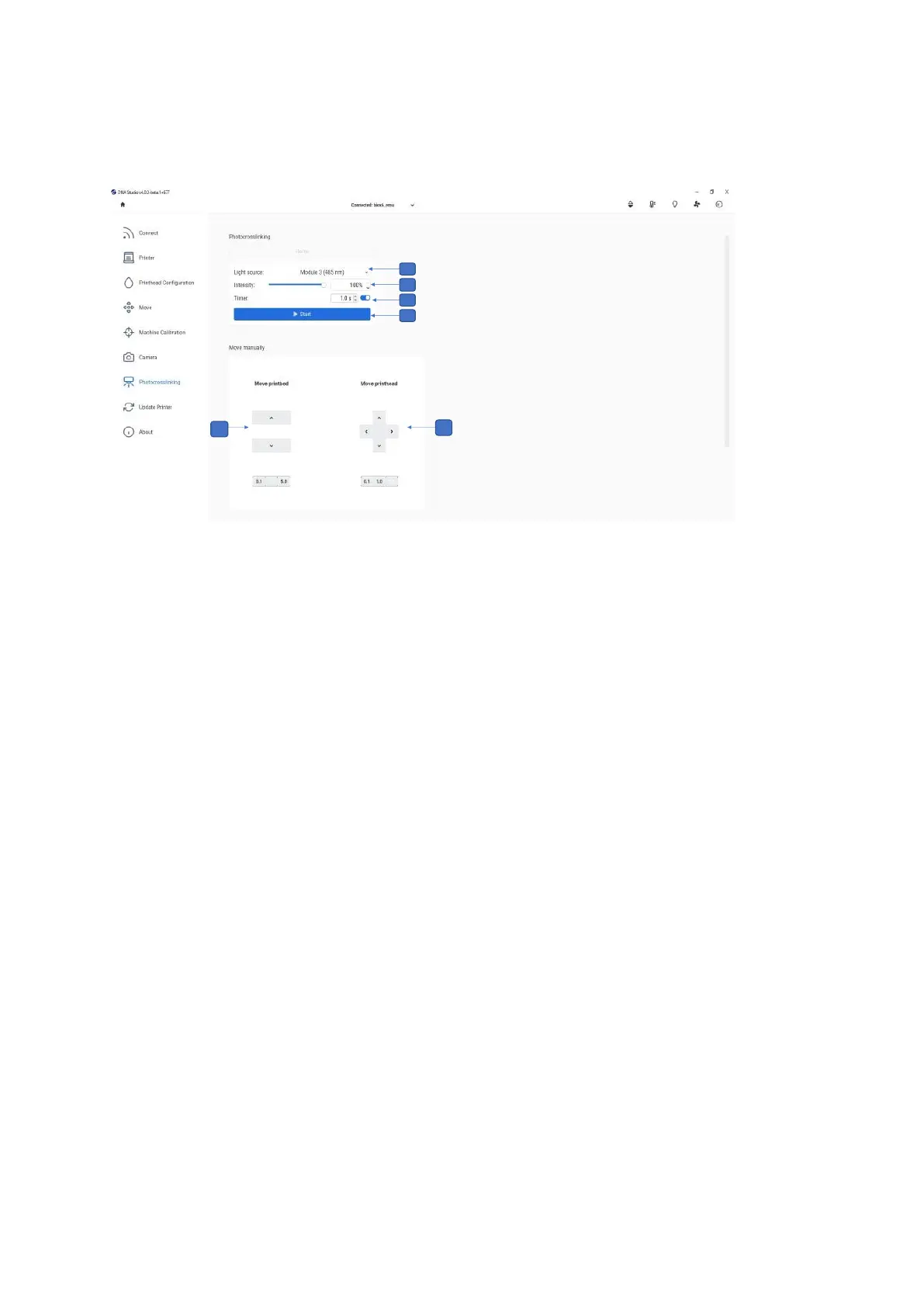
1. Select the distance from the surface bed up and down and adjust it for precision by
using 5-, 1- or 0.1-mm steps.
2. Select the wells to be manually photocrosslinked and select the distance from the
surface (up, down, left, right) and adjust it for precision by using 5-, 1- or 0.1-mm
steps.
3. Light source: Tap to select the light source for photocrosslinking. You can choose
one of the UV curing LEDs or the Photocrosslinking tool.
4. Intensity: Tap to change the intensity from 0 to 100%.
5. Timer: Tap to set the timer for photocrosslinking (0.1 s to 600 s).
6. Start: Tap to start the photocrosslinking.
Note that the Photocuring Toolhead offers even more targeted and powerful
photocrosslinking than the built-in photocuring modules.



 To Next Page