BIO X6 User Manual v. 1.0 89
7. Pause/restart print: Tap to pause the bioprinting process. When the process is
paused, tap to resume the bioprinting process.
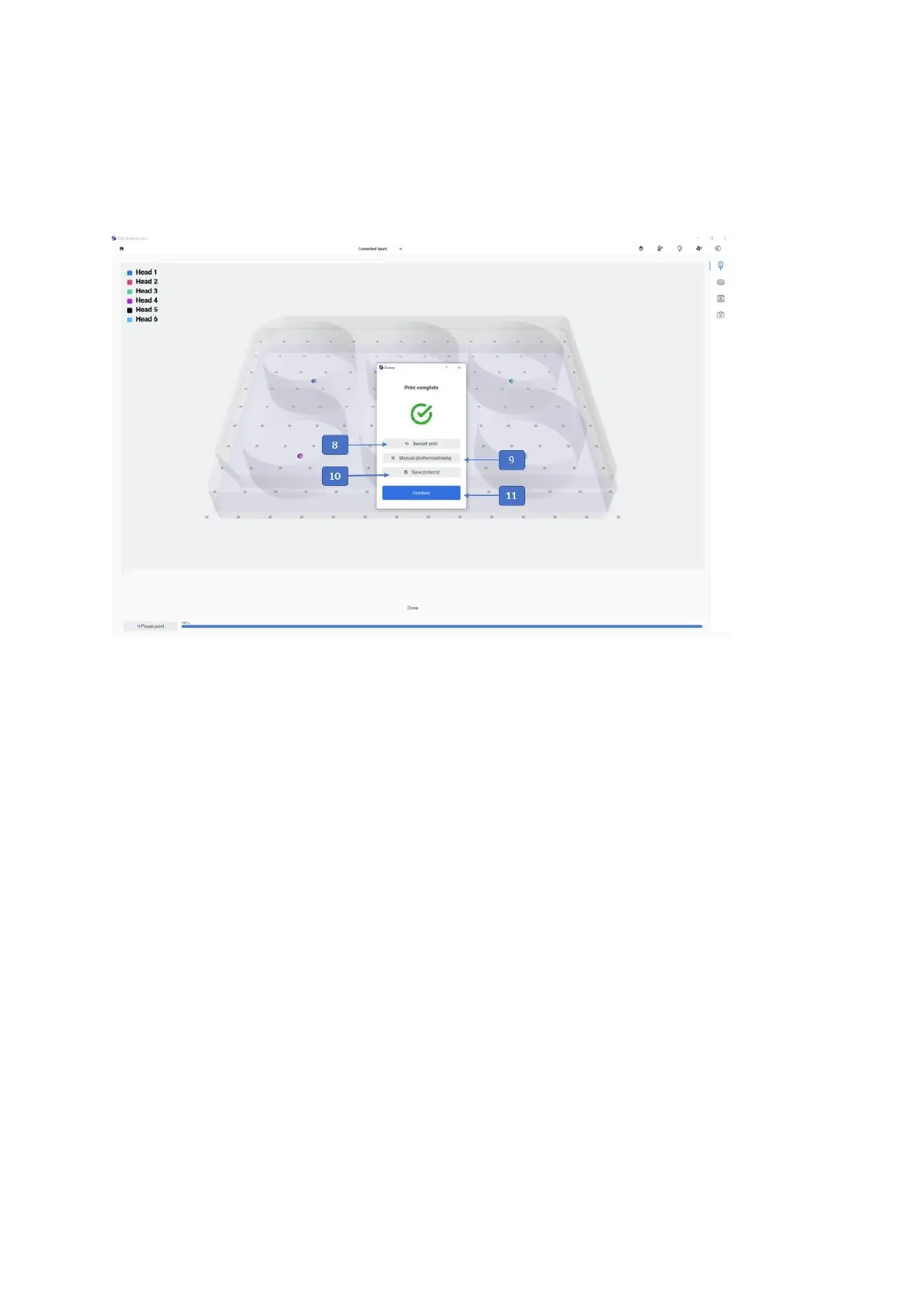
8. Restart print: Tap to restart the print. This feature can be used to print the same
model by using the same parameters and print surface as the previous print.
9. Manual Photocrosslinking: Tap to perform manual photocrosslinking on your final
constructs. You can select wells, the wavelength, the distance from the printbed and
the time.
10. Save protocol
extension.
11. Finished: Tap to finish the current print and go to the home screen.
12. Abort: Tap to cancel the print.
13. Restart: Tap to restart the print.



 To Next Page