BIO X6 User Manual v. 1.0 99
5.3 View options
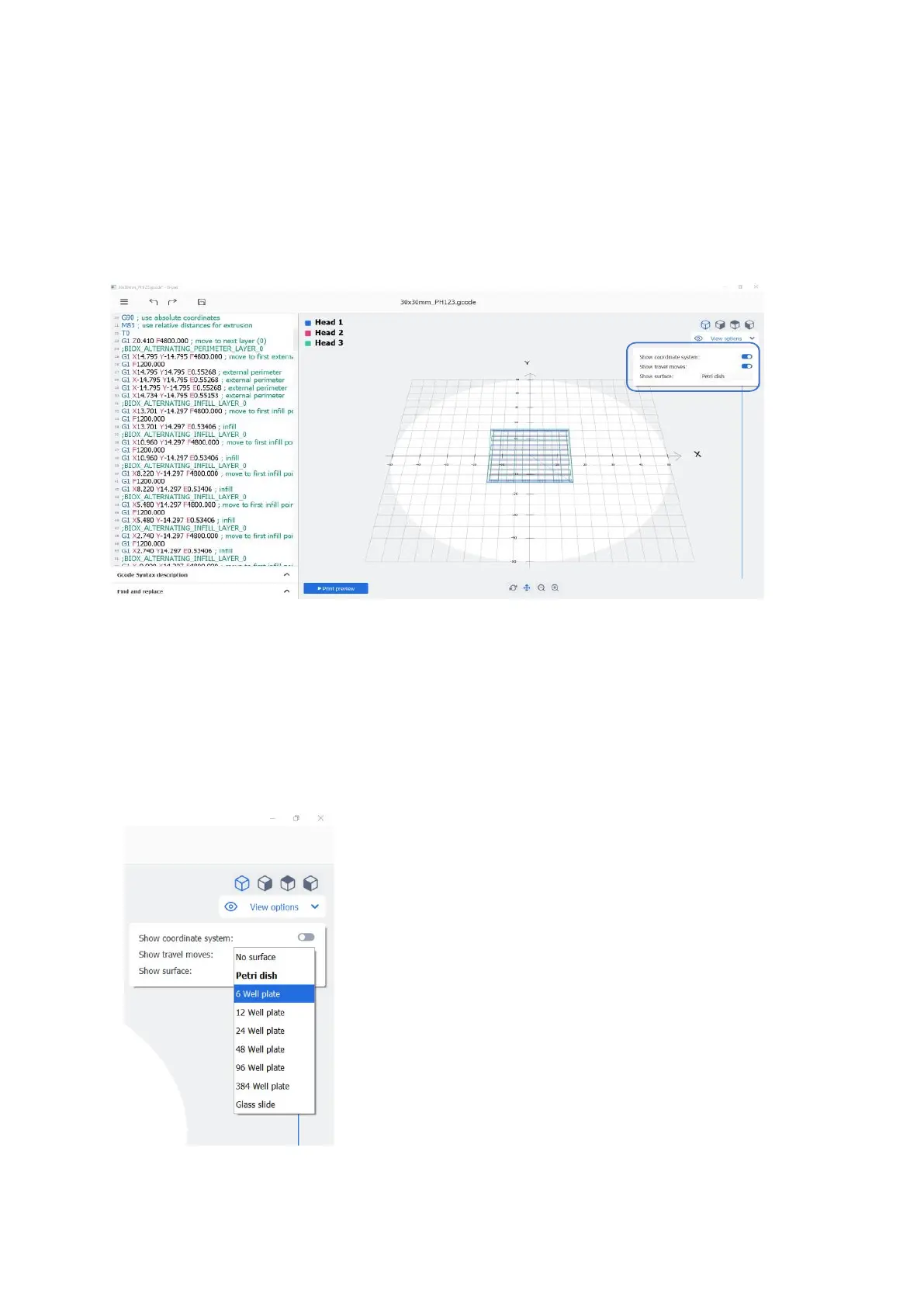
The View options menu in the upper right corner offers different options to facilitate the
visualization and understanding of the Gcode. It allows you to visualize the coordinate
system, the travel moves, and the chosen surface.
Figure 71 View options
Show coordinate system: Enable this toggle button to show the coordinate systems on the
screen for the X, Y, and Z axes.
Show travel moves: Enable this toggle button to show the path described by the nozzle
when not printing during the transfer between distant extrusion points.
Figure 72 Show surface dropdown



 To Next Page