BIO X6 User Manual v. 1.0 100
Show surface: This option visualizes the surface where the construct described by the
Gcode is going to be printed. The size and shape changes according to the selected surface
(Petri dish, well plate or glass slide).
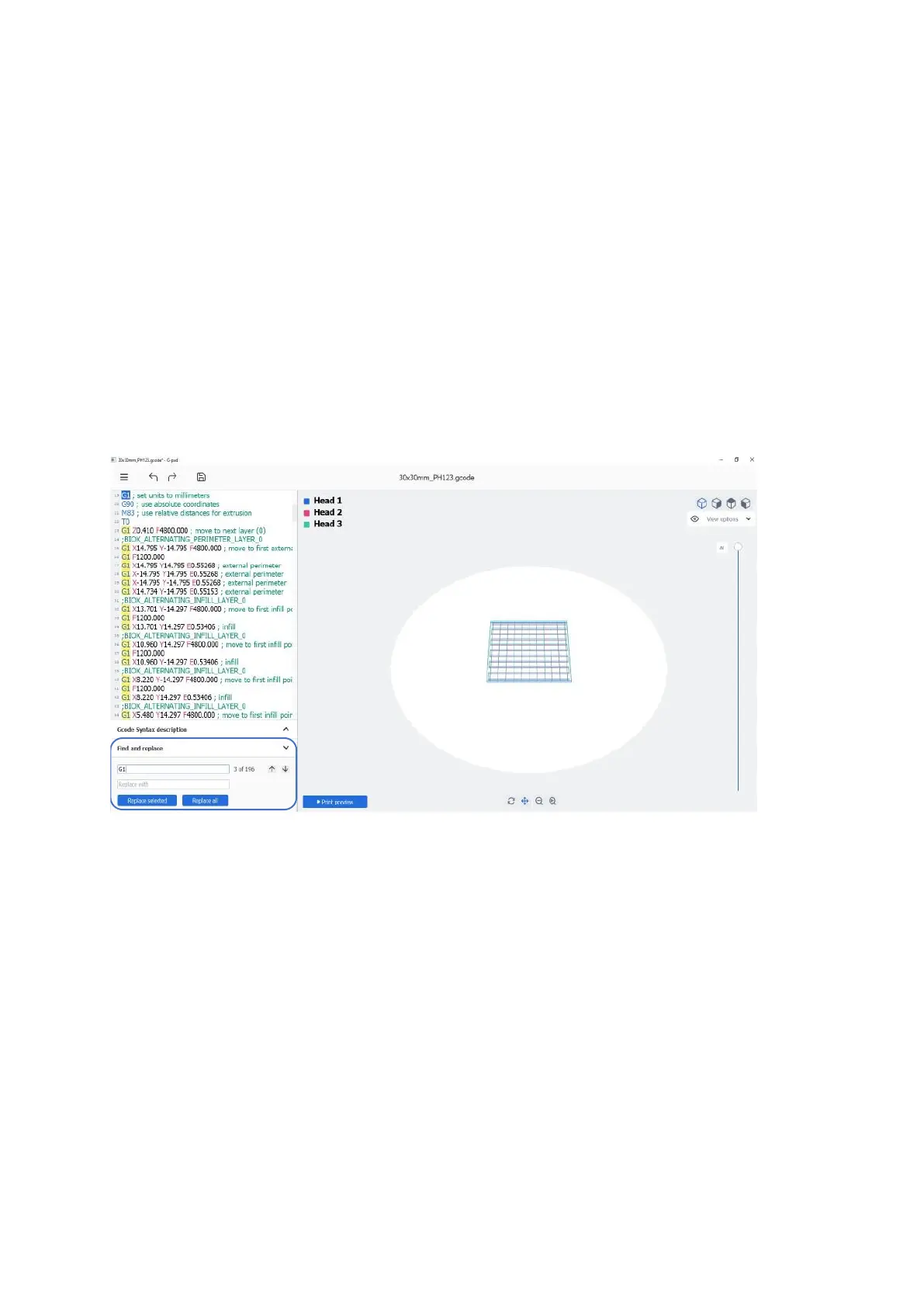
5.4 Find and replace
Use the Find and replace feature to quickly modify your Gcode.
Here you can see the number of Gcodes entries with the same description, and replace one,
several, or all entries to see how this affects the code.
Figure 73 Find and replace
Use the up and down arrows to navigate through the list of codes. Tap Replace selected
to replace one or several selected Gcodes. Tap Replace all to replace all the entries of a
specific Gcode.



 To Next Page