BIO X6 User Manual v. 1.0 101
5.5 Gcode preview mode
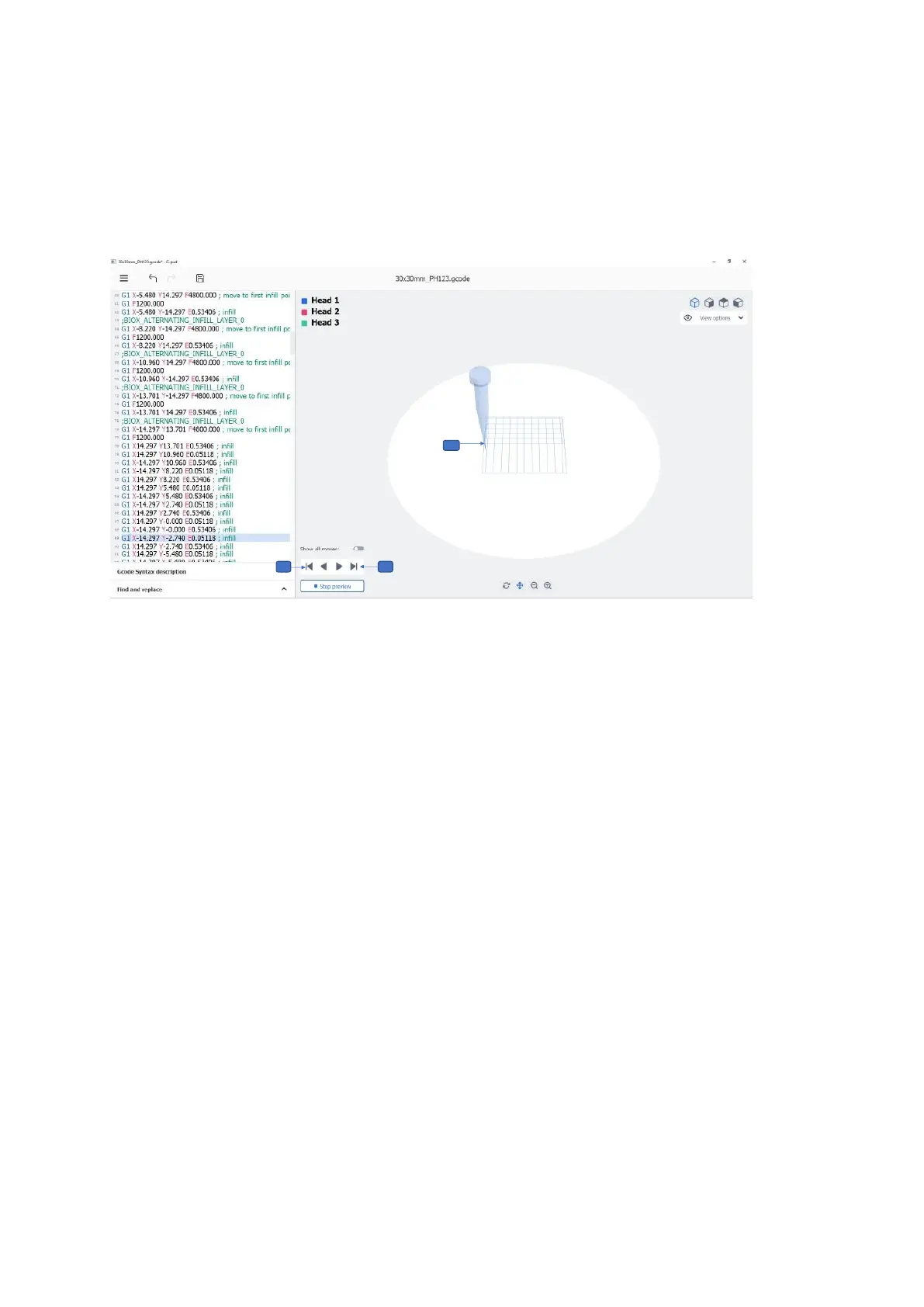
The Gcode Print preview option allows you to preview the travel moves of each line of your
code.
1. Tap the Right end arrow to manually move forward to the next line of code.
2. Tap the Left end arrow to manually move to previous line of code and undo the
travel move.
3. A line-by-line preview of each travel move, showing the nozzle in the same color as
the selected printhead.



 To Next Page