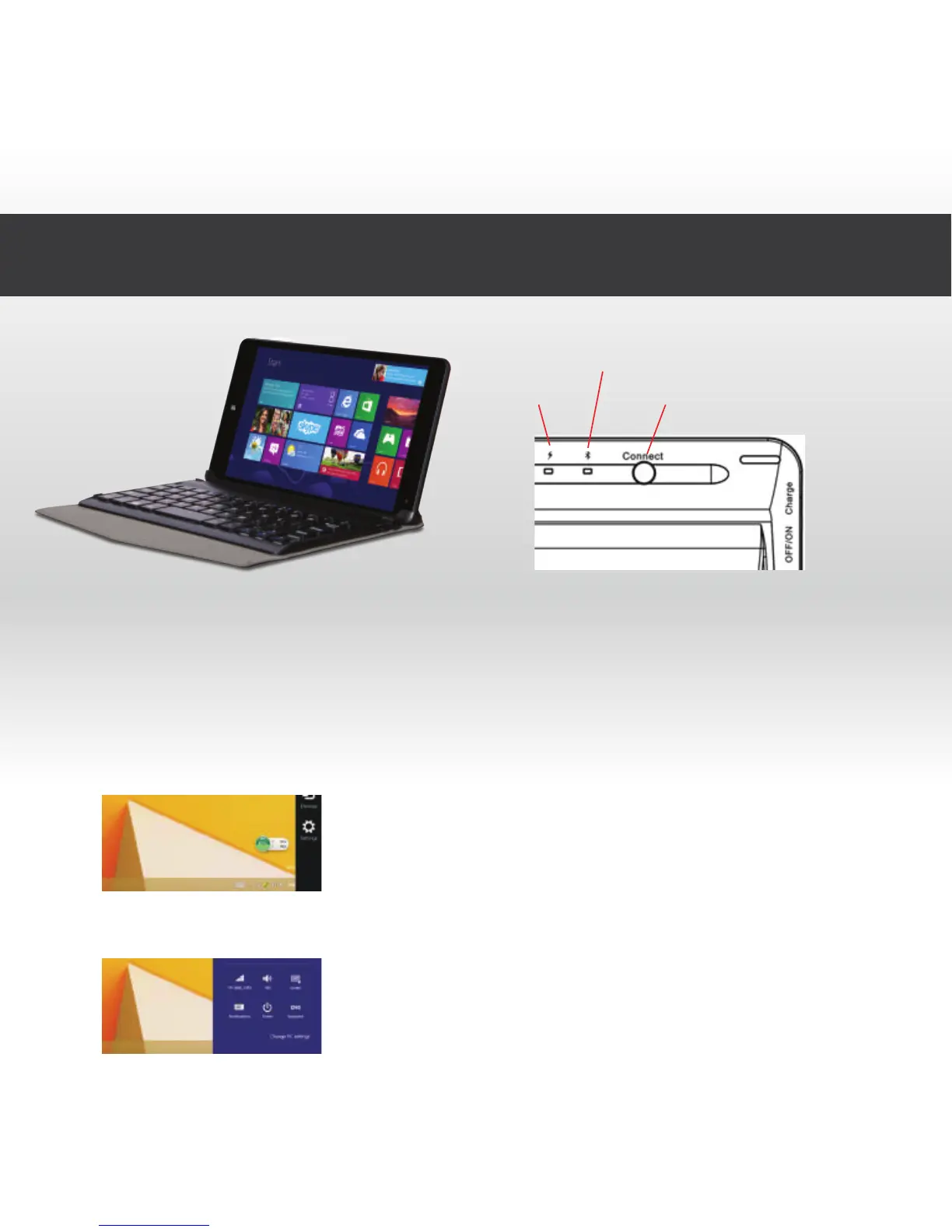
3.0 Connect to Bluetooth Keyboard
Power light Bluetooth pairing button
Bluetooth pairing indicator light
1. Set the keyboard on/off switch to on, the blue indicator light will light
up for 5 seconds and then go out.
2. Press the connect button, the blue indicator light will flash constantly.
3. Turn on your win8 tablet and Swipe horizontally from the right side of
your device, opening the settings option bar.
4. Select settings



 To Next Page