3.0 Connect to Bluetooth Keyboard
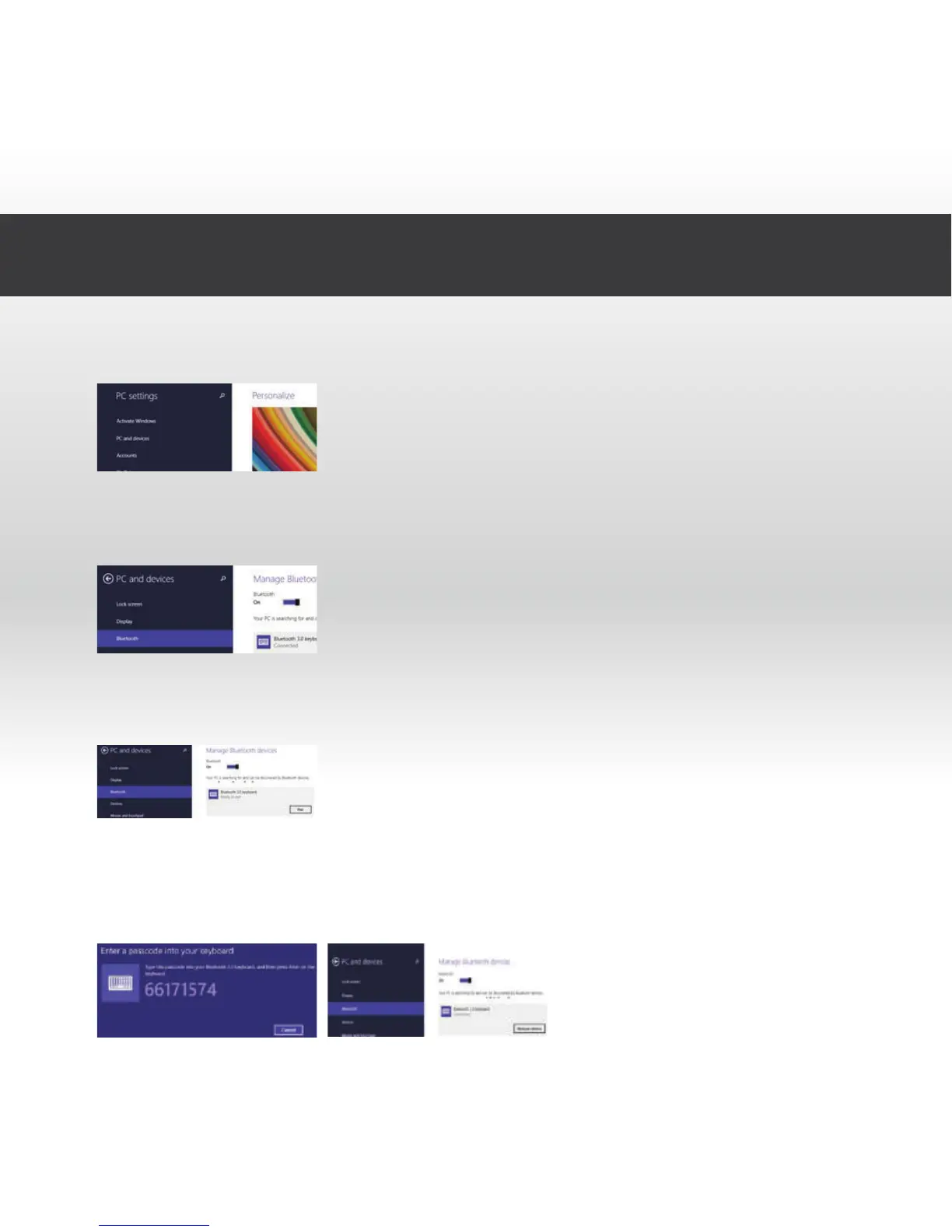
7. Press "Pair" when your keyboard "Bluetooth 3.0 keyboard" is displayed
on the screen.
8. You will now be prompted to enter the password shown on the screen.
After entering the password press enter. This will enable your keyboard
to connect correctly
5. Select "PC and devices"
6. Select and activate "Bluetooth", your tablet will search all nearby
devices automatically and will instantly find your keyboard.



 To Next Page