EasyManua.ls Logo

Central Machinery 41831 - User Manual

Central Machinery 41831
15 pages
Print Icon
To Next Page IconTo Next Page
Loading...
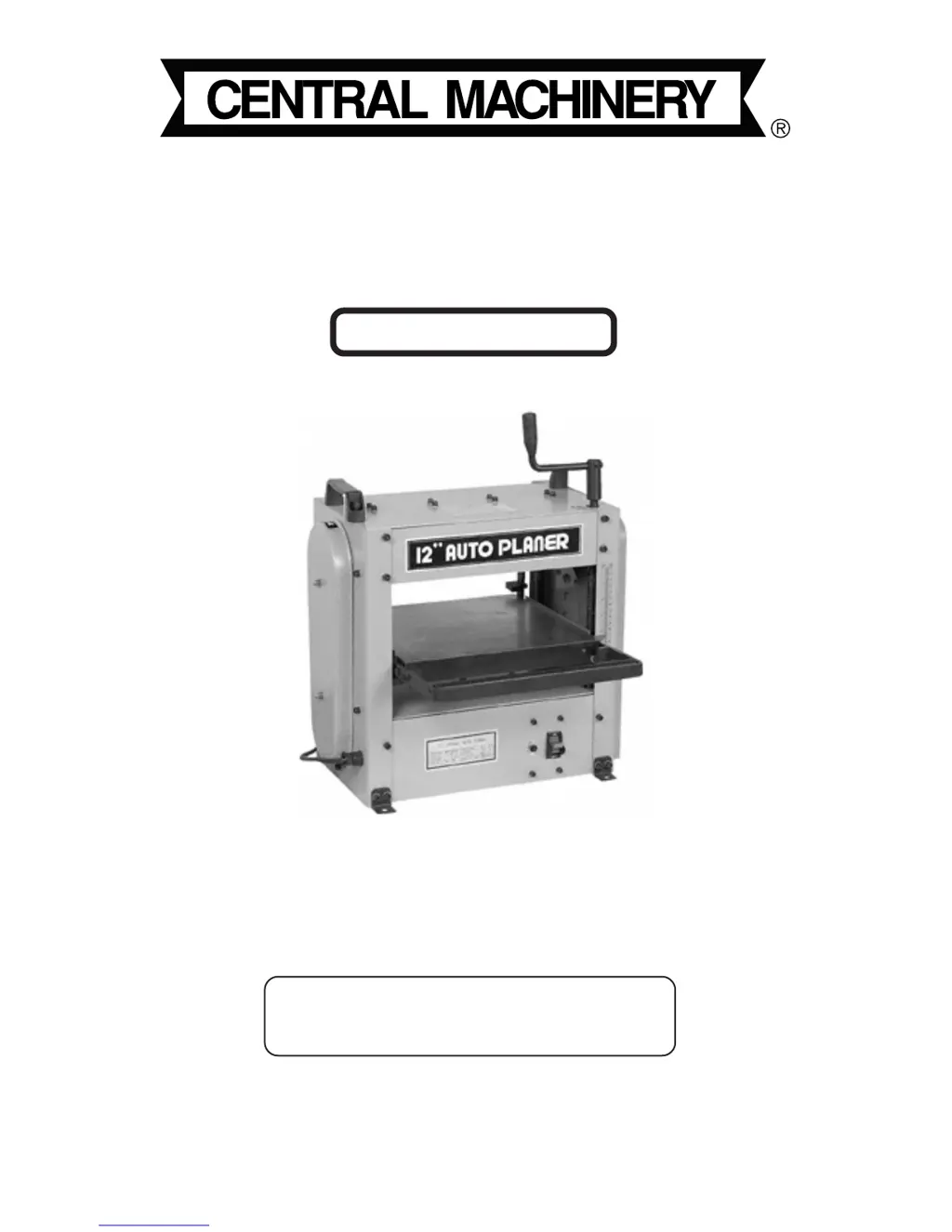
12-1/2”
Auto Planer
Assembly & Operating Instructions
Due to continuing improvements, actual product may differ slightly from the product described herein.
Copyright
©
1999 by Harbor Freight Tools
®
. All right reserved. No portion of this
manual or any artwork contained herein may be reproduced in any shape or form
without the express written consent of Harbor Freight Tools.
3491 Mission Oaks Blvd., Camarillo, CA 93011
Visit our Web site at: http://www.harborfreight.com
For technical questions, please call 1-800-444-3353.
TO PREVENT SERIOUS INJURY,
READ AND UNDERSTAND ALL WARNINGS
AND INSTRUCTIONS BEFORE USE.
Model
4183141831
4183141831
41831

Questions and Answers

  • N
    nburnsJul 31, 2025
    What to do if my Central Machinery Planer will not operate?
    • C
      Courtney AndersonJul 31, 2025
      If your Central Machinery Planer isn't working, here are a few things to check: * Make sure the Planer is plugged in and that the main circuit breaker in your power source is working. Also, check the circuit breaker on the machine itself. If a breaker is open, find out why and fix it. * See if the Planer is jammed. * Check the carbon brushes in the motor to see if they're in good shape. * Look for any broken, loose, or damaged electrical connections and repair them.
  • D
    Deborah Martinez DDSAug 7, 2025
    How to fix a Central Machinery 41831 Planer that cuts unevenly?
    • J
      Juan WebbAug 7, 2025
      If your Central Machinery Planer is cutting unevenly, poorly, or leaving a rough finish, try these steps: * Check that the Knife Blades are installed and adjusted correctly. * Have the Knife Blades professionally sharpened. * Make sure you are cutting with the grain of the wood.
  • A
    Alan RichAug 15, 2025
    Why does the motor on my Central Machinery 41831 Planer run rough?
    • C
      cmillerAug 15, 2025
      If the motor on your Central Machinery Planer is running rough or slowly: * Check for debris in the cutting assembly, chains, or belts. * Inspect the carbon brushes and replace them if needed. * Check that the power source is providing the correct voltage and amperage.
  • G
    George YorkAug 22, 2025
    How to stop my Central Machinery 41831 Planer from excessive vibration?
    • D
      david95Aug 23, 2025
      If your Central Machinery Planer runs roughly or vibrates excessively: * Check the Knife Blades to ensure they aren't chipped, are securely installed, and properly adjusted. * Check all chains and belts to be sure they are correctly placed on their pulleys and sprockets and aren't loose. * Ensure the table isn't damaged and operates smoothly. * Make sure the crank is removed before operating the Planer.

Summary

Safety Warnings and Precautions

General Safety Warnings

Provides essential safety guidelines for operation, including work area conditions, personal dress, and tool care.

Specific Planing Machine Hazards

Details special hazards related to planing, such as electrical safety, ejected material, jamming, and entanglement.

Setup and Initial Operations

Electrical Power Requirements

Specifies the necessary electrical supply, grounding, and extension cord guidelines for safe operation.

Pre-Operation and Usage

Safety Checks Before Operation

Essential safety checks to perform on the machine before starting any work.

Standard Operation Procedure

Instructions on how to operate the planer, including setting depth and feeding workpieces.

Maintenance and Adjustments

Adjusting the Cutting Knives

Detailed steps on how to properly adjust the cutting knives for optimal performance.

Troubleshooting Common Issues

Central Machinery 41831 Specifications

General IconGeneral
Voltage120V
Maximum Cutting Width13 inches
Maximum Cutting Depth1/8 inch
Feed Rate26 FPM
Number of Blades2
Amperage15 Amp
Dust Port Size2-1/2 in.

Related product manuals