Centroid Acorn Plasma Users Manual Beta CNC12 v4.65 rev6
Is a Float Switch being used in conjunction with Torch Tip Touch Off?:
Yes= Both the conductive torch tip and float switch are being used.
No= either a Float or a Conductive is being used just not together.
Float Switch input state when triggered: Does the switch Open or Close when triggered?
Does the Float switch trigger before or after the Torch Tip touches surface?
Distance between Float switch trigger and torch tip touch in inches (or mm)
The Acorn Plasma Torch Touch off menu supports several typical touch off setups.
1.) Torch Tip alone
2.) Float Switch alone
3.) Float Switch with Breakaway safety switch
4.) Torch Tip with Breakaway safety switch
5.) Torch Tip with Float Switch and Breakaway safety switch
6.) Torch Tip with Float Switch
The Float switch trigger position can be either above, below or even with the Torch Tip.
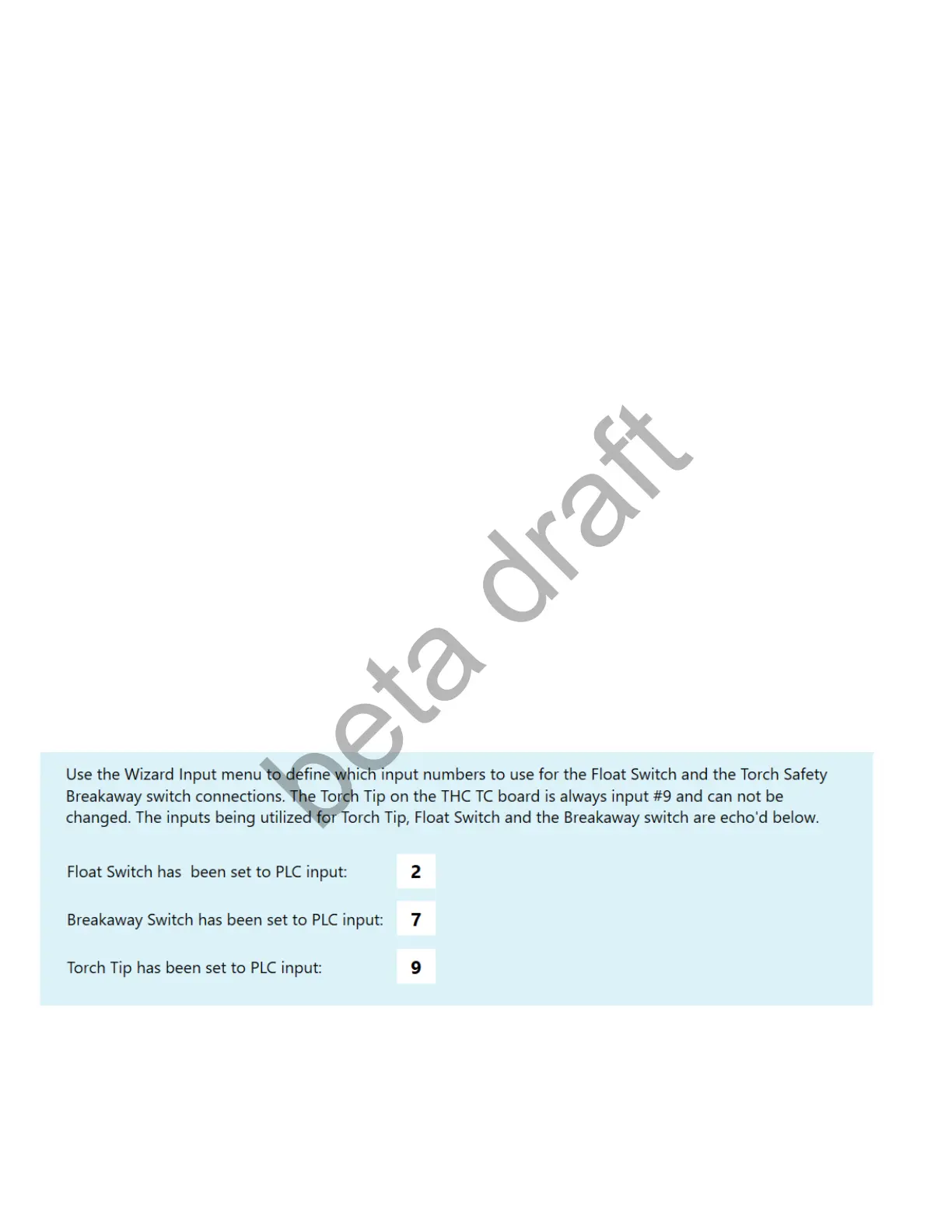
Use the Acorn Wizard Input menu to define which input numbers to use for the Float Switch and the Torch
Safety Breakaway switch connections. The Torch Tip on the THC TX board is always input #9 and can not
be changed. The inputs being utilized for Torch Tip, Float Switch and the Breakaway switch are echo’d
below.
Page 18 D:\Keith Documents\centroid_acorn_plasma_users_manual_draft27.odt rev27 3-15-22


 To Next Page
 Loading...