Centroid Acorn Plasma Users Manual Beta CNC12 v4.65 rev6
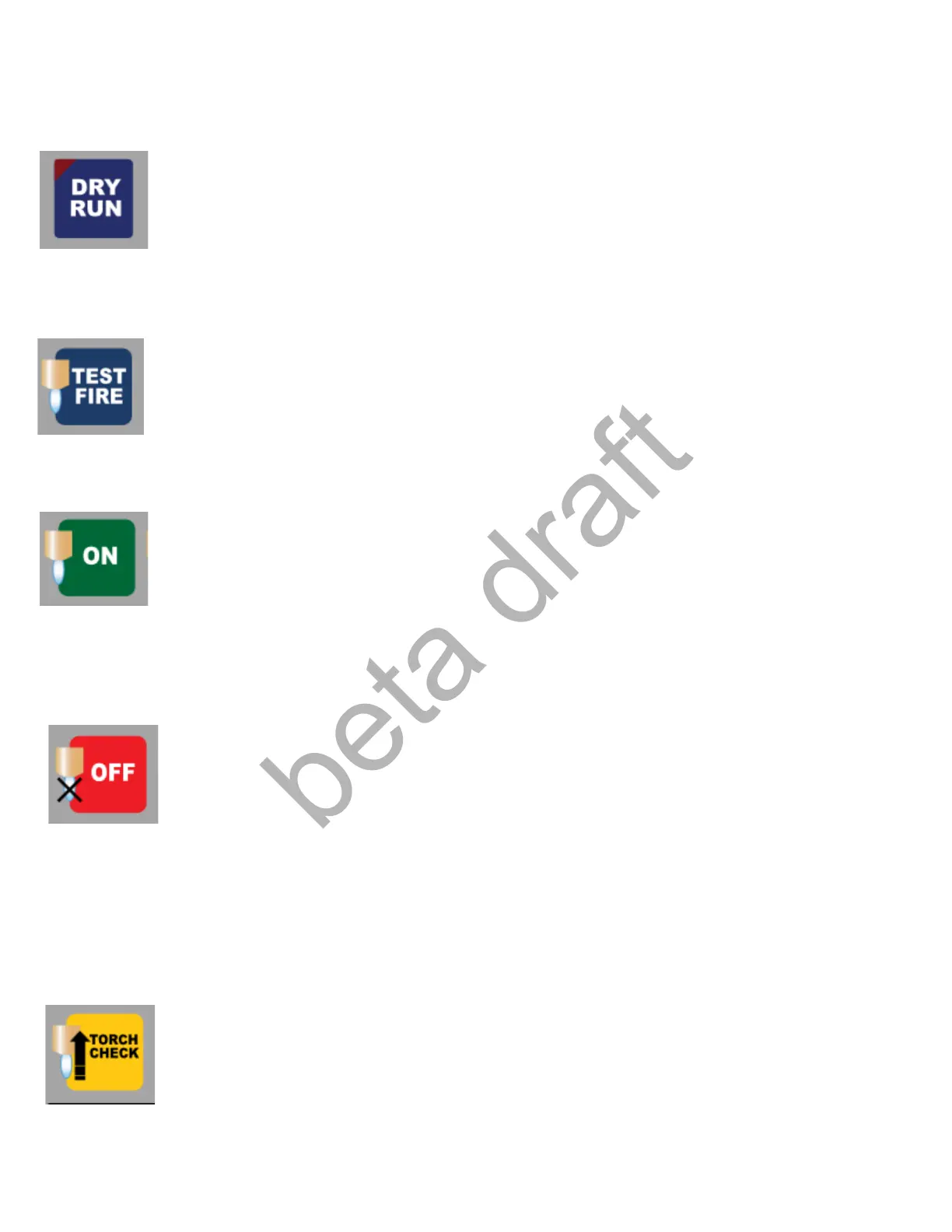
Dry Run: When activated (RED LED ON) the Part program will run without the Torch On. Used to Dry
Run a new program before actually cutting it.
Torch Test Fire: A momentary button that turns on the Torch. Used to Test Fire the Torch before running a
job to make sure the torch works. As long as the button is held down the Torch will be on.
Torch ON: Press to turn on the Torch. Used to manually turn on the torch.
Torch OFF: Press to turn OFF the Torch. Used to manually turn off the torch. Works in conjunction with
the Torch ON button.
Torch Check: Press to send the Torch to a Torch Check location. Typically used to check the Torch Tip
and change out consumables if necessary. Can be used while running a job or not. Torch Check position
is set in the Wizard under the Torch Setup menu and uses the G28 return point. The G28 position is only
available for use if the machine is setup with homing other wise Torch Check will prompt the operator to
simply jog to the desired position. Pressing Torch Check in the middle of a job will invoke restart mode
which allows operator to return to the interruption point after checking the torch and restart at any point.
Page 28 D:\Keith Documents\centroid_acorn_plasma_users_manual_draft27.odt rev27 3-15-22


 To Next Page
 Loading...