Centroid Acorn Plasma Users Manual Beta CNC12 v4.65 rev6
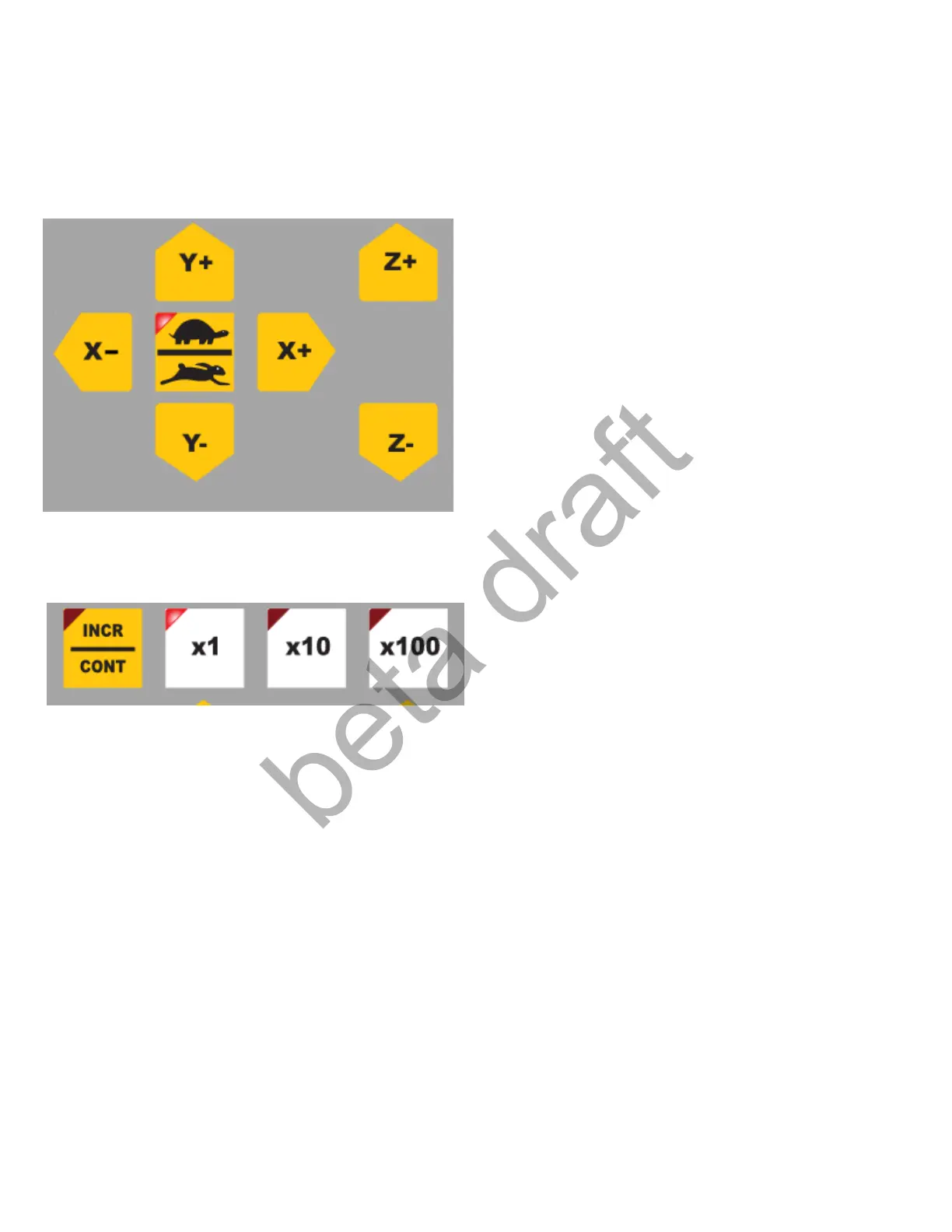
Operator Jog controls: Momentary buttons, Press to move the machine. Two Modes are available for
Jogging. Incremental and Continuous.
LED ON = Slow Jogging Rate
LED OFF = Fast Jogging Rate
CONT = Continuous jogging mode LED OFF Jog button will move the axis as long as user holds the
button down. Ignores the x1,x10,x100 selection. Uses the selected Fast or Slow jogging rate which is
defined int the Wizard Axis Configuration menu.
INCR = Incremental jogging mode. LED ON. Jog buttons will move the specified incremental amount per
button press. Holding down the job button does nothing in INCR mode.
X1 = Base Jog increment per button click (set in the Wizard Axis Configuration menu default value is .001”
X10 = Base Jog increment x 10 per button click = .01”
X100 = Base Jog increment x 100 per button click = .1”
Page 33 D:\Keith Documents\centroid_acorn_plasma_users_manual_draft27.odt rev27 3-15-22


 To Next Page
 Loading...