Centroid Acorn Plasma Users Manual Beta CNC12 v4.65 rev6
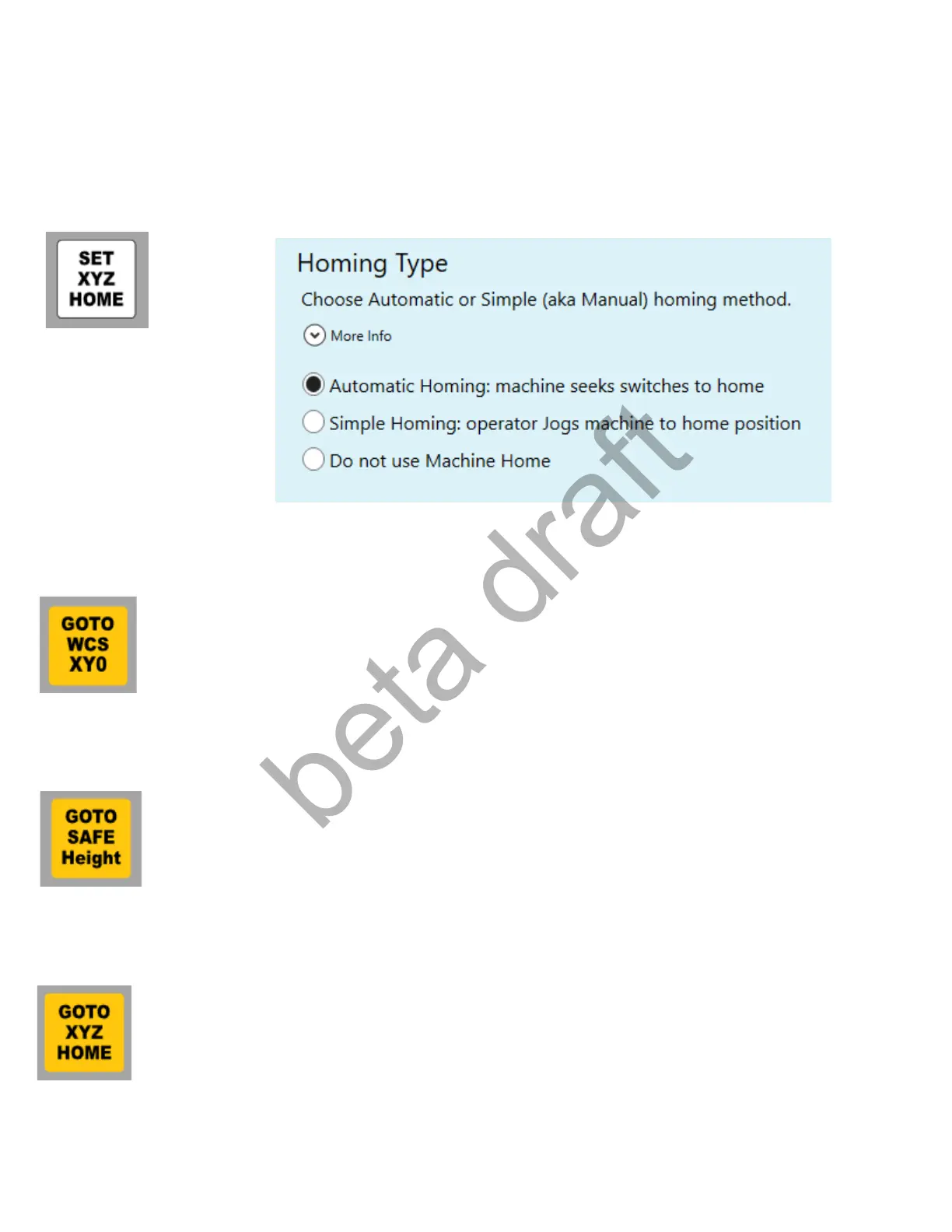
Set XYZ HOME: Resets the XYZ MACHINE home position. (not to be confused with Part Zero location)
Typically used for when the Machine home position needs to be reset due to lost step on an open loop
stepper system such as after a Estop/ESC/Cycle Cancel/Reset event while moving. Pressing this button
will: run the Auto homing routine if Automatic homing has been setup, sets Machine Home at current
position if Simple homing has been setup, sets Machine Home at current position if no Homing is being
used on the machine. Set homing type in the Wizard Homing and Travel Menu.
GOTO WCS XY0: Press this button to rapid to the current Work Coordinate System X Y part zero
location. Make sure Torch is high enough to clear any obstacles before using this button. This button
simply executes macro #55 (mfunc55.mac)
GOTO Safe Height: Press to send the Torch to the Safe Height position specified in the selected Material
Profile. Use this only after Part Zero location (top of metal) has been set using the Torch Touch Off button.
This button simply executes macro #49 (mfunc49.mac)
GOTO XYZ HOME: Press to send the Torch to the Machine Home position. (not to be confused with Part
zero location) Use this only after a home position has been set. This button simply executes macro #57
(mfunc57.mac)
Page 32 D:\Keith Documents\centroid_acorn_plasma_users_manual_draft27.odt rev27 3-15-22


 To Next Page
 Loading...