Centroid Acorn Plasma Users Manual Beta CNC12 v4.65 rev6
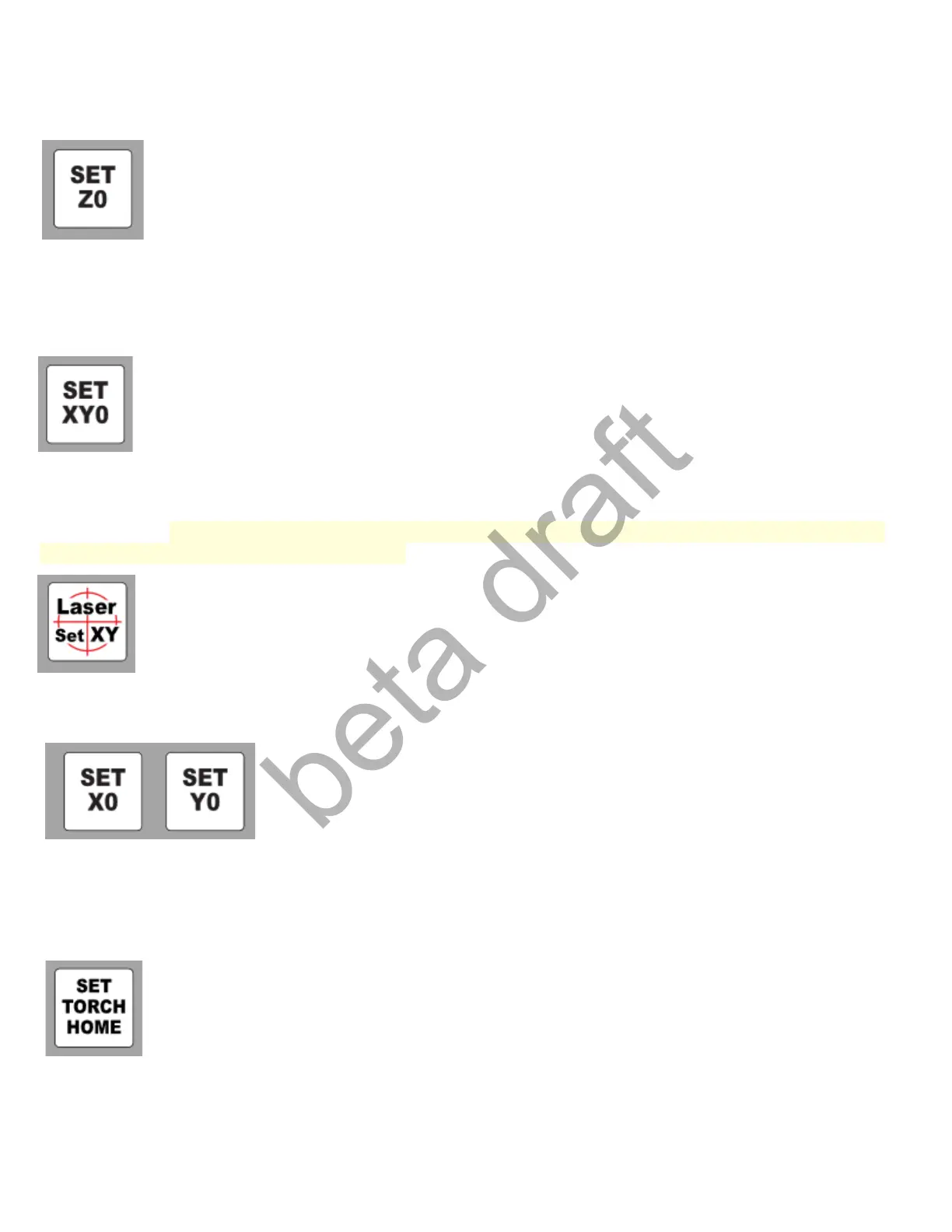
Set Z0: Set Z zero location. Used to set the top of the work piece to zero. Setup Z zero at or very near the
first touch off point of a part program.
Set XY0: Press this button to set both the X and Y position of the CNC control to match the Part X Y zero
location. This zero location matches the XY zero location used in the CAD/CAM system to generate the
part G code. Jog to desired XY zero location on the machine and press Set XY0.
Laser Set XY zero: Used in conjunction with a Laser Cross hair or dot to locate the XY 0 location on the
work piece. The offset from the Laser to Torch Center amount is set in the Laser Set XY macro
“mfunc53.mac” BEFORE USE. Edit this file with any text editor and enter the offset values for the laser
before use. Located in the c:\cncm directory.
SET X0 and SET Y0: Individual buttons for setting X or Y zero locations.
SET Torch HOME: Sets Z axis home position. Typically used for when Z axis home position needs to be
reset due to lost step on an open loop stepper system. Torch home is typically = maximum Z axis positive
position.
Page 31 D:\Keith Documents\centroid_acorn_plasma_users_manual_draft27.odt rev27 3-15-22


 To Next Page
 Loading...