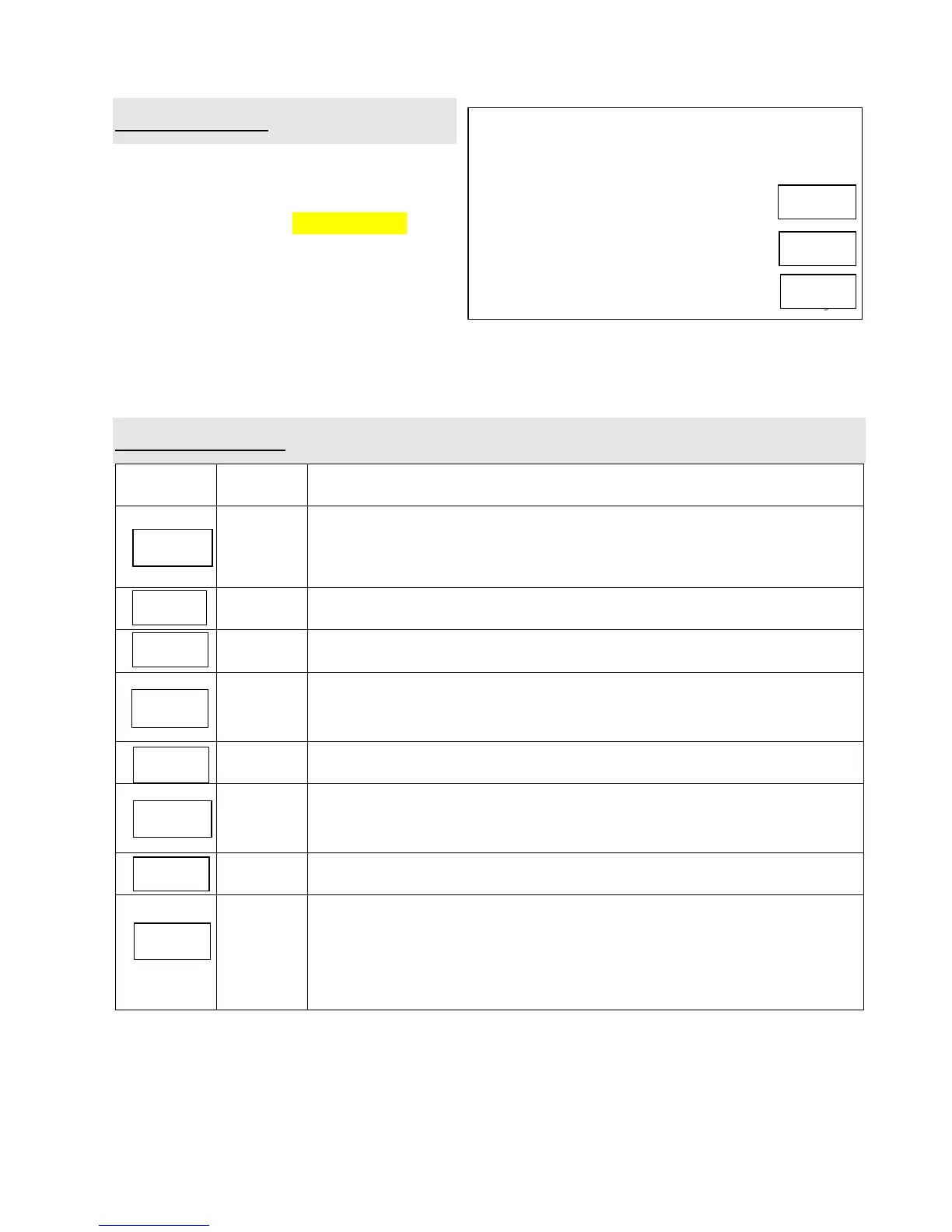
10. Auto Cooking
The oven has default cooking menu for
simple operation. When the LED flash colon,
turn Time.weight/Auto cooking knob and
LED will cycle to show A.1, A.2 … A.8
Choose the appropriate menu according to
the food type and weight and strictly
observe the directions of below table,
otherwise the cooking effect will be largely
influenced.
11. Auto cook table
Suitable for popping a bag of corn, which is available in the market,
weighted 85g(3.0Oz). With the popping frequency decreasing to 1
time per 1-2 seconds, press Pause/cancel button to stop the popping
process
Same as A.1 except 100g(3.5Oz) weight
Suitable for warming a piece of chilled pizza of 0.15Kg
Suitable for heating a cup of 250 ml liquid. The liquid temperature is
about 5-10℃. Use a wide mouth cup and keep it unsealed.
Same as A.4 except 500 ml weight
Suitable for cooking potato strips of 0.45kg. Cut the potatoes into
squares of 5mm , place the strips on a large dish and cover them with
a thin film to prevent water loss
Same as A.6 except the weight of potato strips is about 0.65Kg
Suitable for steaming a fish of 0.45Kg. Scale and clean the fish, and
then make a slit on the skin of fish .Put the fish on a shallow dish of
22-27cm diameter, sprinkle lightly with some ingredient and cover the
dish with a thin film to prevent water loss. After cooking, stand for 2
minutes.
Note:
1. The cook time above is based on the food which of the room temperature is 20-25℃. Results
will vary from the food in different temperature.
2. The temperature, weight and shape of food will largely influence the cooking effect. If any
deviation has been found to the factor noted on above menu, you can adjust the cooking time for
best result.
Depress Display
Example: Steam 0.45kg fish
1. After power-up, the colon flashes or
press Pause/cancel button once
2. Choose the appropriate menu by turning
Time.weight/Auto cooking knob
3. Start cooking by pressing Instant/start
button,
and LED will count down to show running
time.


 To Next Page