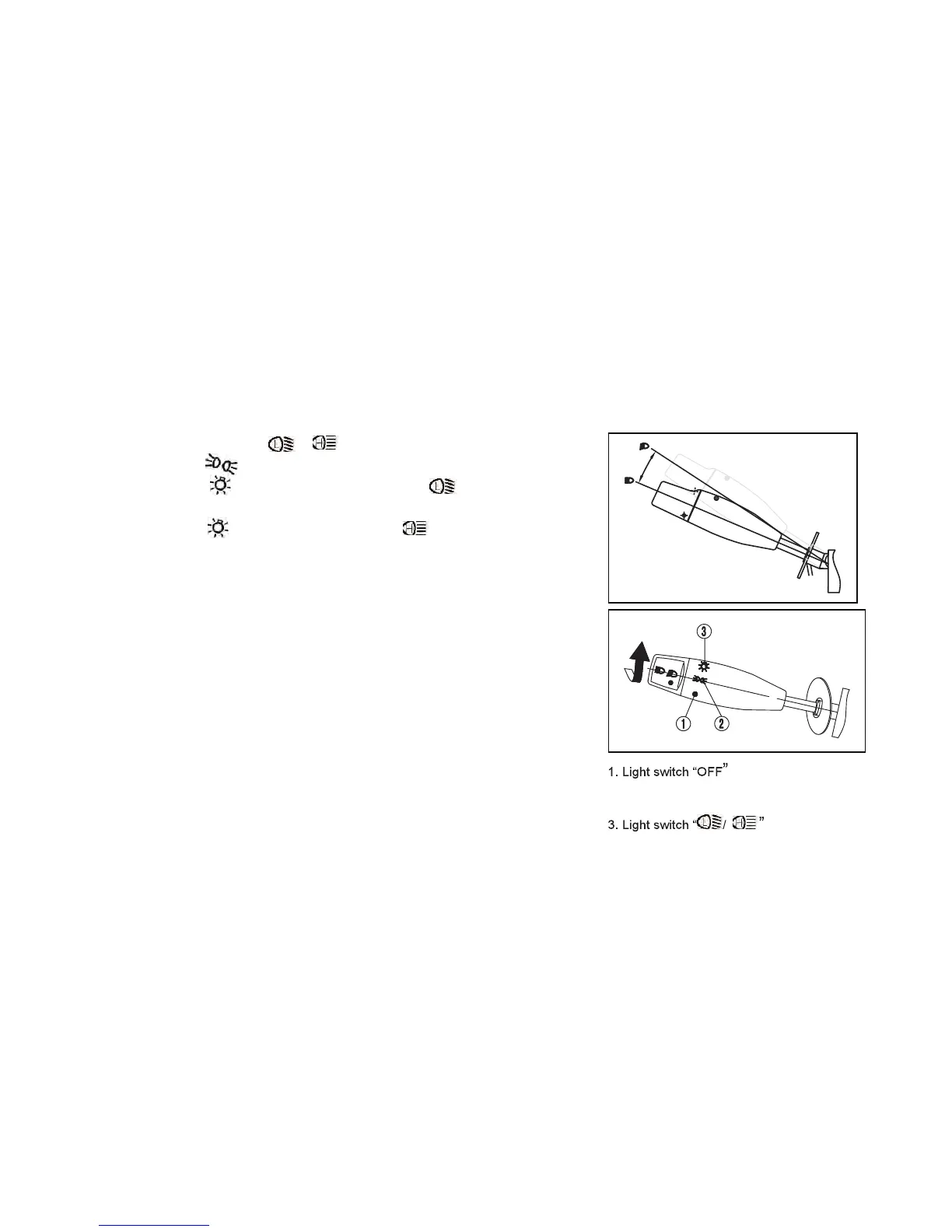
LIGHT SWITCHES ON/ /
Set the switch to to turn on the running lights.
Set the switch to and set the switch to to turn
on the Low beam and taillights.
Set the switch to and set the switch to to turn
on the High beam and taillights.
Set the switch to OFF to turn off all lights and taillights.
Do not use the headlights in the on position with the engine
not running as this will drain the battery and you may not
be able to start the engine. If the battery does become
drained remove the battery and recharge.
2. Light switch “ON”
FEATURES AND CONTROLS
-43-



 To Next Page