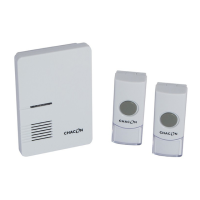
Need help?
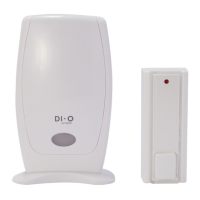
Do you have a question about the Chacon DI-O and is the answer not in the manual?
Steps for attaching the bell push unit using screws for secure mounting.
Instructions for adhering the push button with provided adhesive tape to surfaces.
Guide to opening the battery case and inserting batteries into the chime unit.
Steps to pair the transmitter with the receiver by selecting ringtone and volume.
How the doorbell functions when the button is pressed, including LED and sound.
Instructions on how to change the volume level of the doorbell.
Procedure to remove a specific transmitter's code from the receiver's memory.
Steps to erase all programmed transmitter codes from the receiver.
Basic checks for common issues like no activation or battery problems.
 General
| Brand | Chacon |
|---|---|
| Model | DI-O |
| Category | Accessories |
| Language | English |

 To Next Page