EasyManua.ls Logo

Challenge HTJ-2027 - User Manual

Challenge HTJ-2027
10 pages
Print Icon
To Next Page IconTo Next Page
Loading...
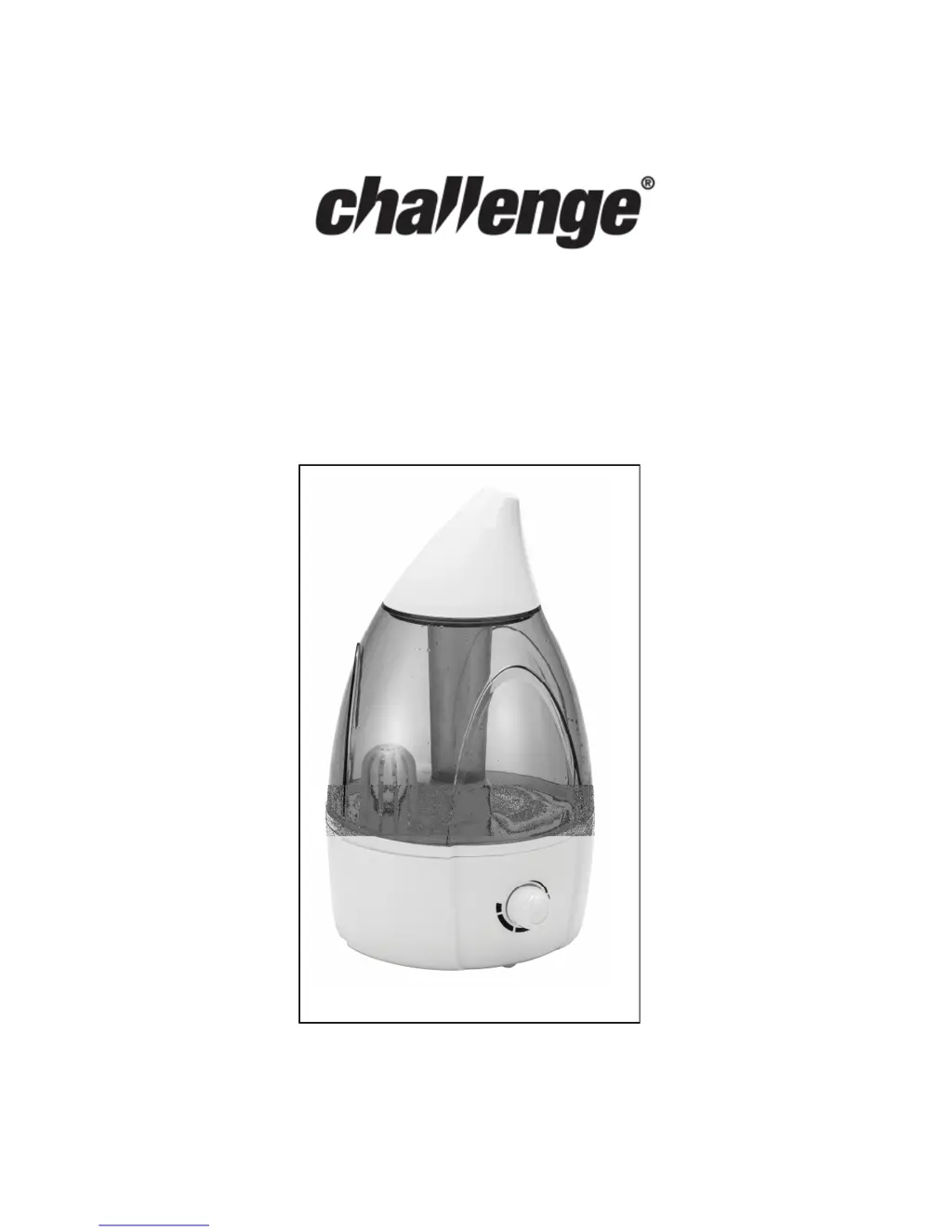
MODEL NO. HTJ-2027
3.2L ULTRASONIC HUMIDIFIER
INSTRUCTION MANUAL
Important - Please read these instructions carefully before first
using this product and retain for future reference.

Questions and Answers

  • C
    courtney31Aug 2, 2025
    What to do if my Challenge HTJ-2027 Humidifier has a blue light but no vapor?
    • J
      joanfranklinAug 3, 2025
      If your Challenge Humidifier shows a blue light but isn't producing vapor, first, check if there's water in the tank. If the tank is not empty, try turning up the adjustment knob. As a final step, lift off and then refit the tank to ensure it is properly connected.
  • C
    Charles WilliamsAug 13, 2025
    Why my Challenge Humidifier has no operation and no lights?
    • C
      crystal32Aug 13, 2025
      If your Challenge Humidifier isn't working and has no lights, ensure the mains plug is fully inserted into the socket and the socket is switched on. Also, verify that the power switch is turned on.
  • K
    Kelli DavisAug 23, 2025
    How to fix bad odour from Challenge HTJ-2027 vapour?
    • R
      Renee ChangAug 23, 2025
      If the vapor from your Challenge Humidifier has a bad odor, the unit needs cleaning and drying for 12 hours.

Summary

Safety Instructions

Know Your Appliance

First Time Use

Instructions for initial setup and filling the water tank correctly.

How to Re-fill with Water

Cleaning

Tank Cleaning

Guidance on cleaning the water tank, including frequency.

Flume and Atomiser Chip Cleaning

Procedures for cleaning the flume and atomiser chip for optimal performance.

Water Filter Maintenance

Steps for removing, washing, and refitting the water filter.

Storage

Trouble Shooting

Cautions

Specifications

Connection to Power

Product Guarantee

Challenge HTJ-2027 Specifications

General IconGeneral
BrandChallenge
ModelHTJ-2027
CategoryHumidifier
LanguageEnglish