60 s
120 s
180 s
O
–
grey
white
2
white
MT60 / MT60P / ML700 / ML750
MT600 / MT1000
MT5580/P
grey
white
white wires
twisted together
3
grey
white wires
black wires
black wires
twisted
together
white wires
twisted together
MR800 / MR60 / HE60R / CR550 / MLR500
MLR750 / CR600
grey
white
white wires
twisted together
2
1
3
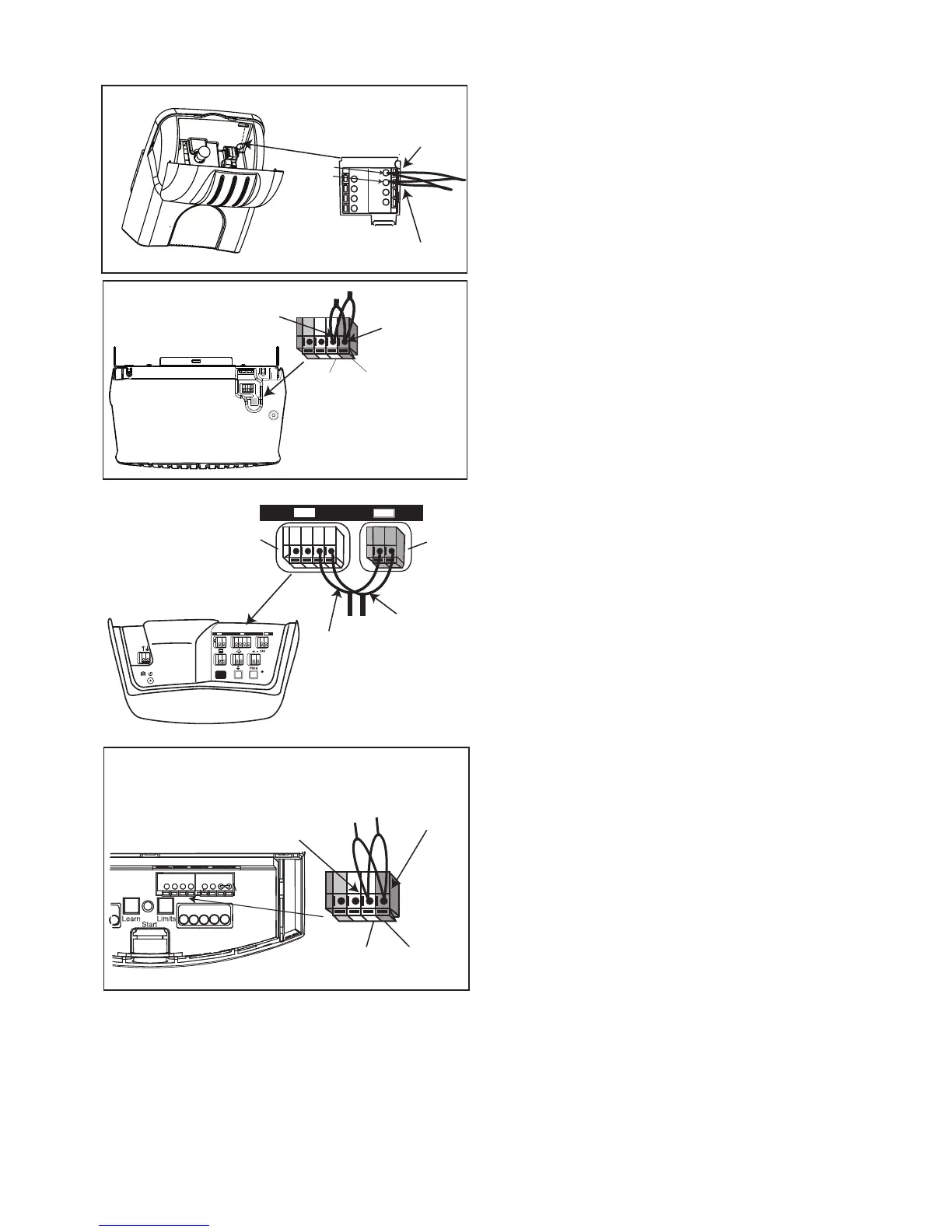
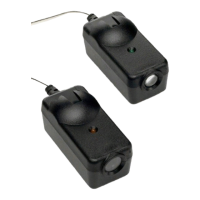
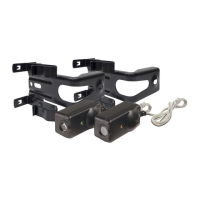
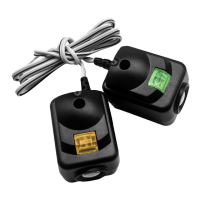
Wiring Connections Merlin Professional
MT60/P connections (Chamberlain DIY - ML700 & ML750)
Open the lens cover on the front of the unit to access the
connection terminals. Strip all wires back about 15 mm
then twist the two white wires and the two black wires
together.
Use a small screwdriver or pen to hold down the spring
terminals, insert the black wires into the grey terminal, then
terminate the white wires into the white terminal.
MT5580/P connection
Locate the connection terminals on the back of the unit.
Strip all wires back about 15mm then twist the two white
wires and the two black wires together.
Use a small screwdriver or pen to hold down the spring
terminals, insert the black wires into the grey terminal, then
terminate the white wires into the white terminal.
MT600 / MT1000 connections
Locate the terminals on the back of the unit. Strip all wires
back about 15mm then twist the two white wires and the
two black wires together.
Use a small screwdriver or pen to hold down the spring
terminals, insert the black wires into the grey terminal (3),
then terminate the white wires into the white terminal (2).
NOTE: Optional connections: Connect the white wires
and black wires into separate terminal on the back of the
unit as illustrated above. This may be required if larger
diameter cable extensions have been used to extend
wiring.
MR60 / MR800 connections (Chamberlain DIY HE60R /
CR550 / MLR750 / MLR500 / HandyLift - CR550 /
HandyLift Plus - CR600)
Gently lift the diffuser on the base of the motor to access
the terminals. Strip all wires back about 15mm then twist
t
he two white wires and the two black wires
together.
Use a small screwdriver or pen to hold down the spring
terminals, insert the black wires into the grey terminal, then
terminate the white wires into the white terminal.
black wires
twisted
together
black wires
twisted
together



 To Next Page