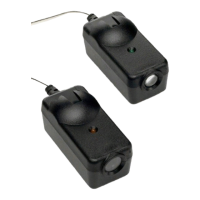
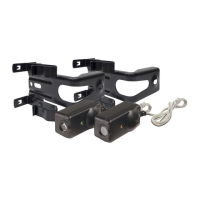
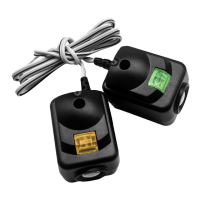
• Press the remote control push button to open the door.
• Place an object large enough to obstruct the sensor
beam in the path of the door.
• Press the remote control push button to close the door.
The door will not move more than 40mm.
The door opener will not close from a remote control
if the indicator light in either sensor is blinking (alert-
ing you to the fact that the sensor is misaligned or
obstructed).
Note: After the beams are initialised they are fail safe i.e. if
they are removed, the motor will not close until the beams
are re-installed.
TEST THE PROTECTOR SYSTEM™
TROUBLE SHOOTING
1. If the
indicator light
does not glow after installation, check for:
• Electric power to the opener.
• A short in the black/white wires. These can occur
under staples or at screw terminal connections.
• Incorrect wiring between sensors and opener.
• An open wire, (wire break).
• Lock switch on Multi-Function Door Control Panel is
activated. Deactivate.
2. If both sensors are blinking, realign or remove
obstruction.
3. Once an infrared sensor has been installed the motor
will only operate whilst it is installed correctly.
4. If the IR sensors are damaged and cannot be
repaired:
Reset the Beam Input
To reset the beam input:
* Remove all PE beam wires from the motor.
* Turn power off for 2 seconds
* Turn power on for 2 seconds
* Turn power off for 2 seconds
T
should open and close using the remote control.
urn the power back on and test your motor, it
Chamberlain Australia Pty Ltd
PO Box 1446
Lane Cove NSW 1595
Chamberlain New Zealand Ltd
P.O. Box 100221
North Shore 0745
gomerlin.co.nz
114D4785B
Wiring Connections Merlin Professional
S P
1 2 3
123 2
-
+
P
S
1
3
2
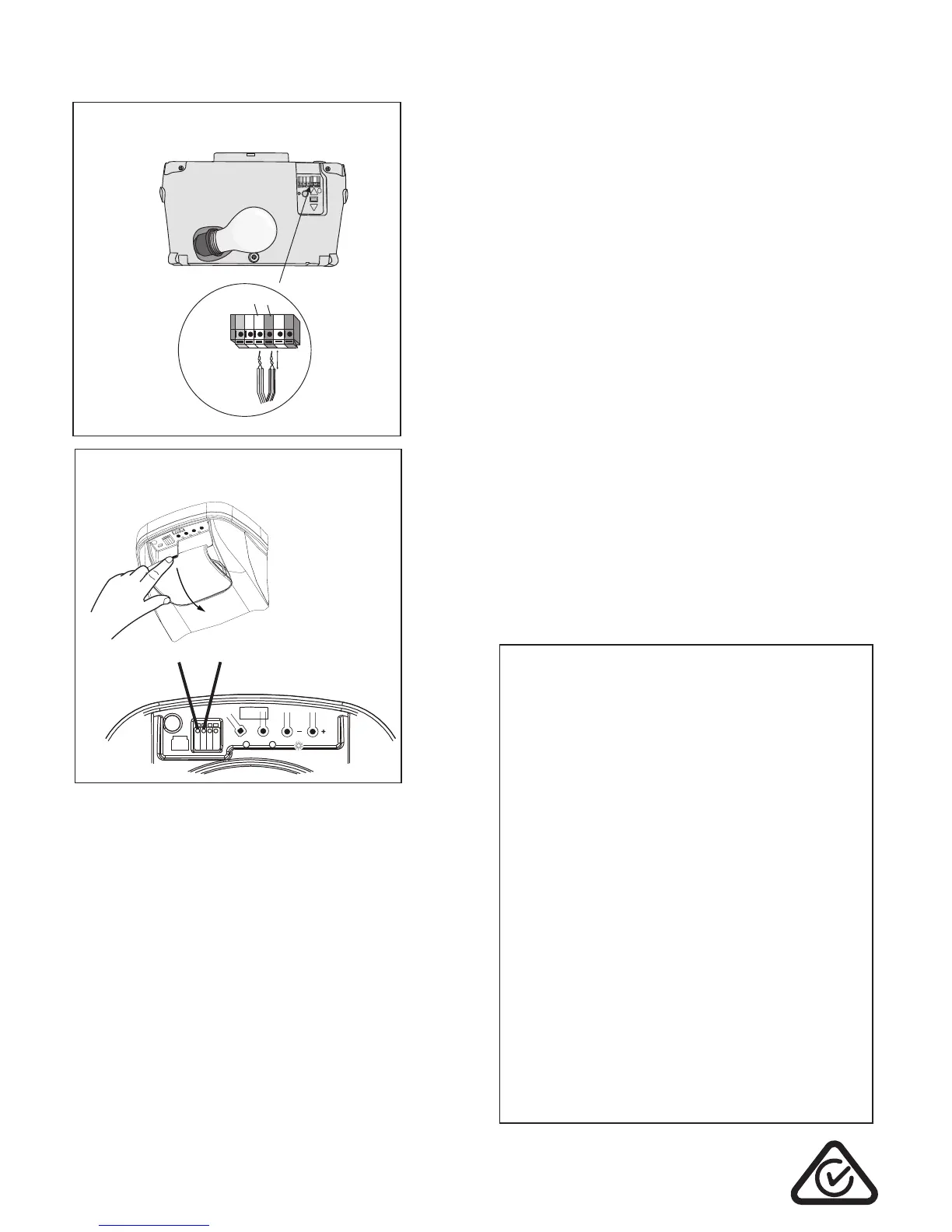
EntryLift MT50EVO & ST50EVO connection
Open the lens cover on the front of the unit to access the
connection terminals. Strip all wires back about 15 mm then
twist the two white wires and the two black wires together.
Use a small screwdriver or pen to hold down the spring terminals,
insert the black wires into the grey terminal (3) , then terminate the
white wires into the white terminal (2).
WhisperDrive MT3850EVO connection
Locate the connection terminals on the side of the unit
Strip all wires back about 15mm then twist the two white
wires and the two black wires together.
Use a small screwdriver or pen to hold down the spring terminals,
insert the black wires into the grey terminal, then terminate the
white wires into the white terminal.
Note: This model may need to be manually initialised. Please
refer to your product handbook.
gomerlin.com.au
white
grey
To release wires
press tab with a
screwdriver or
pen
6mm
Figure 5
MT50EVO / ST50EVO
MT3850EVO
Note: This model may need to be manually initialised. Please
refer to your product handbook.



 To Previous Page
 Loading...