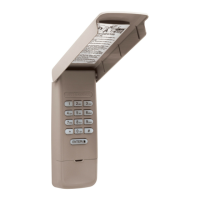
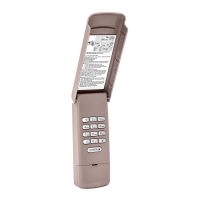
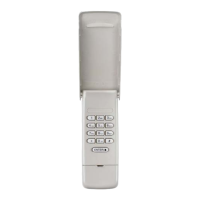
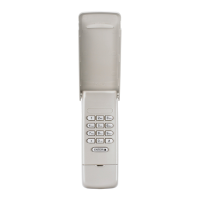
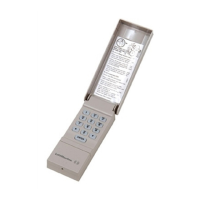
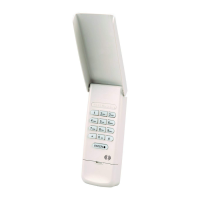
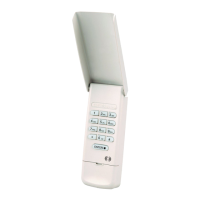
HOW TO USE THE WIRELESS KEYLESS ENTRY
The garage door opener activates when youpress the personal identification
number (PIN) andENTER button. The keypad willblink for 15 seconds. Duringthat
time the ENTER buttoncan be used to stop, start or reverse the door.
If the wrong PIN number is accidentally pressed, press the correct PIN then ENTER
button. The wireless keyless entry will transmit only the last four digits that were
pressed before the ENTER button.
ONE BUTTON CLOSE FEATURE: This feature allows youto CLOSE your garage door
by pressing just the ENTER buttoninstead of your 4-digit PIN.
NOTE: This feature ONLY closes and is not available on garage door openers
manufactured prior to 2006 or an external receiver.
To deactivate the one button close feature:
1. Press andholdthe 1and9 buttons for 10seconds. The keypad will blink four
times when the one buttonclose feature is deactivated.
To activate the one button close feature:
1. Press andholdthe 1and9 buttons for 10seconds. The keypad will blink twice
when the one buttonclose feature is activated.
PROGRAM A TEMPORARY PIN
NOTE: This feature is not available on garage door openers that have a green LEARN
button or an external receiver.
A temporary 4-digit personal identificationnumber (PIN) can be programmed to
allow access to visitors. Each programmed PIN can program one temporary PIN.
The temporary PIN can be set for a number of hours or a number of door openings.
The temporary PIN cannot be the same as any previously programmed PIN.
1. Press any programmed PIN, then press and holdthe * buttonuntilthe garage
door opener light blinks three times.
2. Press the temporary 4-digit PIN of your choice, then press the ENTER button.
The light blinks 4 times.
3. Enter the temporary PIN limit of use by:
Number of Hours PIN Will Work
Number of Openings PIN Will
Work
Press the number of hours the
temporary PIN will work (upto
255), then press the * button. The
opener light blinks once.
OR
Press the number of openings the
temporary PIN will work (upto
255), then press the # button. The
opener light blinks once.
4. Test by pressing in the temporary PIN youjust programmed, andthen press
the ENTER button. The garage door opener activates. The test uses up one
opening.
Clear the temporary PIN by repeating steps 1 through4, andset the number of
hours or openings to 0 at step 3.
CHANGE AN EXISTING PIN*
1. Enter the programmed PIN youwant to change.
2. Press andholdthe #button untilthe garage door opener light blinks twice.
3. Enter the new 4-digit PIN of your choice and press the ENTER button. The
opener light willblink once.
4. Test by entering the PIN you just programmed, andthen press the ENTER
button. The garage door opener will activate.
*Youcannot change an existing PIN for an opener with a green LEARN button or an
external receiver. YouMUST repeat "Program the Initial PIN" to change the PIN
number.
ERASE ALL REMOTE CONTROL AND KEYLESS ENTRY PROGRAMMING
FROM THE OPENER
The followingsteps willerase ALLremote controls and any keyless entries from
your opener.
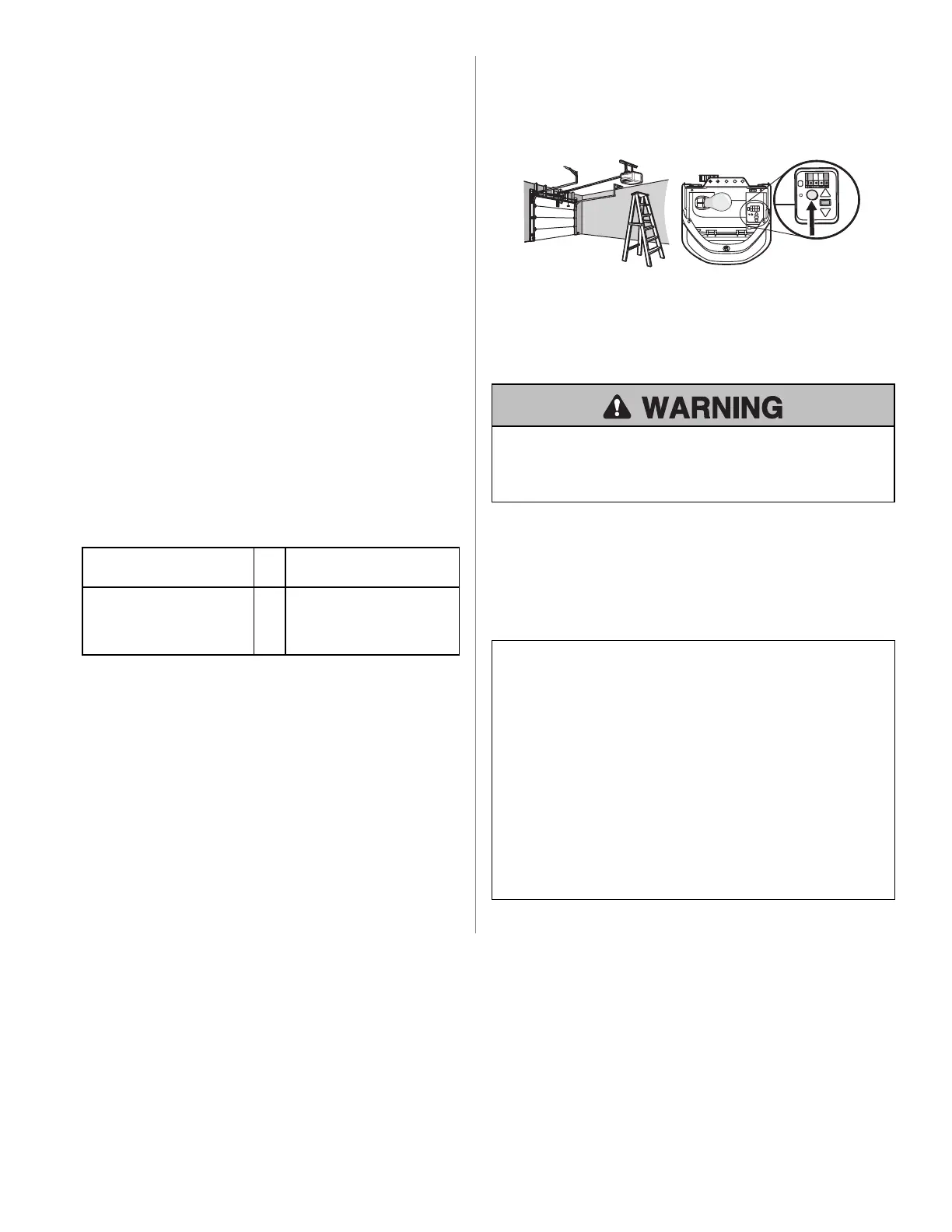
1. Press andholdthe LEARN buttononthe garage door opener untilthe Learn LED
turns off (approximately 6seconds).
2. Test by pressing the buttons on the remote controland keyless entry to ensure
they no longer activate the opener.
3. Follow programming steps to reprogram each remote controland keyless
entry youwish touse.
For more informationand support, go to: support.chamberlaingroup.com.
REPLACE THE BATTERY
To prevent possible SERIOUS INJURY or DEATH:
• NEVER allow smallchildren near batteries.
• If battery is swallowed, immediately notify doctor.
Replace the battery when the keypad becomes dim or does not light after a buttonis
pressed.
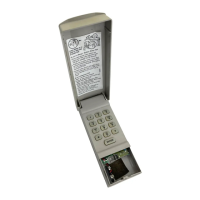
Slide the cover up, remove the battery cover, andreplace the battery. Dispose of
the old battery properly.
ONE YEAR LIMITED WARRANTY
The ChamberlainGroup, Inc. warrants tothe first consumer purchaser of this
product that it is free fromdefect in materials and/or workmanshipfor a period of 1
year fromthe date of purchase.
NOTICE: This device complies with part 15 of the FCC rules and Innovation, Science and Economic
Development Canada license-exempt RSSs. Operation is subject to the following two conditions: (1)
this device may not cause harmful interference, and (2) this device must accept any interference
received, including interference that may cause undesired operation.
Any changes or modifications not expressly approved by the party responsible for compliance could
void the user’s authority to operate the equipment.
This device must be installed to ensure a minimum 20 cm (8 in.) distance is maintained between
users/bystanders and device.
This device has been tested and found to comply with the limits for a Class B digital device, pursuant
to part 15 of the FCC rules and Industry Canada ICES standard. These limits are designed to provide
reasonable protection against harmful interference in a residential installation. This equipment
generates, uses and can radiate radio frequency energy and, if not installed and used in accordance
with the instructions, may cause harmful interference to radio communications. However, there is no
guarantee that interference will not occur in a particular installation. If this equipment does cause
harmful interference to radio or television reception, which can be determined by turning the
equipment off and on, the user is encouraged to try to correct the interference by one or more of the
following measures:
• Reorient or relocate the receiving antenna.
• Increase the separation between the equipment and receiver.
• Connect the equipment into an outlet on a circuit different from that to which the receiver is
connected.
• Consult the dealer or an experienced radio/TV technician for help.


 To Next Page
 Loading...