4
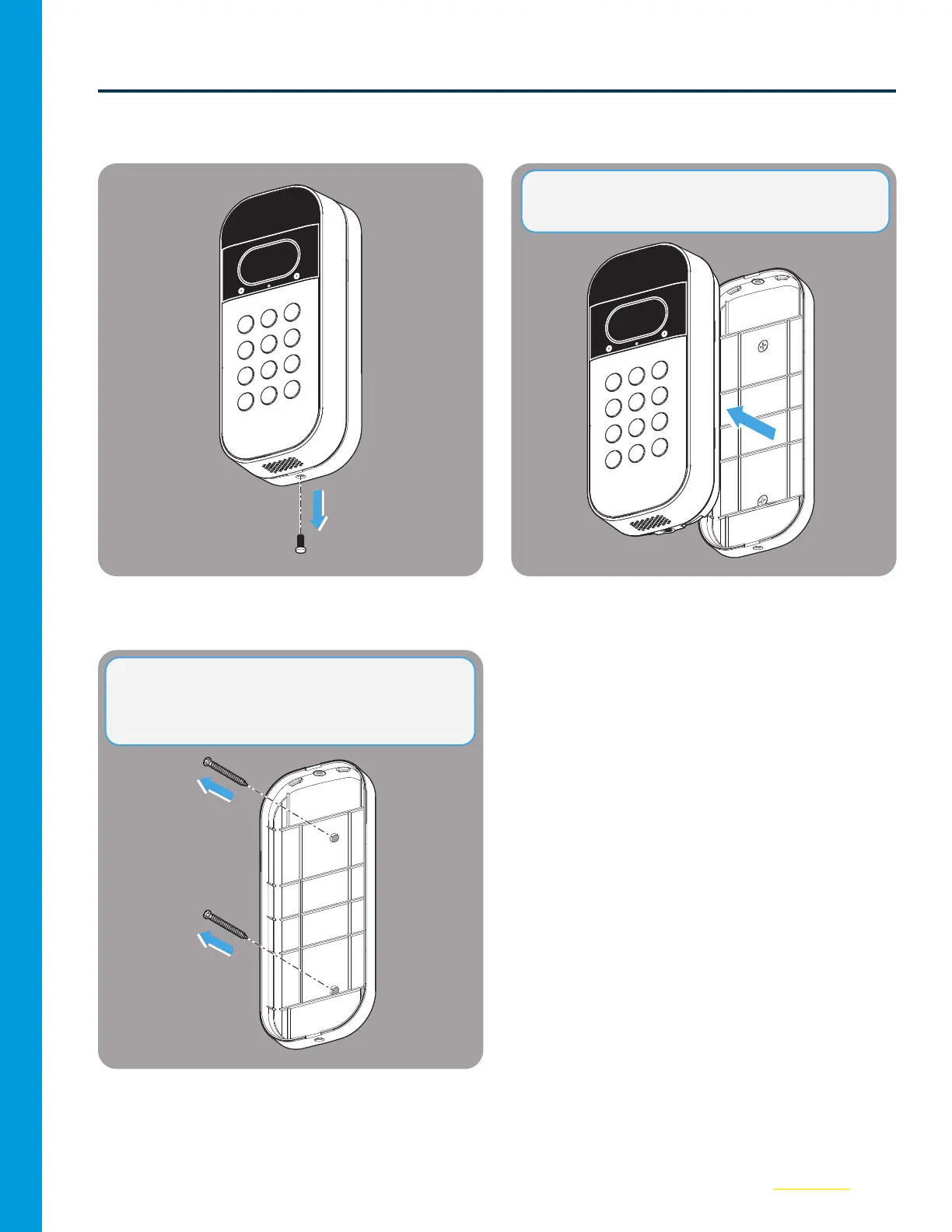
Uninstall Current Mount
01
Remove the security screw from the
VideoKeypad.
02
Take the Keypad o of the existing xed or
swivel mount.
03
Remove the two fastening screws from the
Fixed Mount and remove from the wall.
NOTE: This step applies to both Swivel and Fixed
Mounts.
NOTE: The Fixed Mount DOES NOT WORK with
the Power Adapter Kit. Please use the included
Swivel Mount.



 To Next Page