EasyManua.ls Logo

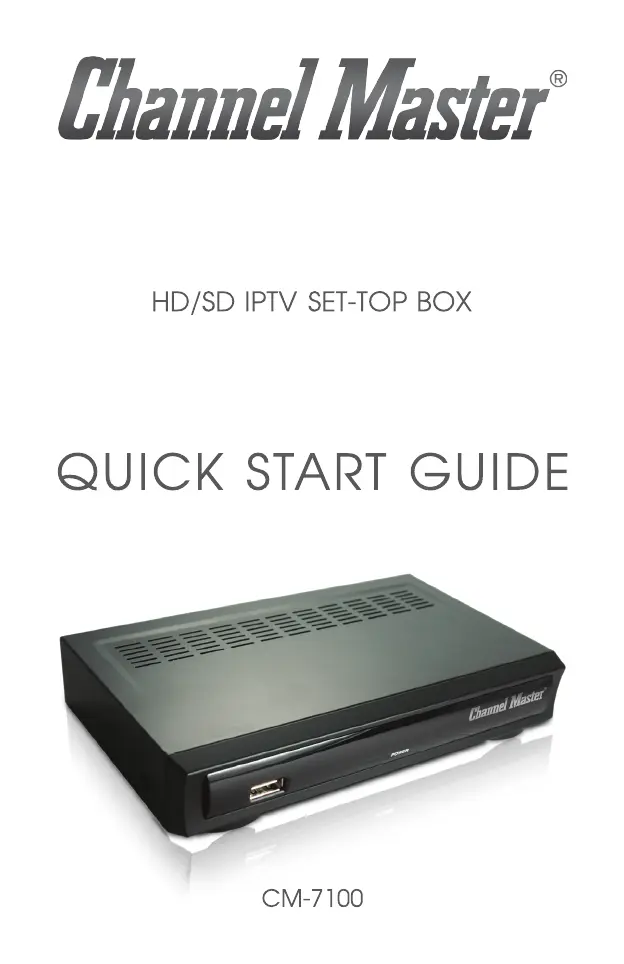
Channel Master CM-7100 - User Manual

Channel Master CM-7100
25 pages
Print Icon
To Next Page IconTo Next Page
Loading...

Questions and Answers

Summary

Warning and Safety Information

Safe Use of This Product

Guidelines for safe operation and potential hazards.

Operational and Installation Guidelines

Installation and Set-Up

Place horizontally on a flat surface, avoid vibration and obstructions for ventilation.

Power Source and Legal Information

Power Source

Use only the manufacturer-supplied adapter; contact service if adapter or unit becomes hot.

Initial Setup

Powering On the Device

Connects power adapter to unit and outlet, then uses rear panel or remote power button.

Configuration and Connections

TV and Network Connection

Diagrams show connecting the box to TV and broadband router via HDMI/AV and Ethernet.

Advanced Connectivity

TV and Home Network Connection

Illustrates connecting the box to TV, router, and optionally a LAN switch.

Digital Stereo Audio System Connection

Shows connecting to a digital stereo system via HDMI or AV cables and S/PDIF.

Remote Control Operations

Remote Control Modes

Remote Control Functions

Advanced Remote Operations

Troubleshooting

Troubleshooting Guide

Solutions for common issues like power, remote response, and audio/video problems.

Remote Pairing Guide

Channel Master CM-7100 Specifications

General IconGeneral
BrandChannel Master
ModelCM-7100
CategorySet-top boxes
LanguageEnglish

Related product manuals