Need help?
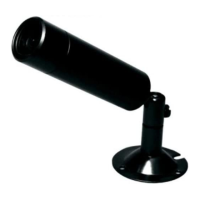
Do you have a question about the Channel Vision 6821-0 and is the answer not in the manual?
Adjusts aperture for proper light levels.
Controls brightness and gain for varying light conditions.
Adjusts white balance and color balance for environment.
Compensates for backlight to improve image visibility.
Adjusts image parameters like brightness, contrast, sharpness.
Adjusts Digital Wide Dynamic Range for clear images in varied lighting.
Enables or disables motion detection for surveillance.
Blocks out portions of the image for privacy concerns.
Configures camera mode (color/B&W) based on lighting.
Reduces video noise or "snow" for clearer images.
Displays a camera identifier on the video feed.
Selects the user interface language for the camera.
Resets camera settings to factory defaults.
 General
| Brand | Channel Vision |
|---|---|
| Model | 6821-0 |
| Category | Security Camera |
| Language | English |

 To Next Page