8
C www.chariotcarriers.com 51100470
4
GETTING STARTED
4.1 Included comPonents
Verify that your carrier was packaged with the
following items:
• CheetahChassis
• Two-in-OneCover(onChassis)
• Handlebar
• Two20inchWheels
• TheOwner’sManual
NOTICE
Store your carrier and its components in a safe
dry place so that when they are needed, they
are in the best possible condition.
GETTING STARTED
4.0 unPackInG your carrIer
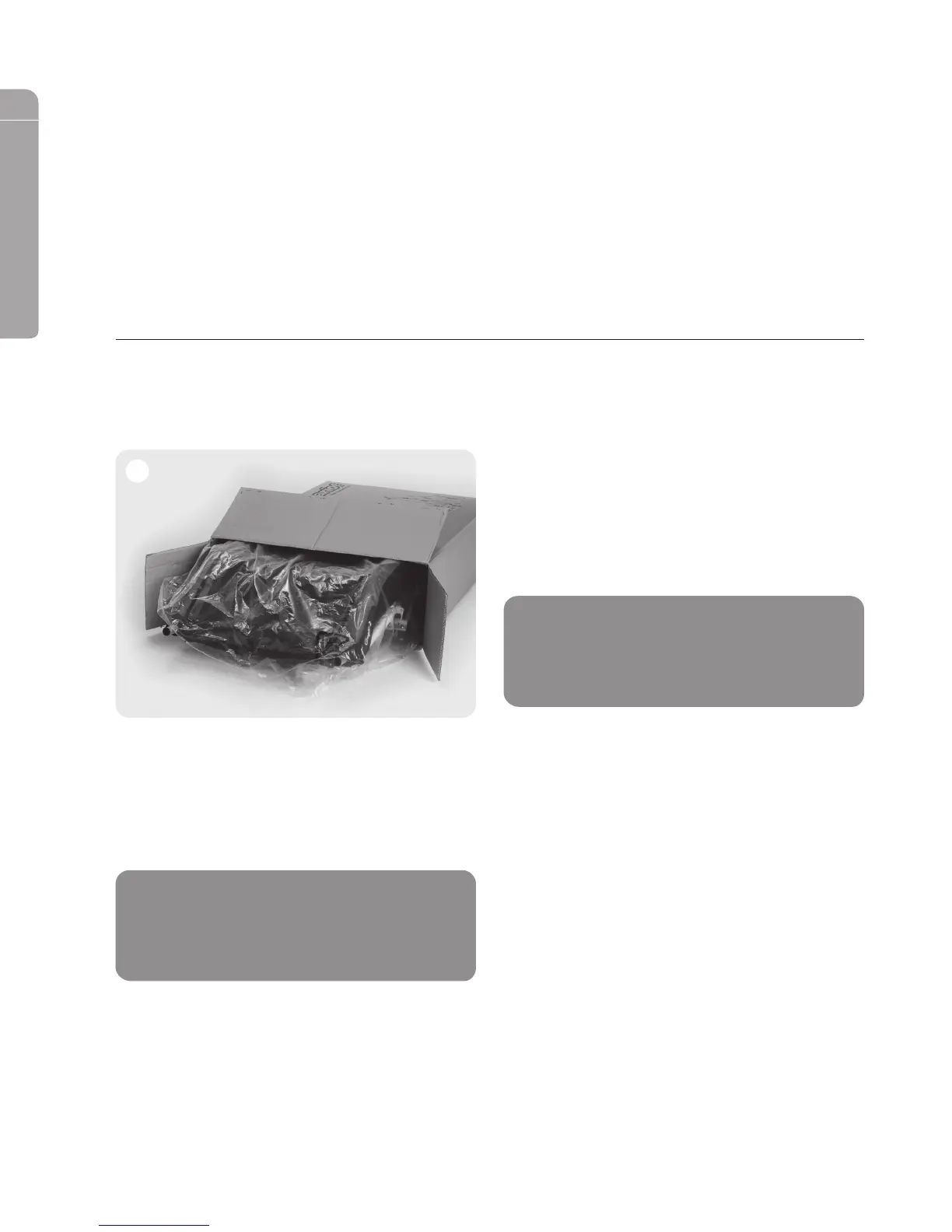
A. Opentheboxapsandremovethestaples.
(See image 1)
B. Remove the handlebar from inside the box.
C. Lay the box on its side on a clean, sturdy surface.
D. Slide the carrier and wheels out of the box.
E. Remove and discard all packaging materials.
1
NOTICE
This child carrier is not packaged with any
CTS™ conversion kits. These kits are sold and
packaged separately.
Cheetah_Manual_English_050212.indd 8 12-09-17 3:28 PM


 To Next Page